
System Integration: Why Your Apps Don't Talk to Each Other (and How to Fix It)
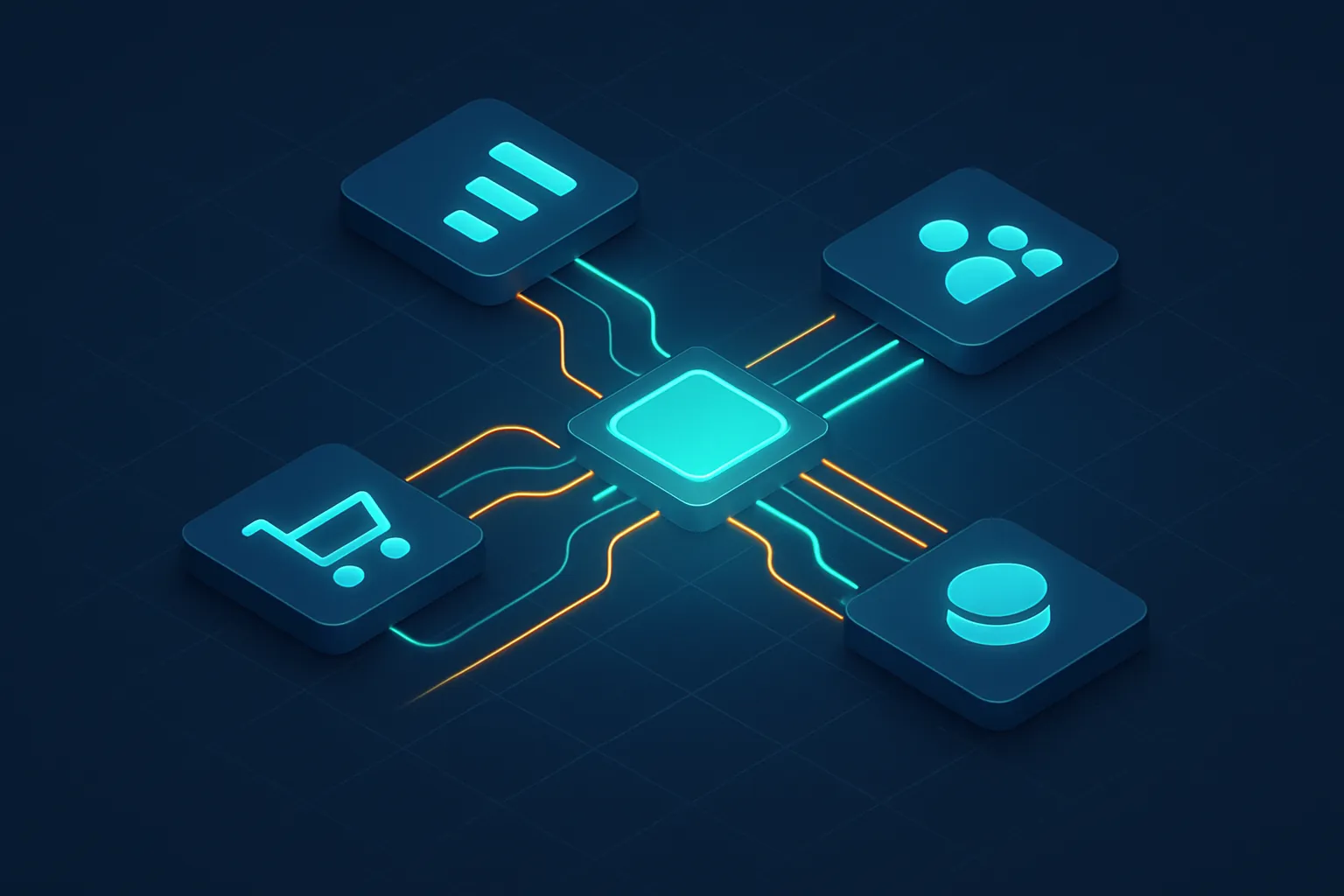
Almost every growing company reaches the same point: it accumulates tools. One system for invoicing, another for inventory, a CRM for sales, an online store, spreadsheets for everything else. Each one works fine on its own, but none of them talk to the others. The result is a team that spends its day copying the same data from one system to another.
That is a system integration problem, and it is one of the most common — and most silent — brakes on growth in today’s companies. The good news: it can be solved, and it doesn’t mean throwing away what you already have.
The warning sign: data silos
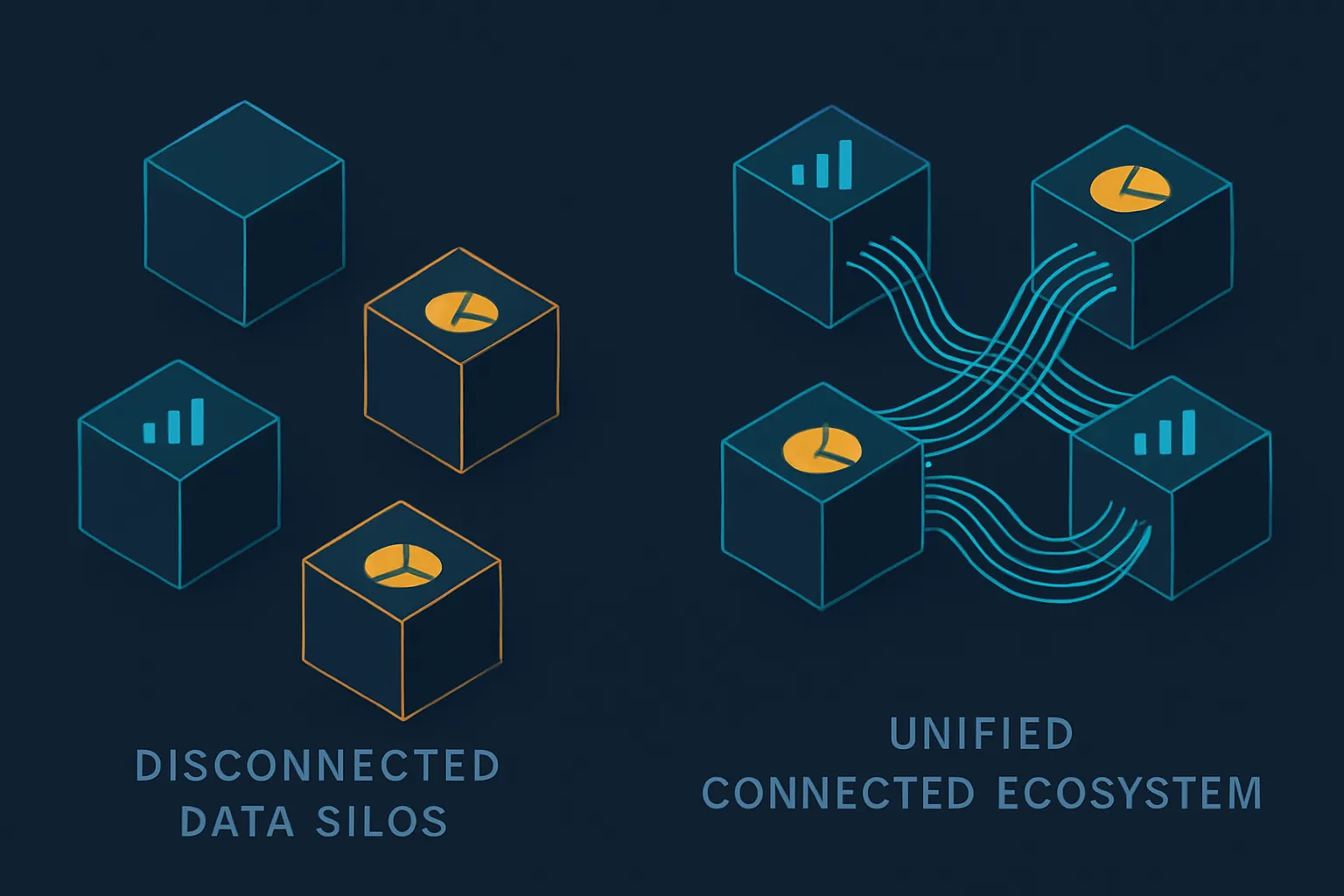
A “data silo” is information trapped inside one system, inaccessible to the others. You know you have them when:
- Your team re-enters the same information into two or three platforms.
- No one is sure which figure is the “correct” one because there are several versions.
- Building a complete report means exporting from various places and cross-checking by hand.
- A customer asks about their order and you have to check three different screens to answer.
Each of those symptoms has a cost: lost hours, data-entry errors and decisions made with incomplete or outdated information.
What integrating your systems actually means
Integrating means getting your applications to exchange information automatically, instead of relying on a person to move it. When a sale is recorded, inventory drops on its own; when a customer updates their details, the change is reflected everywhere; when a payment arrives, the invoice is reconciled without intervention.
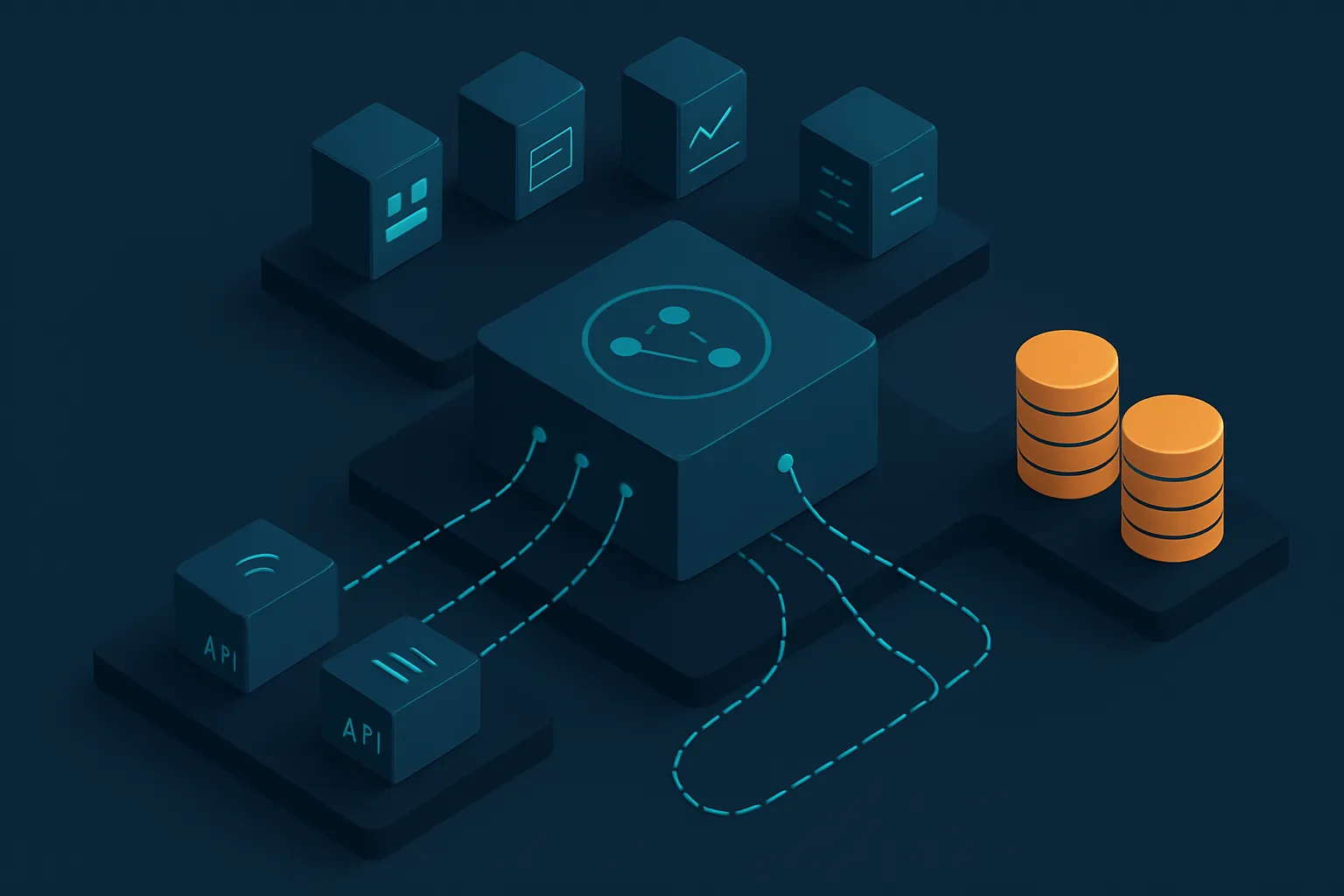
The technical piece that makes this possible is the API (application programming interface): a standardized “bridge” through which two systems request and deliver data. Most modern business software — and many legacy systems — expose APIs that allow them to be connected.
The three ways to integrate (and when each fits)
Not all integrations are the same. These are the most common:
- Point-to-point: directly connecting two systems (for example, your online store with your ERP). It’s fast and cheap with few systems, but it becomes a tangle that’s hard to maintain as you multiply it.
- Integration layer (middleware): a central component that orchestrates the flow between several systems. Cleaner and more scalable when you have many pieces to connect.
- No-code automation platforms: useful for simple, standard flows, but they fall short when the process is exactly what differentiates your business.
The right choice depends on how many systems you have, how critical the data is and how much you need the solution to grow with you.
Why custom software makes the difference
Generic integration tools work as long as your processes look like everyone else’s. The problem is that the rules that make your business unique — how you calculate prices, how you assign orders, how you validate a customer — rarely fit into a template.
With custom software, the integration is designed around your real operation:
- It connects what you already have: ERP, CRM, e-commerce, administrative systems and legacy databases, without replacing them.
- It respects your business rules: the logic is programmed the way your company actually works, not the way the tool assumes it should.
- It scales without becoming a tangle: a well-designed architecture adds new systems without breaking the existing ones.
Integration is the foundation of automation and AI
There is a benefit that goes beyond saving re-entry: once your systems are connected, everything else becomes possible. Process automation needs data to flow between systems. Artificial intelligence needs centralized, reliable data to deliver good results. Without integration, both fall short.
That’s why we see integration not as an isolated technical project, but as the foundation on which a truly digital operation is built.
Where to start
- Map your systems and draw what information travels (or should travel) between them.
- Identify the most painful flow: usually that double entry everyone hates.
- Start there with a focused integration, measure the time recovered and then connect the rest.
At Kimo Solutions we design custom integrations that connect your current systems into a single ecosystem, so your data stops living on islands and your team stops playing “copy and paste.”
Are your systems not talking to each other? Contact us and we’ll help you unify them without replacing what already works.
Have a project in mind?
Get in touch →