
Business Process Automation: How to Stop Losing Hours on Manual Tasks
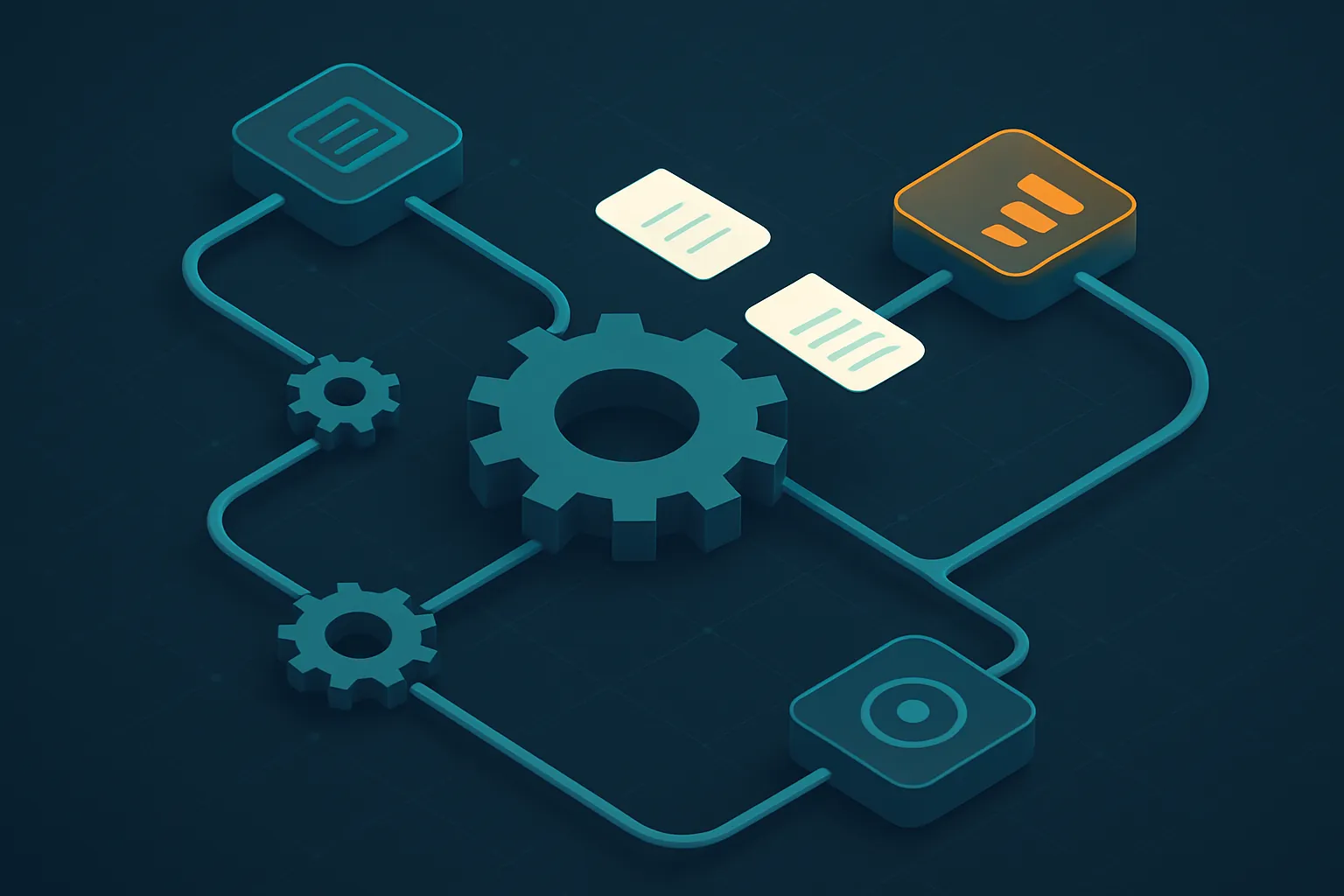
In most companies there is an invisible cost no one ever bills, yet it gets paid every single day: the hours your team spends copying data between systems, building reports by hand, chasing follow-ups over email and redoing work because of data-entry errors. That time never shows up on a P&L statement, but it slows growth just as much as a real expense.
Business process automation exists to win that time back. It is not about replacing people — it is about removing low-value operational load so they can focus on what actually moves the business. In this article we explain how to identify what to automate, how to measure the return and why custom software is usually the best path.
What does automating a process actually mean?
Automating a process means getting a sequence of tasks to run on its own — or with minimal human intervention — reliably and repeatably. A well-designed automated process receives information, validates it, processes it and delivers a result without someone having to push every step manually.
Ideal candidates for automation share three traits:
- They are repetitive: done many times, the same way.
- They follow clear rules: they can be described as “if this happens, do that.”
- They consume skilled people’s time: valuable staff trapped in mechanical tasks.
If a task meets all three, it is almost always worth automating.
Where the return shows up fastest
You don’t automate everything on day one. The right strategy is to start where the pain is greatest and the return is most visible:
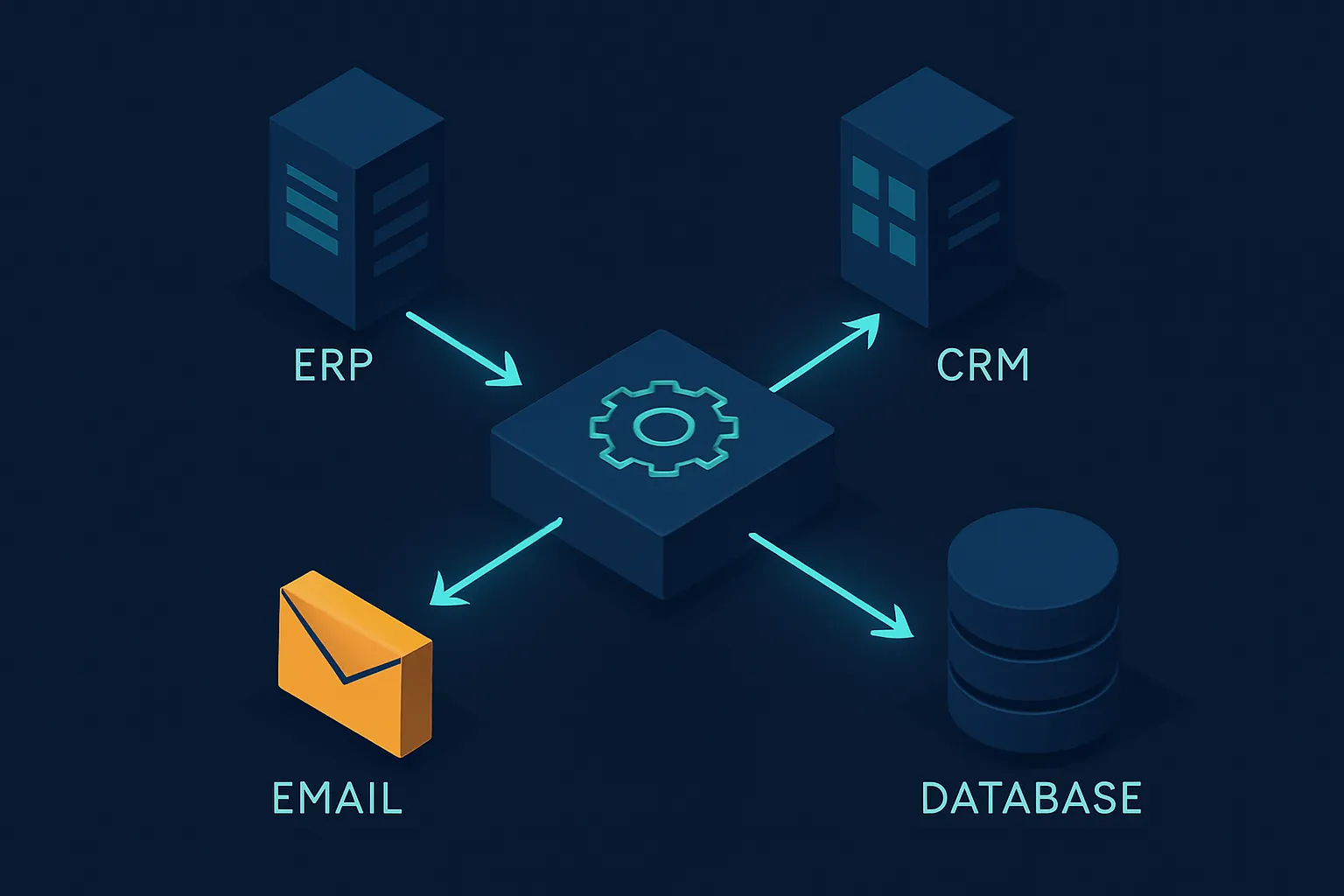
- Data capture and syncing: eliminate double entry between your ERP, CRM, spreadsheets and external platforms. The classic “moving the same thing from one system to another.”
- Report generation: dashboards that update themselves instead of rebuilding the same spreadsheet every Monday.
- Follow-ups and notifications: collection reminders, low-inventory alerts, due-date warnings — everything that today depends on someone “remembering.”
- Validation and reconciliation: cross-checking invoices, payments and records to detect discrepancies automatically, instead of reviewing row by row.
How to measure automation ROI
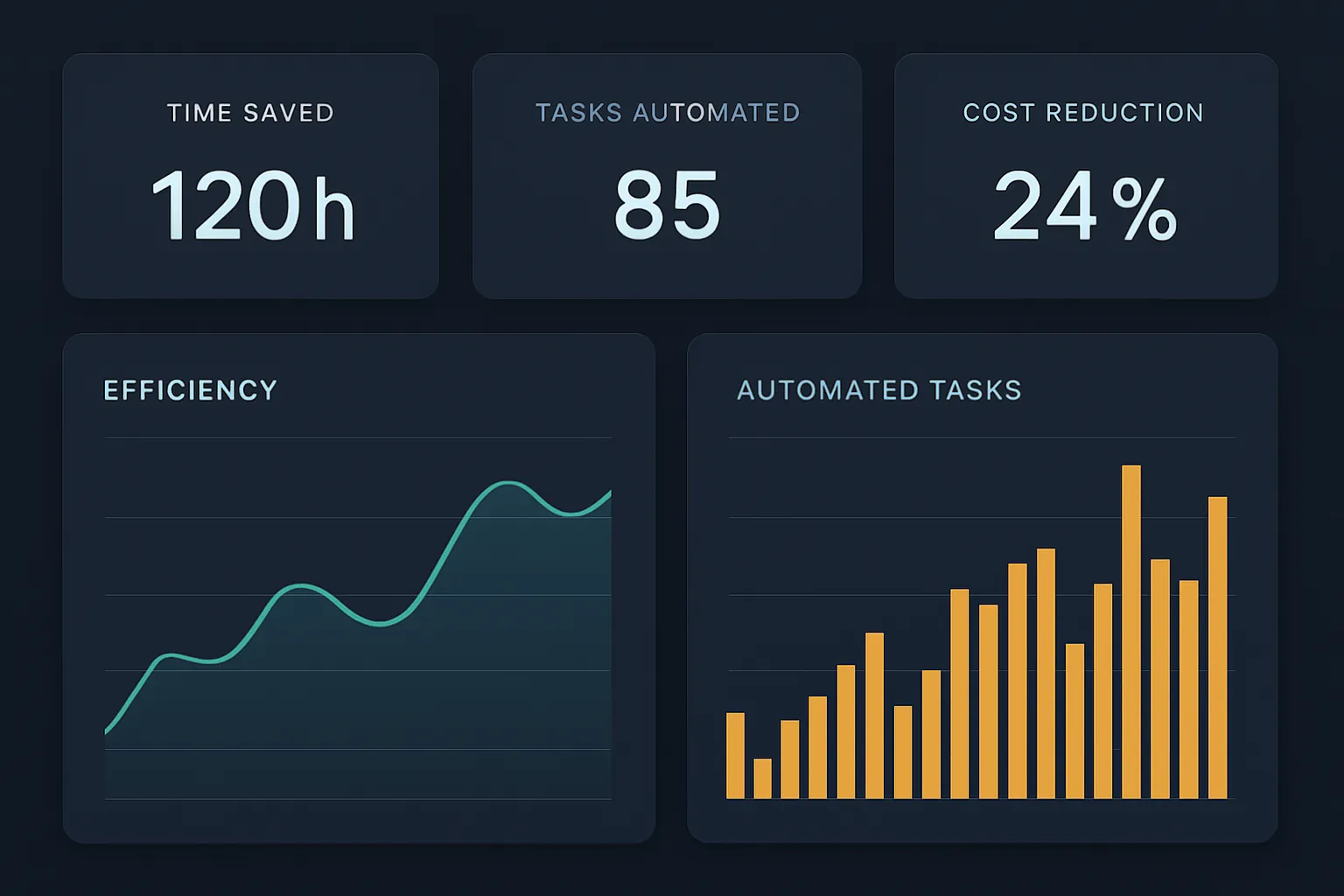
Automating because it’s trendy is a mistake; automating with numbers is an investment. Before any project, it’s worth estimating three things:
- Hours recovered: how many hours per month does that manual process consume today? Multiply them by the hourly cost of the staff involved.
- Errors avoided: what does each data-entry error, each wrong invoice, each lost order cost? Automation drastically reduces that rate.
- Speed gained: responding to a customer in minutes instead of days has direct commercial value in conversion and retention.
In our experience, well-automated administrative and commercial processes pay for themselves within months, and from there they become a permanent advantage.
Generic tools vs. custom software
There are off-the-shelf automation platforms that work fine for simple, standard flows. The problem appears when your process is exactly what differentiates you: there, the generic tool forces you to bend your operation to its limits, and you end up with manual “patches” around the system.
Custom software does the opposite: it is designed around your way of working. Its advantages for automation are clear:
- It integrates with what you already use — ERP, CRM, databases — via APIs, without replacing your operation.
- It scales with you: it grows as your data and business rules increase.
- It protects your information: processing happens in controlled environments, not exposed to third parties.
The role of artificial intelligence
Traditional automation follows fixed rules; AI adds the ability to interpret and decide. Today it is possible to automate tasks that once required human judgment: reading and classifying documents, answering customer questions, detecting anomalies in transactions or prioritizing tasks by urgency.
Combining clear rules with AI integration lets you move from “the system does what I tell it” to “the system understands the context and acts.” That leap is what separates companies that merely digitize from those that truly operate with intelligence.
Where to start
You don’t need to automate everything at once. The safest path is:
- Map your processes and spot the most costly bottlenecks.
- Prioritize one or two with high return and clear rules.
- Pilot a focused solution, measure the real impact and then scale.
This reduces risk and builds internal confidence with concrete results from the very first weeks.
At Kimo Solutions we design and integrate automation tailored to your processes, connecting it to the systems you already use so you recover time, reduce errors and make decisions faster.
Want to know which processes in your company are worth automating first? Contact us and let’s analyze where your biggest opportunity is.
Have a project in mind?
Get in touch →