
Customer Portal: Fewer Calls, Happier Clients
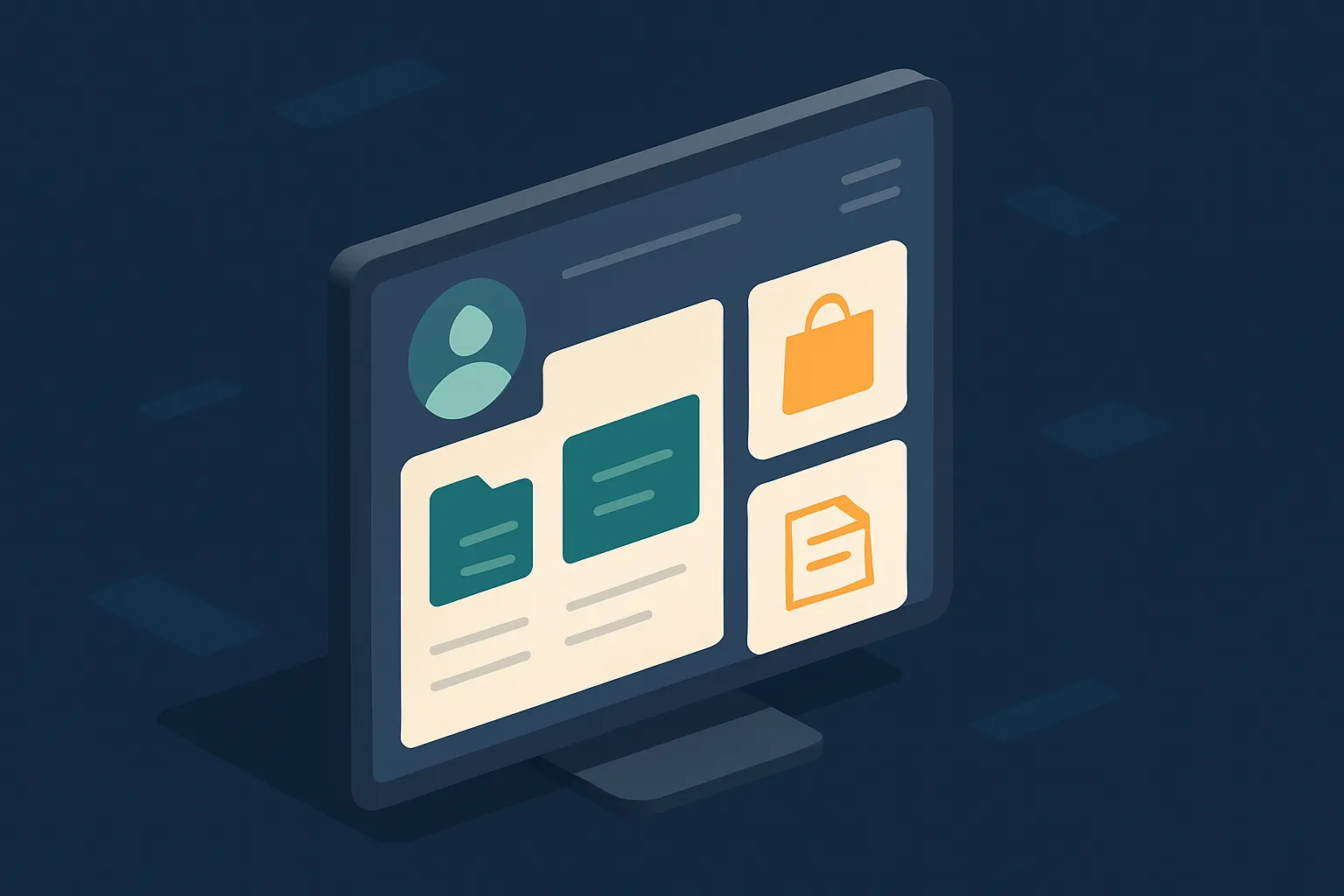
There’s a part of many companies’ operations that eats up hours every day and is almost never measured: answering the same questions over and over. “Where’s my order?”, “can you resend my invoice?”, “what’s the status of my request?”, “how much do I owe?”. Each one seems small, but together they overwhelm your team and keep your customers waiting.
A customer portal solves exactly that: it gives each client their own space where they find their information instantly, without having to call or write. Less load for you, a better experience for them.
What a customer portal is
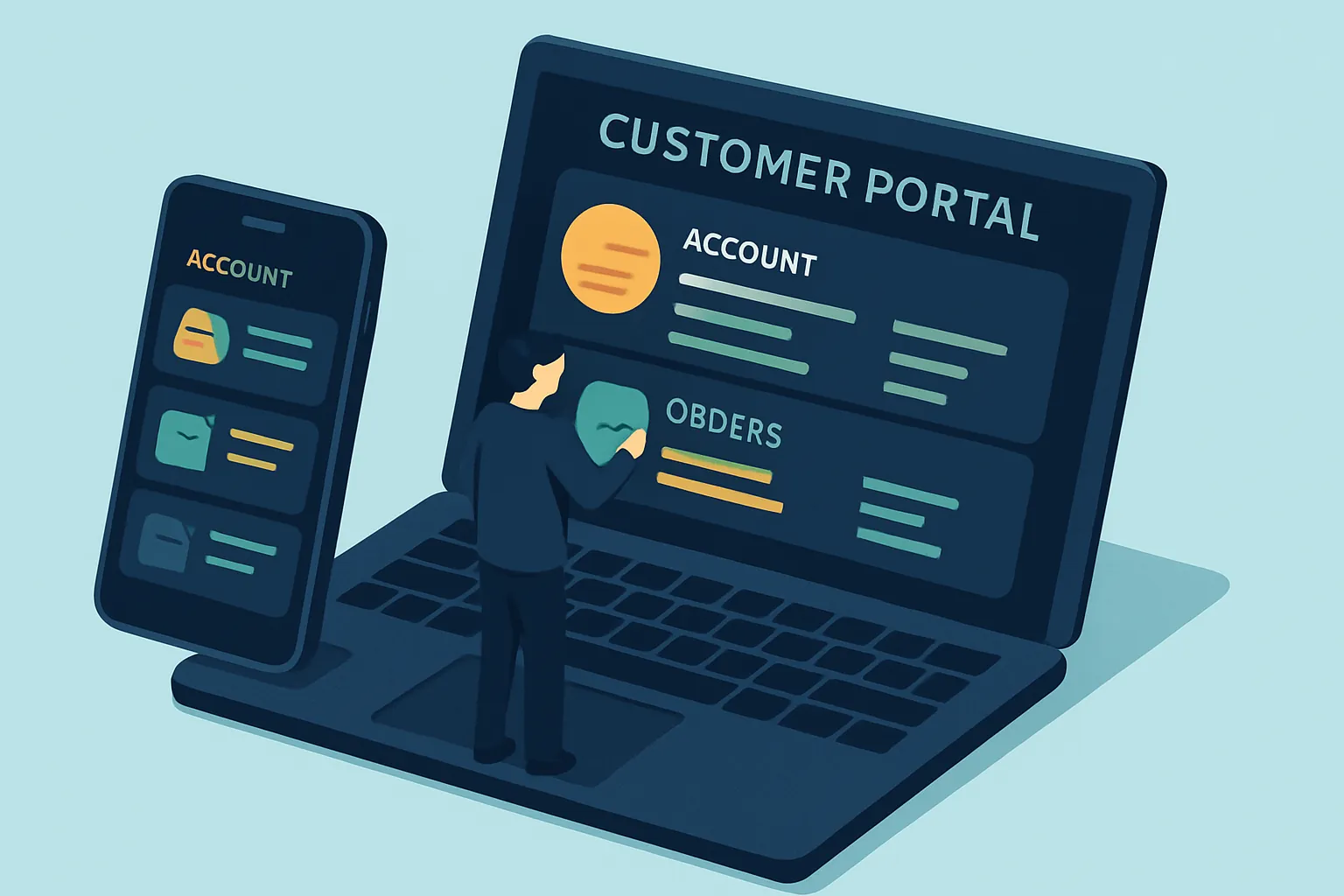
It’s a private site —web or app— where your customers log in and see their information: orders, invoices, documents, the status of a request, balances, support tickets. Instead of relying on someone from your team to answer, they help themselves, whenever they want, from wherever they are.
Think of online banking: nobody calls the bank to ask for their balance, they check it in the app. A portal brings that same convenience to your business.

What your company gains
A well-built portal impacts both sides of the counter:
- Less operational load: your team stops answering the same thing a thousand times and focuses on what really needs a person.
- More satisfied customers: they get instant answers, 24/7, without waiting for office hours.
- Fewer errors: the information comes straight from your systems, not from what someone remembers or copies by hand.
- A more professional image: a branded portal projects seriousness and trust, especially in B2B businesses.
- Usage data: you see what your customers check most and spot where to improve.
What it usually includes (depending on your business)
No two portals are alike, because every business serves customers differently. Some examples by industry:
- Distributors and retail: order status, purchase history, reorders, invoices.
- Law firms and notaries: status of requests and case files, documents to sign, case progress.
- Services and subscriptions: balances, payments, contracts, support tickets.
- Manufacturing and logistics: delivery tracking, orders and receipts.
The key: it must connect with what you already have
A portal is only useful if it shows real, up-to-date information. That’s why what matters isn’t the pretty screen, but that it’s connected to your systems —your ERP, your invoicing, your admin system— so each customer sees their true status, in real time, with no one updating it by hand.
And for people to actually use it, it has to be easy: a confusing portal generates more calls, not fewer. That’s where good clear, intuitive design makes all the difference.
How to know if you already need one
- Count the repeated questions: how many of your customers’ daily queries are always the same?
- Calculate the hours your team spends answering them.
- Ask yourself: how many of those answers could the customer find on their own, if they had somewhere to look?
If the number is high, a portal pays for itself in recovered time and happier customers.
At Kimo Solutions we design and build custom customer portals, connected to your systems and easy to use, so your team answers less and your customers serve themselves better.
Does your team spend the day answering the same thing? Contact us and let’s design the portal your business needs.
Have a project in mind?
Get in touch →