
Legacy System Modernization: How to Migrate Without Stopping Your Operations
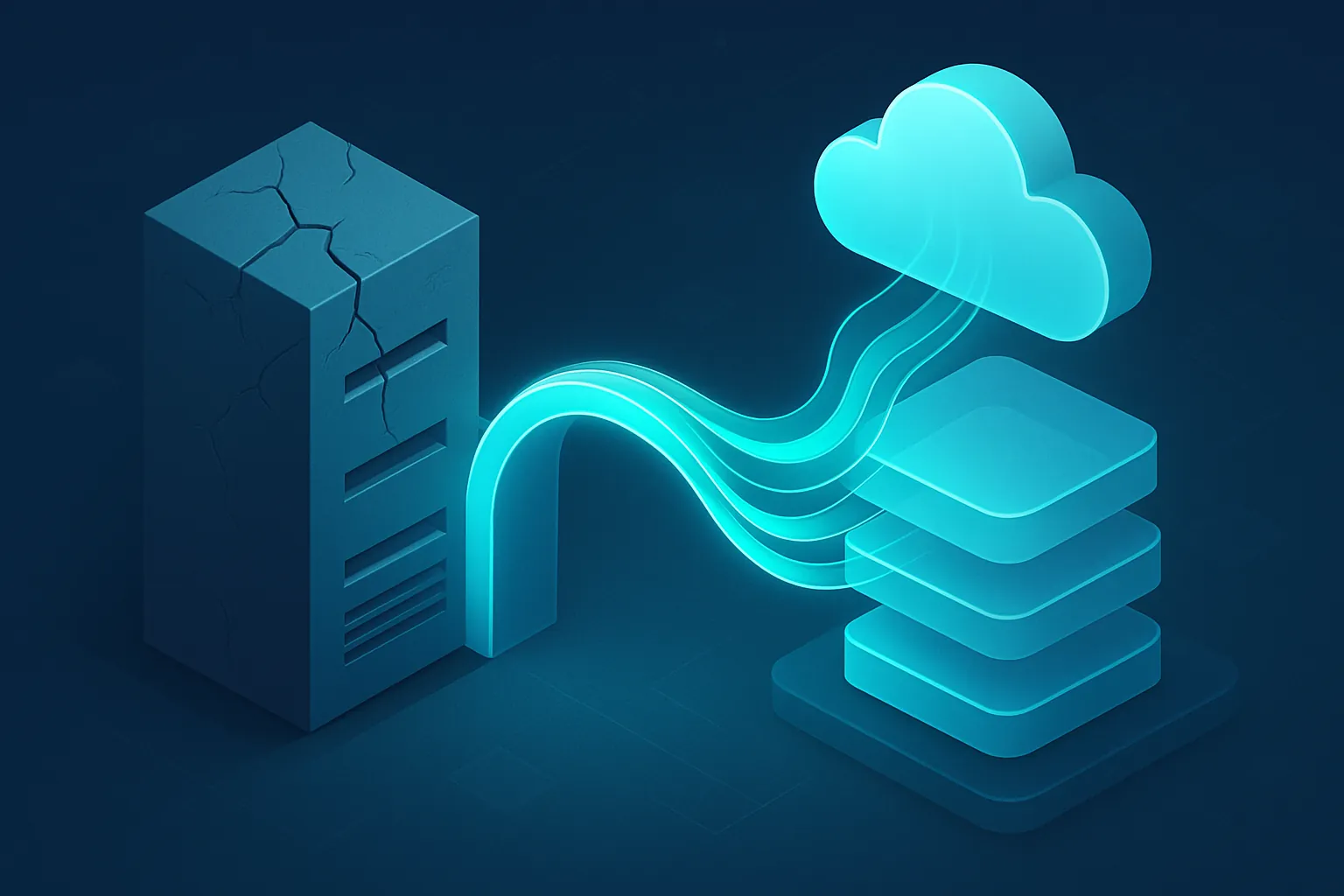
There’s a system in your company nobody wants to touch. It runs on a server that isn’t manufactured anymore, it was written by someone who no longer works there, and every time something breaks, the fix is “restart it and hope.” And yet it processes sales, tracks inventory or runs payroll every single day. It’s a legacy system: old, fragile, but too critical to simply switch off.
The question isn’t whether it needs modernizing. It’s how to do that without stopping the operation that depends on it.
Why companies keep postponing modernization
Almost always for the same reason: fear of breaking something that works. Rewriting an entire system sounds like months of work, the risk of bugs, and a data migration that could go wrong. So the company keeps patching a system that gets slower, more expensive to maintain, and harder to connect to modern tools every year.
The problem is that legacy system carries a silent cost:
- Nobody else understands it: the knowledge lives in one or two people, and if they leave, the risk is enormous.
- It doesn’t integrate with anything new: every attempt to connect a modern app ends in an improvised workaround.
- It’s a security risk: software without updates accumulates known vulnerabilities.
- It slows down decisions: if pulling a report takes days, your business reacts slower than the competition.
Modernizing doesn’t mean “throw it all out and start over”
This is the myth that holds companies back the most. Rewriting everything at once (a big bang rewrite) is actually the riskiest way to modernize: while the new system is being built, the business keeps running on the old one, and the day of the full switch is a leap into the unknown.
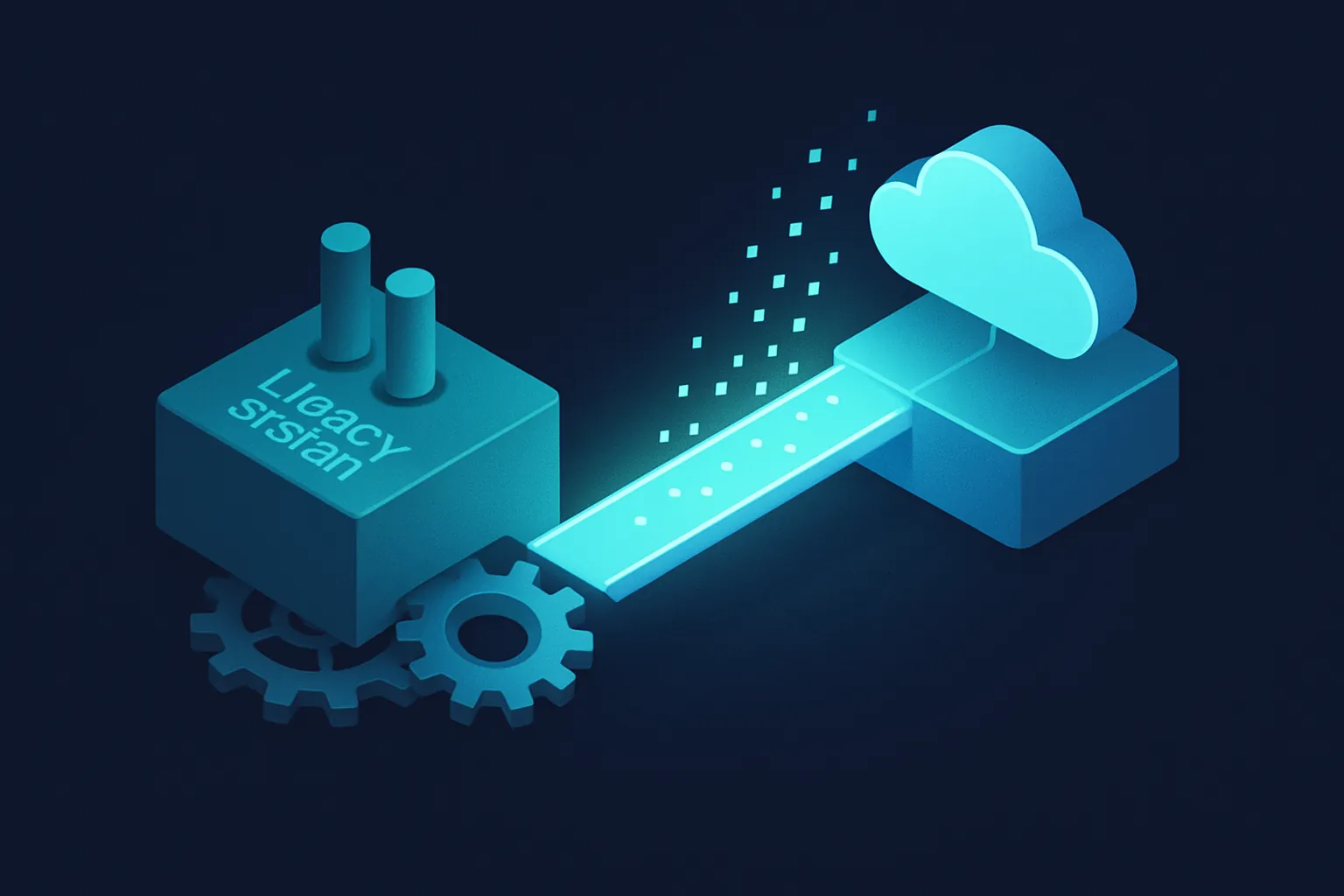
The alternative we use at Kimo Solutions is gradual migration (the strangler pattern): instead of replacing the entire system at once, new modules are built around the legacy system, one at a time, and little by little the new system “strangles” —replaces— the old one, function by function.
In practice, this looks like:
- Identify the module with the most pain or the highest risk (for example, the one that fails most often or blocks an important integration).
- Build its replacement as an independent service that coexists with the legacy system.
- Redirect traffic for that module to the new system, while everything else keeps working as usual.
- Repeat with the next module, until the legacy system is empty on the inside and can be retired without drama.
Each step is reversible and low-risk, because the business never depends on “everything going right at once.”
Data is the most delicate part
In any modernization, data migration —customers, inventory, sales history— is where companies have the most at stake. A solid modernization plan always includes:
- An audit of the current data: understanding what exists, what’s duplicated and what’s no longer useful, before moving it.
- Parallel migration: the new and old systems run at the same time for a period, comparing results, before the legacy system is switched off.
- A rollback plan: if something doesn’t add up, the ability to go back to the previous system without losing information.
Skipping this part is the most common reason a modernization project turns into a disaster.
Signs it’s time to modernize
You don’t need to wait for the system to collapse. These are the clear signs:
- The original vendor no longer exists or doesn’t support the technology anymore.
- Hiring people who know how to maintain it is getting harder and more expensive.
- You can’t connect it to modern tools (CRM, dashboards, mobile apps, AI).
- Every small change takes weeks and requires “not touching anything else” out of fear of breaking it.
If two or more of these sound familiar, your legacy system is already costing you more than you think, even if it never shows up on an invoice.
How to get started without risk
Modernization doesn’t have to be a giant, terrifying project. A good starting point is:
- Map the current system: what it does, how critical each module is, and where the biggest risks are.
- Prioritize by impact and risk: modernize first whatever holds the business back the most or poses the greatest risk of failure.
- Define the target architecture: how the new modules will look and how they’ll coexist with what hasn’t been touched yet.
- Move forward in measurable stages, with visible results every few weeks, not every year.
At Kimo Solutions, we help companies modernize their enterprise systems without shutting down operations: we assess the current system, design a gradual migration path, and build every new module solid enough that it won’t turn into a legacy system again in five years. And once modernized, our maintenance service keeps everything updated and secure.
Does your company depend on a system nobody dares to touch anymore? Contact us and let’s design a safe, step-by-step modernization path together.
Have a project in mind?
Get in touch →