
Internal AI Copilots: How to Give Your Team an Assistant Trained on Your Company's Data
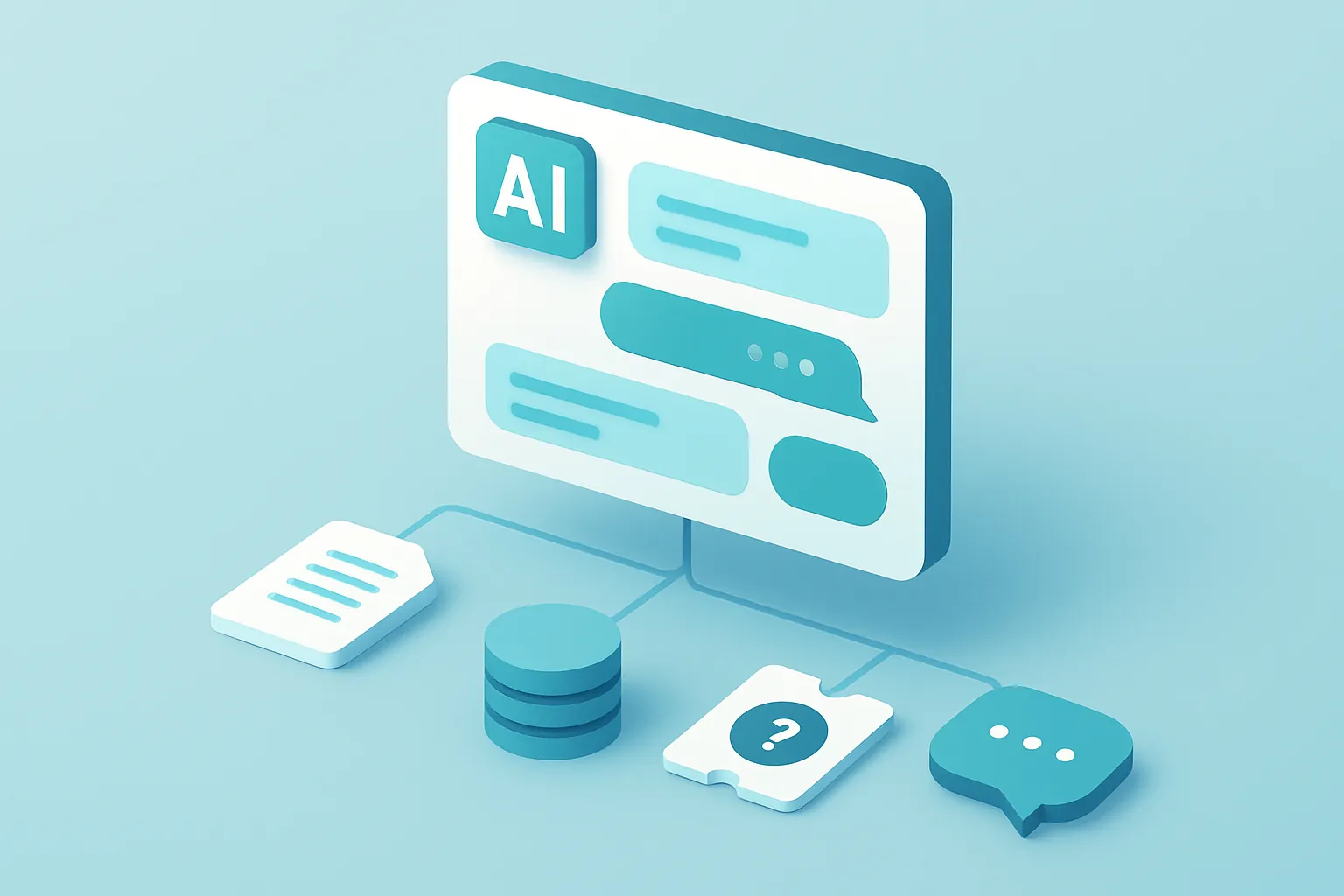
Almost every company already has someone using ChatGPT or Copilot to draft emails or summarize a document. It’s useful, but it hits a low ceiling fast: those tools know nothing about your internal policies, your manuals, your contracts, or your systems. Every answer starts from zero, and any sensitive data pasted into the chat leaves the company for a third-party service.
An internal AI copilot solves exactly that: a conversational assistant trained on — or more precisely, connected to — your company’s real information, living inside your own infrastructure and answering with context a generic chatbot will never have.
The problem with using generic AI day-to-day
- It doesn’t know your processes: a public chatbot has no idea how your company handles a return, what format your legal team uses for a contract, or where the manual for a specific piece of equipment lives.
- Information is scattered: manuals on a shared drive, policies in a PDF, support tickets in another system, code in a repository. Nobody has time to search five different places before answering a customer.
- Data leak risk: when an employee pastes a contract or a customer’s data into a public tool to ask for help, that information leaves the company’s systems with no control or record of it.
- Generic answers, not actionable ones: a chatbot with no access to your systems can explain a concept, but it can’t tell you how many units are left in inventory or the real status of an order.
None of these problems get solved by banning AI use. They get solved by giving your team a tool that actually knows the business.
What a custom AI copilot is
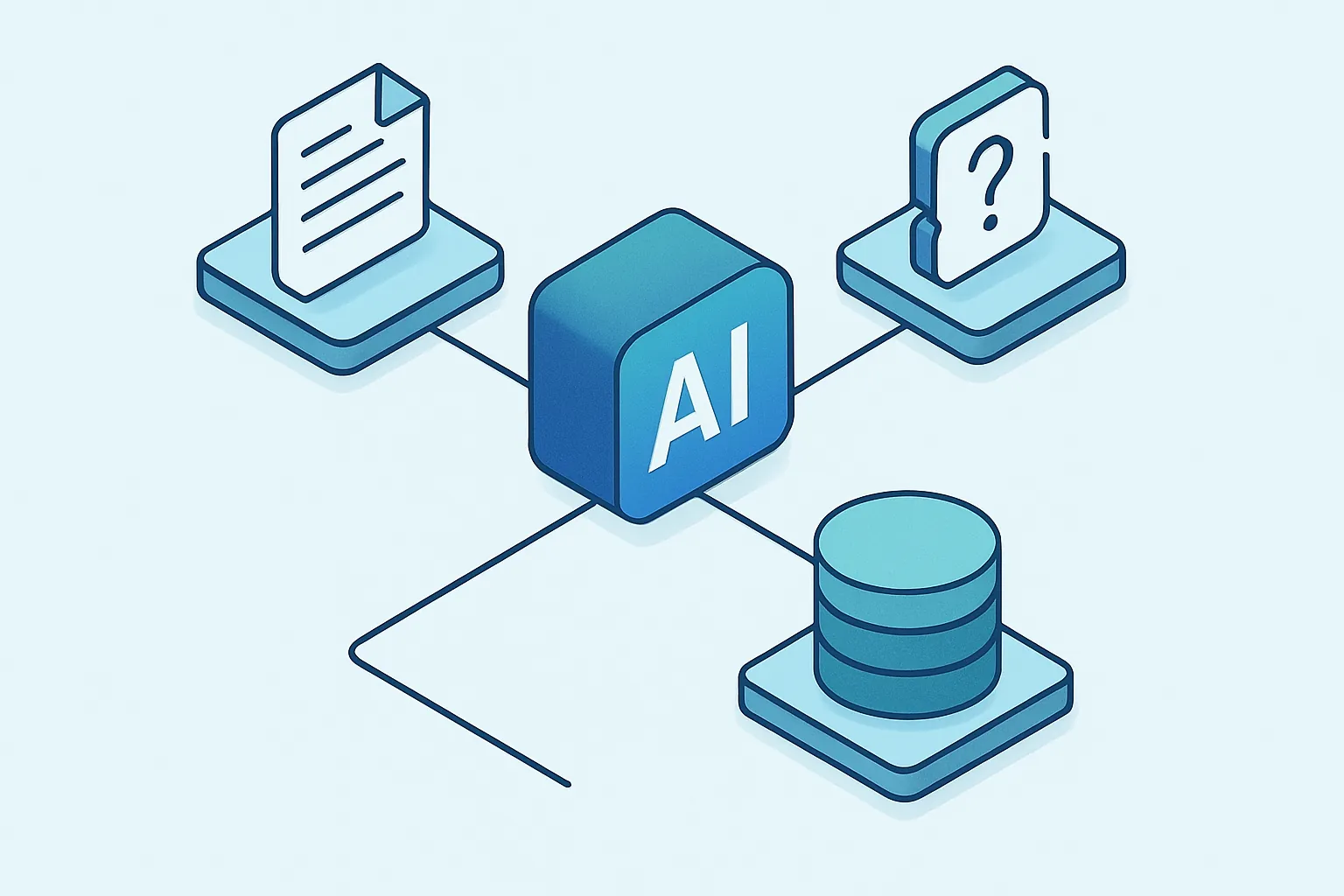
It’s a conversational assistant (built into Slack, Teams, an internal web portal, or your own system) that combines a language model with controlled access to your company’s real sources: documents, databases, tickets, code, or internal systems. The technique behind it is known as RAG (retrieval-augmented generation): instead of “training” a model from scratch, the copilot searches your sources for relevant information at the moment of the question and builds its answer from that, citing where it came from.
What changes compared to a generic chatbot
- Answers grounded in your real documents, not general internet knowledge, with a reference to the exact source (the manual, the policy, the ticket).
- Role-based permissions: a salesperson doesn’t see the financial data the finance team can query, because the copilot respects the same access controls you already have.
- Actions, not just text: beyond answering, it can check an order’s status in your ERP, create a ticket in your support system, or generate a report, if you connect it to those systems.
- Data that never leaves your control: sensitive information is processed inside your own infrastructure or an enterprise account with the right contractual guarantees, not a public app’s free tier.
Common use cases
Internal IT and HR support: instead of opening a ticket for “how do I request vacation days?” or “why can’t I access this system?”, the employee asks the copilot and gets an instant answer, with the exact policy as a reference.
New employee onboarding: an assistant that knows the company’s manuals, processes, and tools turns weeks of ramp-up into days, without overloading the team that normally fields those questions.
Sales support: salespeople ask about product features, commercial terms, or a customer’s history without having to interrupt another department to get the answer.
Technical knowledge search: development or maintenance teams query technical documentation, code, or equipment manuals scattered across different systems with a single natural-language question.
Why build it custom instead of buying a generic license
Office suites already ship their own “copilot,” but it only knows what’s inside that suite. The moment your company uses its own ERP, a different ticketing system, or documentation outside those tools, the commercial add-on stops being useful. A custom copilot connects to exactly your sources — whatever they are — and grows with your operation instead of forcing you to migrate everything into a single ecosystem.
You also get to decide which AI model to use, where the data gets processed, and what security and audit controls apply — something a generic license rarely lets you customize.
How to start without overinvesting
You don’t need to connect the entire company on day one. A proven approach:
- Pick one area with a clear pain point (internal support, sales, or technical knowledge) and one or two well-defined information sources.
- Launch an MVP that answers that area’s frequent questions, measure how much time it saves the team, and what questions still go unanswered.
- Expand sources and capabilities — role-based permissions, actions on other systems — based on real usage, not assumptions.
If your team loses hours searching for information that already exists somewhere in the company, let’s talk. At Kimo Solutions we design custom AI copilots, connected to your data, with the security controls your operation needs.
Have a project in mind?
Get in touch →