
Custom Warehouse Management System (WMS): How Your Warehouse Stops Being a Bottleneck
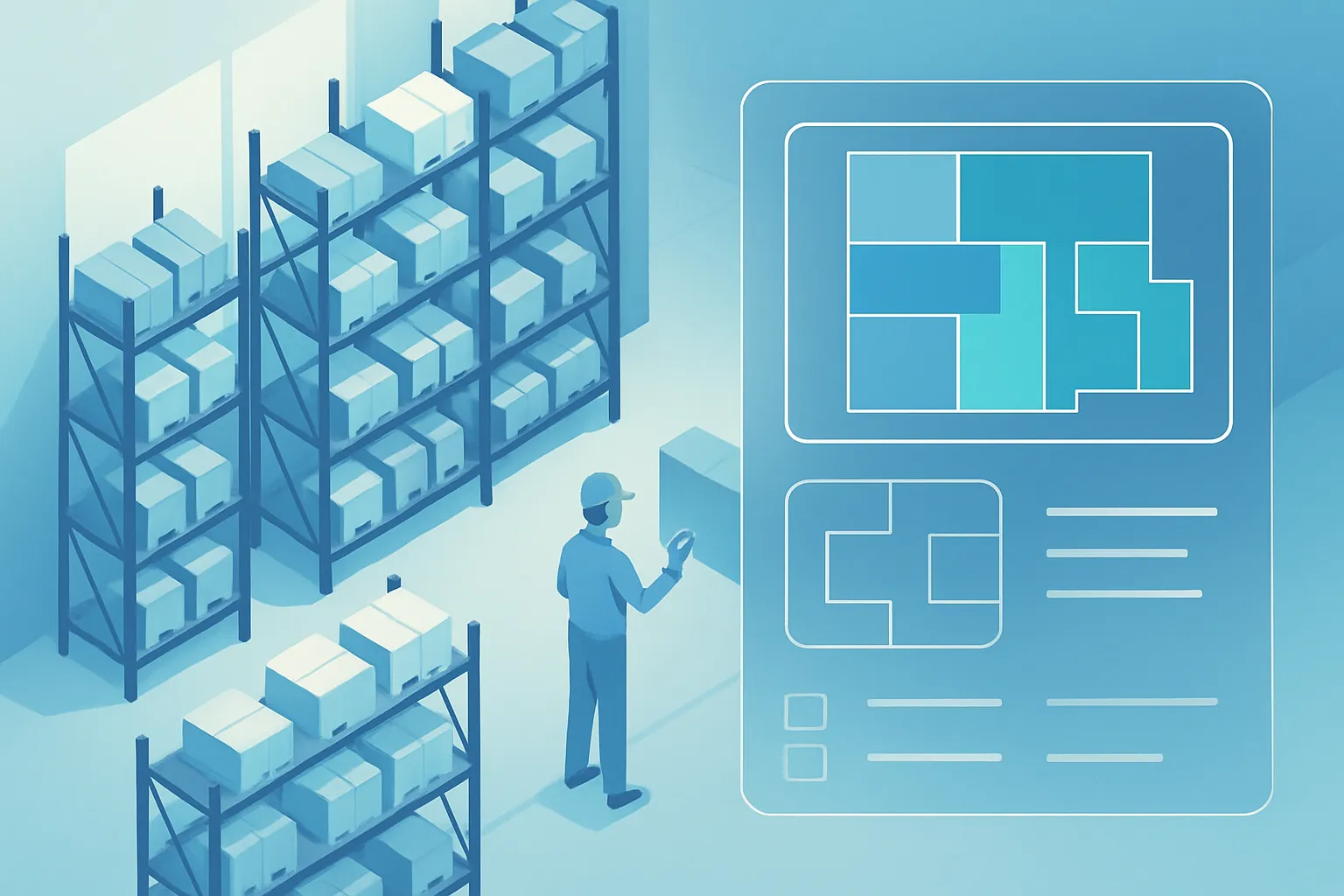
Question for whoever runs your warehouse: if a customer orders 40 units of a specific SKU today, how long does it take your team to know which aisle, rack and level they’re on, pick them, pack them, and stage them for shipping? If the answer involves walking the warehouse “by feel” or asking whoever’s worked there the longest, you have an operations problem, not a staffing one.
Knowing how much of a product you have (inventory) is different from knowing where it is, how it moves, and who touches it inside your warehouse (a WMS, or Warehouse Management System). Many companies already solved the first part with an inventory system or an ERP, but still run the physical warehouse on paper, memory and goodwill. That’s where hours and orders get lost every single day.
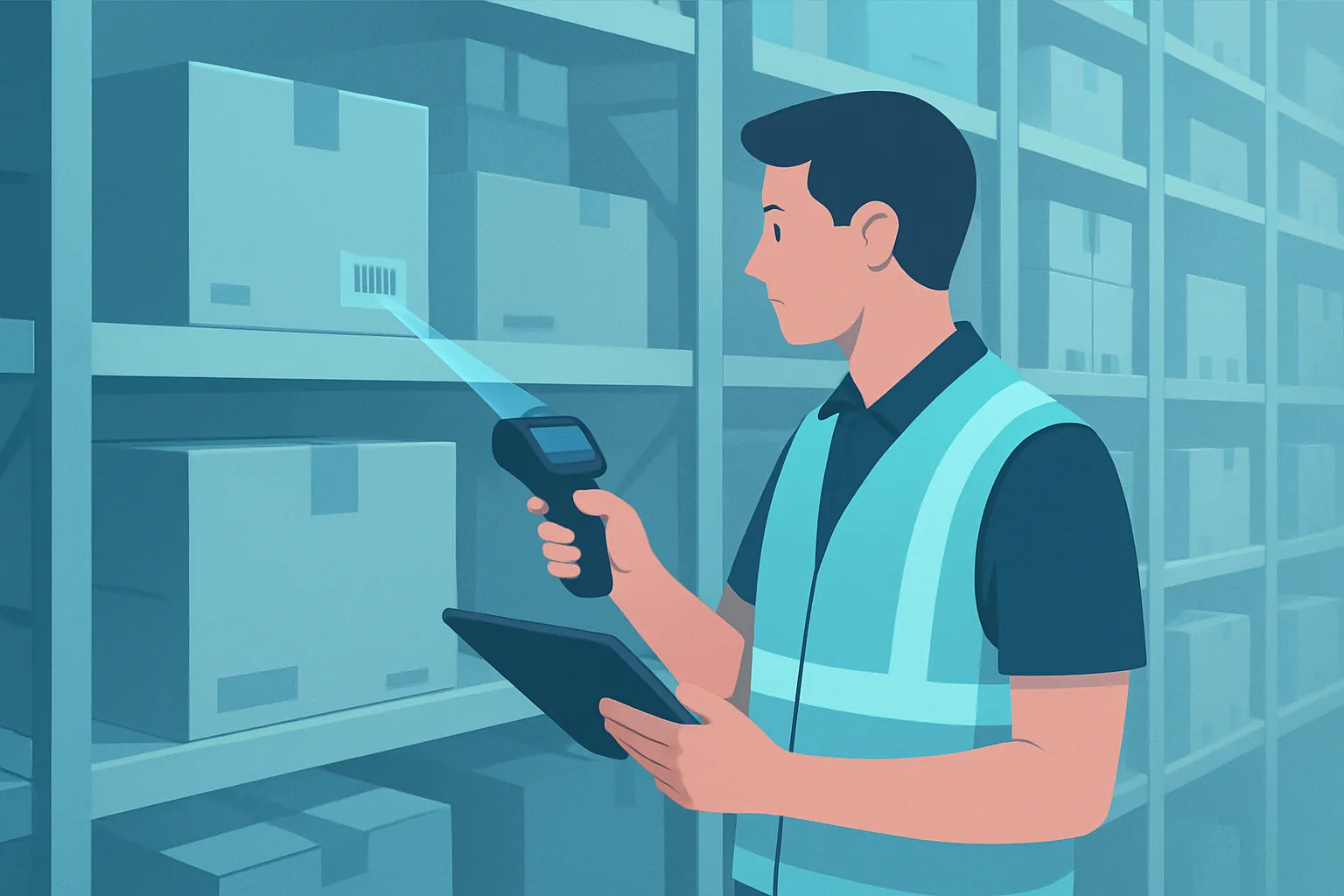
The real cost of a warehouse without a WMS
The symptoms repeat across almost any operation that grew faster than its way of organizing the warehouse:
- Slow, inconsistent picking: each picker walks the warehouse their own way, with no optimal route, so the same order can take twice as long depending on who fills it.
- Ghost locations: the system says stock exists, but nobody knows which rack it’s on, or product has been “lost” in a corner for months.
- Shipping errors: the wrong item, the wrong quantity, or a lot that should have shipped first (FIFO/FEFO ignored) goes out, triggering returns and complaints.
- Uncontrolled receiving: goods come in and get placed wherever there’s open space, and that decision never gets recorded anywhere.
- Zero productivity visibility: there’s no way to tell which shift, which person, or which process is creating the bottlenecks.
In operations with hundreds of SKUs and daily movement, these aren’t anecdotes — they’re wasted labor hours every day and orders that arrive late or incomplete to a customer who absolutely notices.
Why an ERP or a generic inventory system doesn’t solve this
An ERP tells you how many units exist in total. A WMS tells you exactly where they are, in what packing unit, with what expiration or lot, and the shortest route to reach them. These are different layers, and both are necessary — but many companies only have the first one.
Off-the-shelf WMS platforms, meanwhile, tend to be built for standard operations: one warehouse, one product type, simple rules. As soon as your operation has its own quirks — multiple warehouses with different rules, products sold by case and by unit, quarantine zones, cross-docking, integration with specific scales or scanners, or a wave-picking process — generic software starts getting in the way more than it helps, and the team ends up running parallel controls in spreadsheets or on paper.
What a custom WMS should include
Smart locations and slotting
Every product has a registered location (aisle, rack, level, position), and the system suggests where to place each new lot based on turnover, size and demand — instead of leaving it to whoever happens to be free that day.
Guided, optimized picking
The system generates the shortest route to fill an order or a wave of orders, telling the operator exactly what to pick and in what order, with scan confirmation to eliminate errors.
Lot, expiration and serial number traceability
For regulated industries (food, pharma, electronics), the WMS automatically applies FIFO/FEFO rules and lets you trace any unit back to its origin in seconds instead of days of investigation.
Controlled receiving and shipping
Every inbound and outbound movement is logged with who did it, when, and with what evidence (photo, signature, scan), closing the gap between “what the system says” and “what’s physically there.”
Integration with your whole operation
A custom WMS doesn’t live in isolation: it connects to your ERP, your point of sale, your e-commerce platform and your carriers, so a sale automatically triggers picking and a receipt updates inventory with no double entry.
Productivity metrics
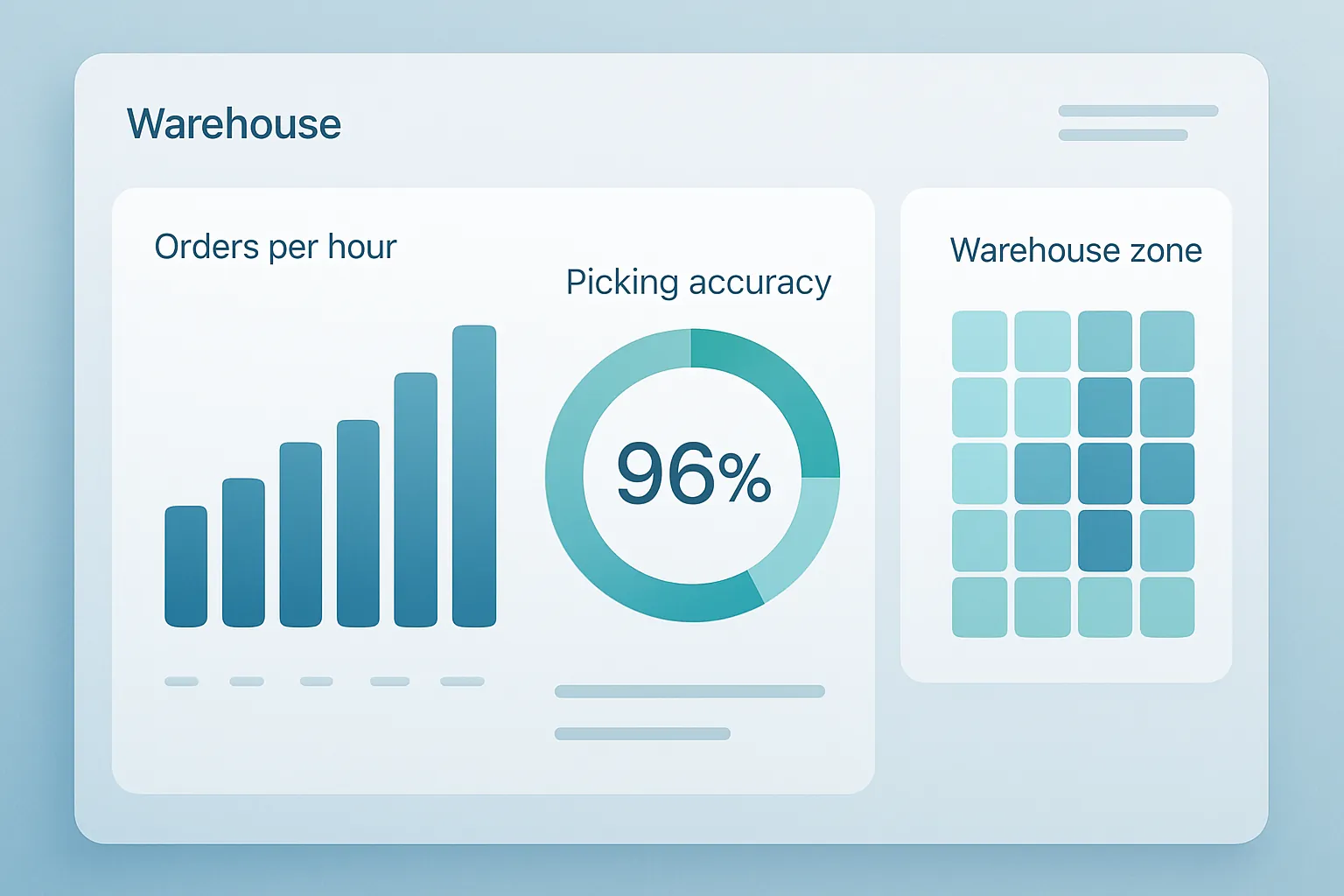
Orders filled per hour, picking accuracy, average time per order, and occupancy by zone — data you probably don’t have today, and the basis for deciding where to invest next (more staff, a better layout, more technology).
When is building one justified?
Not every warehouse needs a dedicated WMS. It’s time to consider one when:
- You have hundreds or thousands of SKUs moving daily and manual picking no longer scales.
- Shipping errors regularly generate returns, penalties, or frustrated customers.
- You operate more than one warehouse or distribution center and need unified visibility.
- Your industry requires lot or expiration traceability by regulation or by contract with customers.
- You’ve already tried to solve this with spreadsheets, color-coded labels, or the knowledge of one key person — and everything stalls the moment that person goes on vacation.
The first step
A WMS project doesn’t have to cover the entire warehouse from day one. The most effective approach is usually to start with a diagnosis of your real flow of goods — receiving, put-away, picking, shipping — to identify where the most time is lost, and build a focused MVP for that area before expanding to the rest of the operation.
If slow picking, shipping errors or ghost locations are already costing you more than a system would, let’s talk. At Kimo Solutions we design warehouse management systems that adapt to the way your warehouse actually operates.
Have a project in mind?
Get in touch →