
Custom Project Management Software: How Your Team Stops Losing Control in Spreadsheets
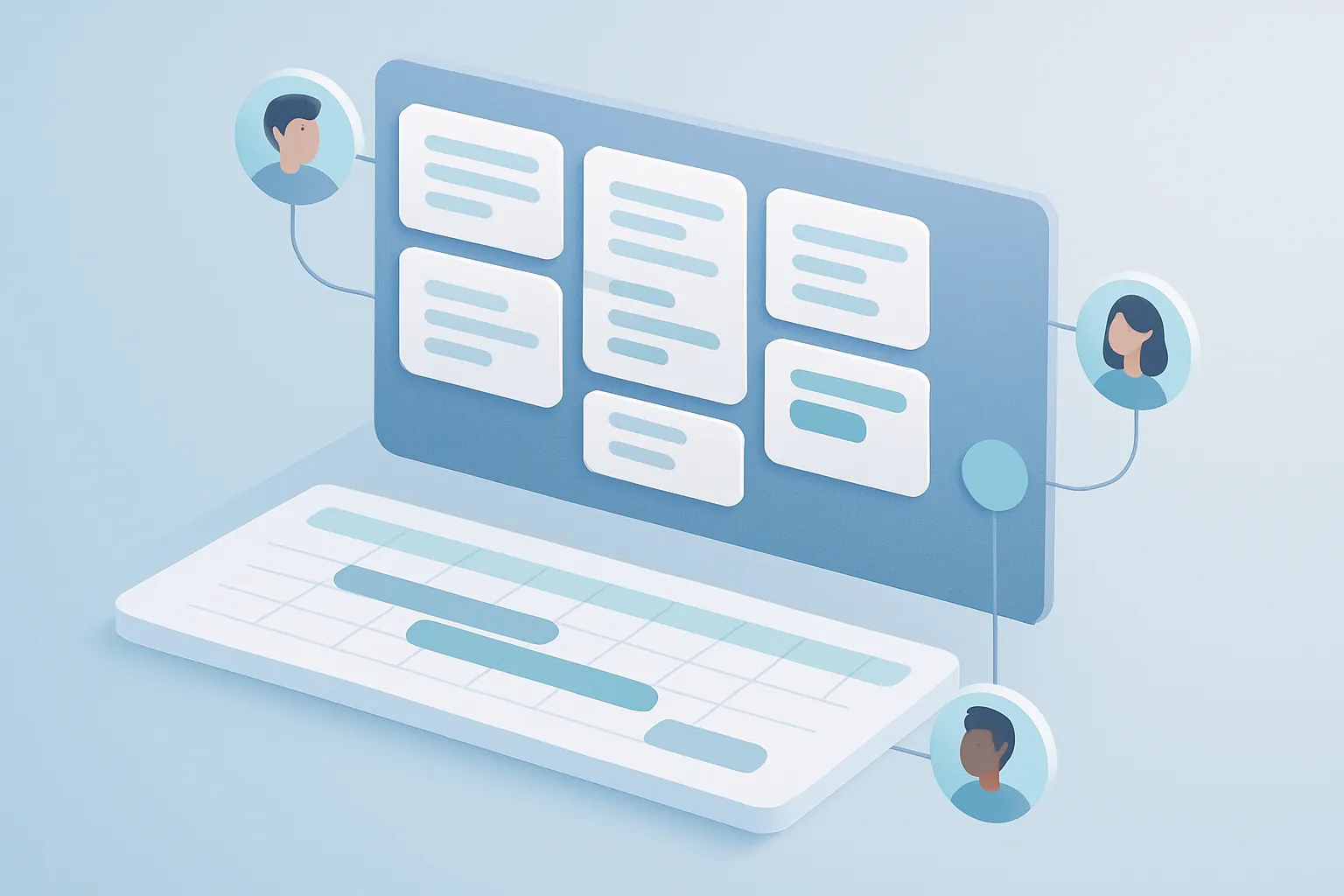
If your company coordinates projects across a spreadsheet, a group chat, and a shared folder, you’re not alone. It’s the most common pattern in businesses that grew fast: operations work, but nobody has a full view of what’s behind schedule, who’s overloaded, or what the project will actually cost to finish.
Generic project management tools (Trello, Asana, Monday) solve the visual layer — boards, cards, due dates — but rarely reflect how your company actually works: your project types, your roles, your approval rules, your per-client profitability metrics. When that happens, teams end up using the tool halfway and falling back to the spreadsheet for what really matters.
The signs you’ve outgrown generic tools
Three symptoms point to needing something different:
- You duplicate information. The same progress data gets entered into the project system, into a client report, and into a separate spreadsheet for finance.
- You don’t know if a project is profitable until it’s over. Actual hours, materials, and external costs live in separate systems that never reconcile with the original plan.
- Every project manager has their own method. Without a shared structure, it’s impossible to compare progress across projects or spot portfolio-level risk early.
None of these problems get solved by adding another template. They get solved with a system that unifies planning, execution, and cost tracking in one place, built for your type of business: architecture firms, construction companies, agencies, consultancies, or installation and maintenance operations.
What a custom project management system should include
A custom build isn’t about “another pretty board.” It’s about solving the entire business flow:
1. Planning connected to real operational capacity
Instead of an isolated timeline, the system links every task to the resource executing it — people, equipment, subcontractors — and automatically flags overload or scheduling conflicts.
2. Real-time financial control per project
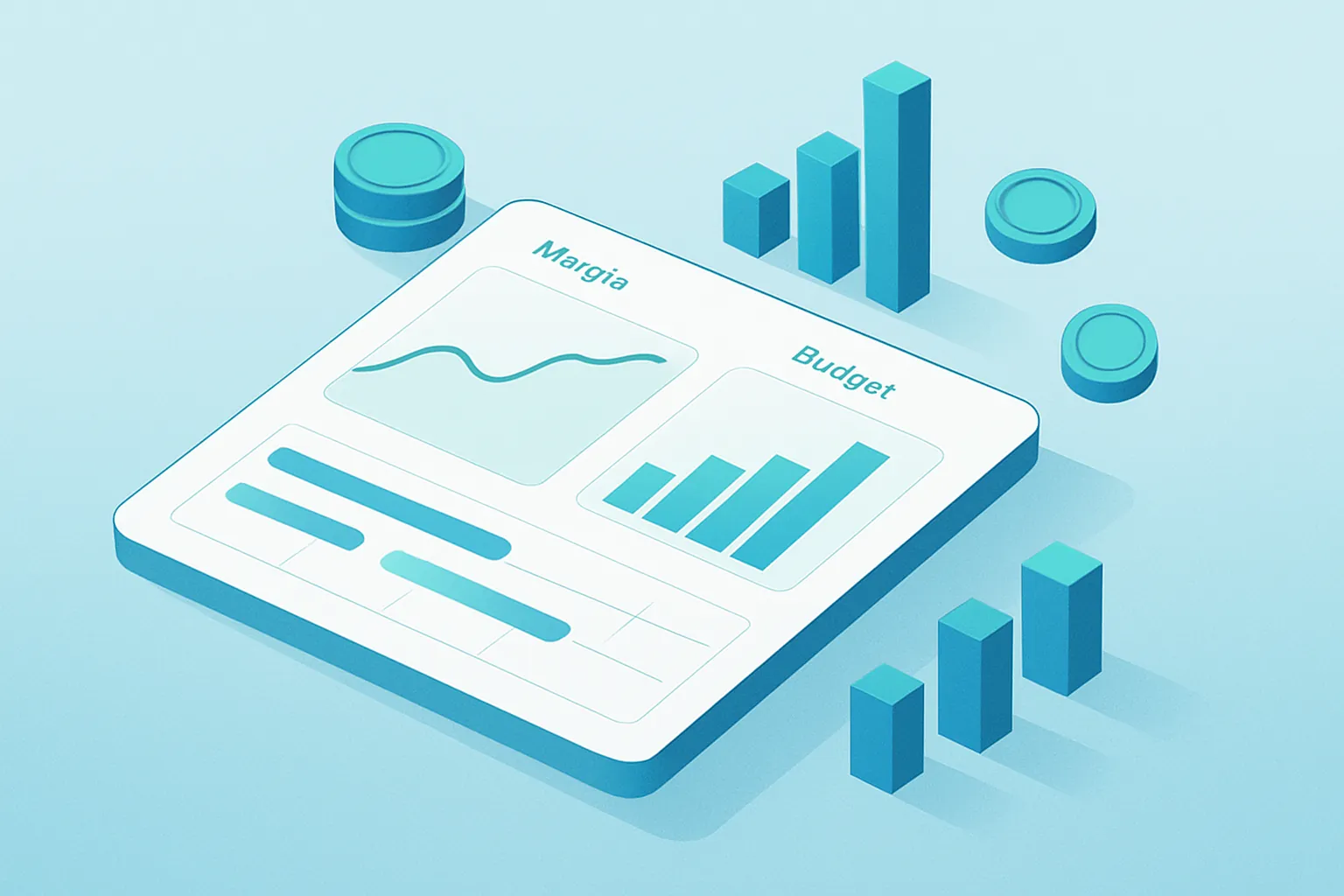
The number leadership actually cares about isn’t “how many tasks are done” — it’s “are we going to make or lose money on this project.” A custom system cross-references logged hours, material costs, and the original budget to show real margin at any point in time, not just at closeout.
3. Automatic reporting for internal and external stakeholders
Project managers lose hours every week building progress reports by hand. A custom system generates those reports directly from operational data, in your company’s own format and branding.
4. Approval rules that match your organization
Scope changes, purchase orders, or extraordinary expenses follow your company’s actual approval chain — not a generic one that forces constant manual workarounds.
A real-world example
An industrial installation and maintenance company we worked with was coordinating more than 40 simultaneous projects across three different tools. No project manager could say with confidence which projects were losing margin until the monthly finance close — by which point it was too late to course-correct.
With a custom system connecting field hours, material costs, and physical progress in a single dashboard, leadership started catching at-risk projects within the same week, not a month later. The result: better staffing decisions and a meaningful drop in projects closing below expected margin.

How to start without disrupting operations
Migration doesn’t have to be a disruptive event. The recommended path is:
- Map the current workflow, including the spreadsheets and informal processes that keep operations running today.
- Prioritize one high-impact module first — usually financial control or progress reporting — to show value quickly.
- Migrate active projects gradually, not all at once.
- Iterate with the team that uses the system daily, adjusting rules and reports as real needs surface.
Custom project management software doesn’t replace your project managers’ judgment — it gives them the information they need to exercise it in time, not after the fact.
Is your company coordinating projects across spreadsheets, chats, and systems that don’t talk to each other? At Kimo Solutions we design project management software tailored to how your business actually works. Let’s talk about your project.
Have a project in mind?
Get in touch →