
Custom Point-of-Sale (POS) Software: How to Sell More and Control Your Business Better
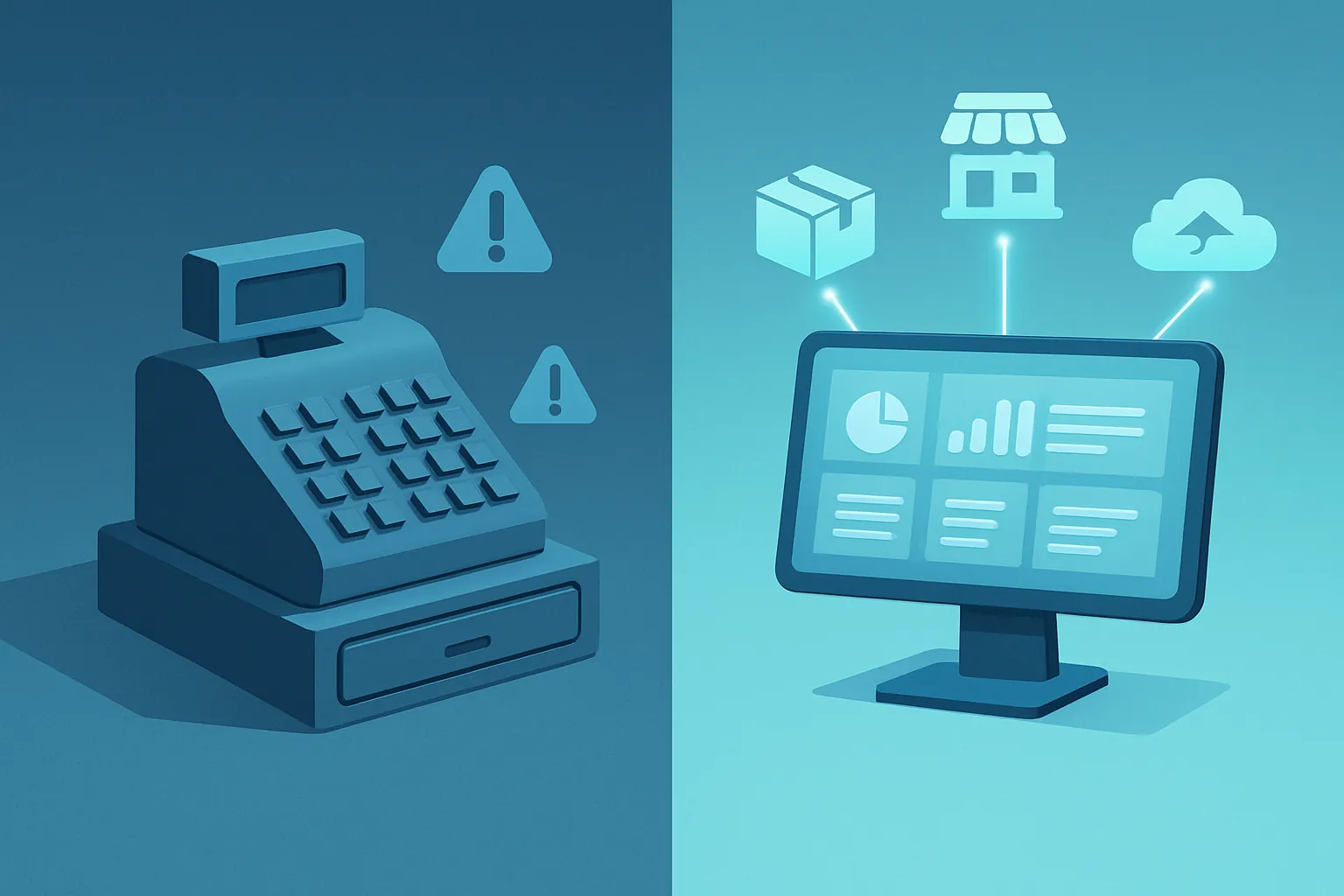
Almost every business that sells over the counter — a store, a restaurant, a pharmacy, a hardware shop — ends up using a generic point-of-sale (POS): a desktop app, a rented terminal, or a cloud system built for “any business.” It works fine at first. The problem shows up when the business grows: you open a second location, start running special promotions, need inventory to update automatically, or want sales to flow straight into your accounting — and the generic POS simply can’t do it, or does it halfway, with reports that don’t add up and manual processes that should be automatic.
That’s where a custom point-of-sale system comes in: software built around how your business actually sells, not the other way around.
Signs your current POS has stopped being enough
You don’t need to wait for everything to break down. These are the most common warning signs:
- Inventory never matches. You sell through the POS, but real stock doesn’t drop automatically — or drops differently at each location.
- Every location is an island. There’s no easy way to see sales, stock, or performance across all your stores in one place.
- Promotions are a headache. Buy-one-get-one deals, volume discounts, special customer pricing: the system doesn’t handle them well, so your cashier ends up “fixing it” by hand.
- It doesn’t talk to anything else. Invoicing, accounting, CRM, or your online store stay disconnected from the POS, and someone has to enter everything twice.
- You pay for licenses on features you don’t use — or need ones the plan doesn’t include.
If two or more of these sound familiar, it’s time to consider something built to your specifications.
What a well-built POS should include
A custom point-of-sale system doesn’t mean reinventing every feature from scratch; it means building exactly what your operation needs, no more and no less:
- Fast, reliable checkout, with barcode scanning, card and cash payments, and instant receipts or invoices.
- Real-time inventory, synchronized across every location and your warehouse.
- Flexible pricing and promotion rules, defined by you — not limited by whatever the vendor decided to include.
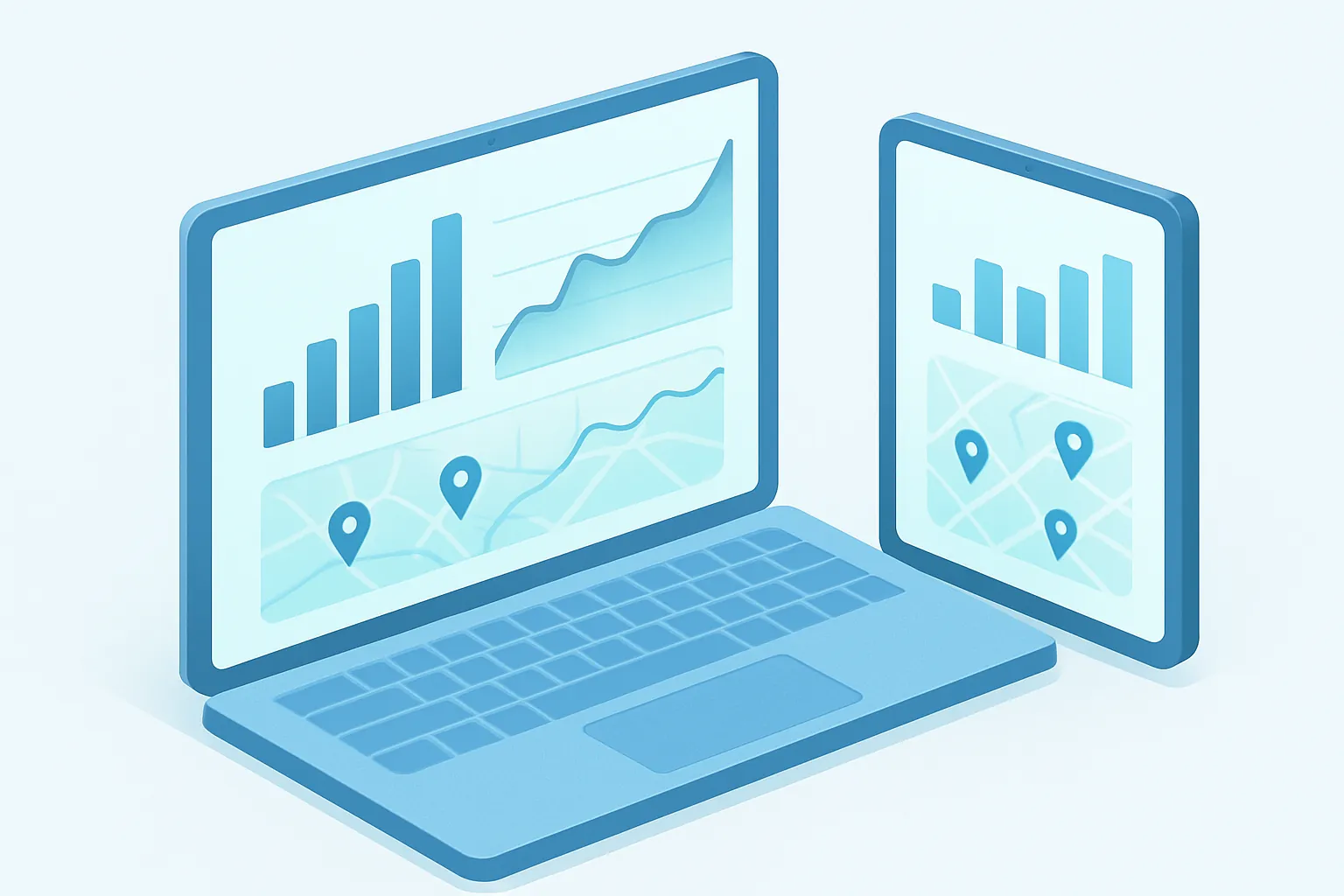
- Reports that answer what you actually ask: what sold, when, at which location, at what margin, by which salesperson.
- Connection to your full operation: electronic invoicing, accounting, e-commerce, CRM.
- Offline operation when you need it, syncing the moment connectivity returns — critical for not losing sales at locations with unstable internet.
The business case: why the investment pays off
A custom POS isn’t a technology purchase for its own sake; it’s a business decision with a measurable return:
- Less shrinkage and phantom inventory, because stock updates automatically and reliably with every sale.
- Faster decisions, because reports reflect your operation’s real numbers, not an approximation.
- Less time entering the same data twice across different systems.
- A better checkout experience, with simpler processes for your team and shorter lines for your customers.
- Real scalability: adding a new location means extending a system you already own, not buying more limited licenses.
Not just for large chains
Many companies assume a custom POS only makes sense for businesses with dozens of locations. In reality, the breaking point usually arrives much earlier: as soon as generic software starts limiting how you sell, instead of helping you sell more. A business with two or three locations running complex promotions or shared inventory can already benefit enormously from a system of its own.
How to get started
- Map your real sales process, from the moment a customer walks in to the moment the ticket closes and inventory updates.
- Identify the current bottlenecks: where is time, money, or information getting lost?
- Define which systems your POS needs to connect to — invoicing, accounting, e-commerce — to stop duplicating work.
With that map in hand, building a custom point-of-sale system stops being a leap into the unknown and becomes a project with measurable returns from the first month.
At Kimo Solutions we design and build custom point-of-sale systems, connected to your inventory, your invoicing, and the rest of your operation, so every sale gives you real information instead of headaches.
Is your current point-of-sale system already holding you back? Contact us and let’s talk about building the system your business needs.
Have a project in mind?
Get in touch →