
Custom Pharmacy Management Software: Inventory, Prescriptions, and Point of Sale in One System
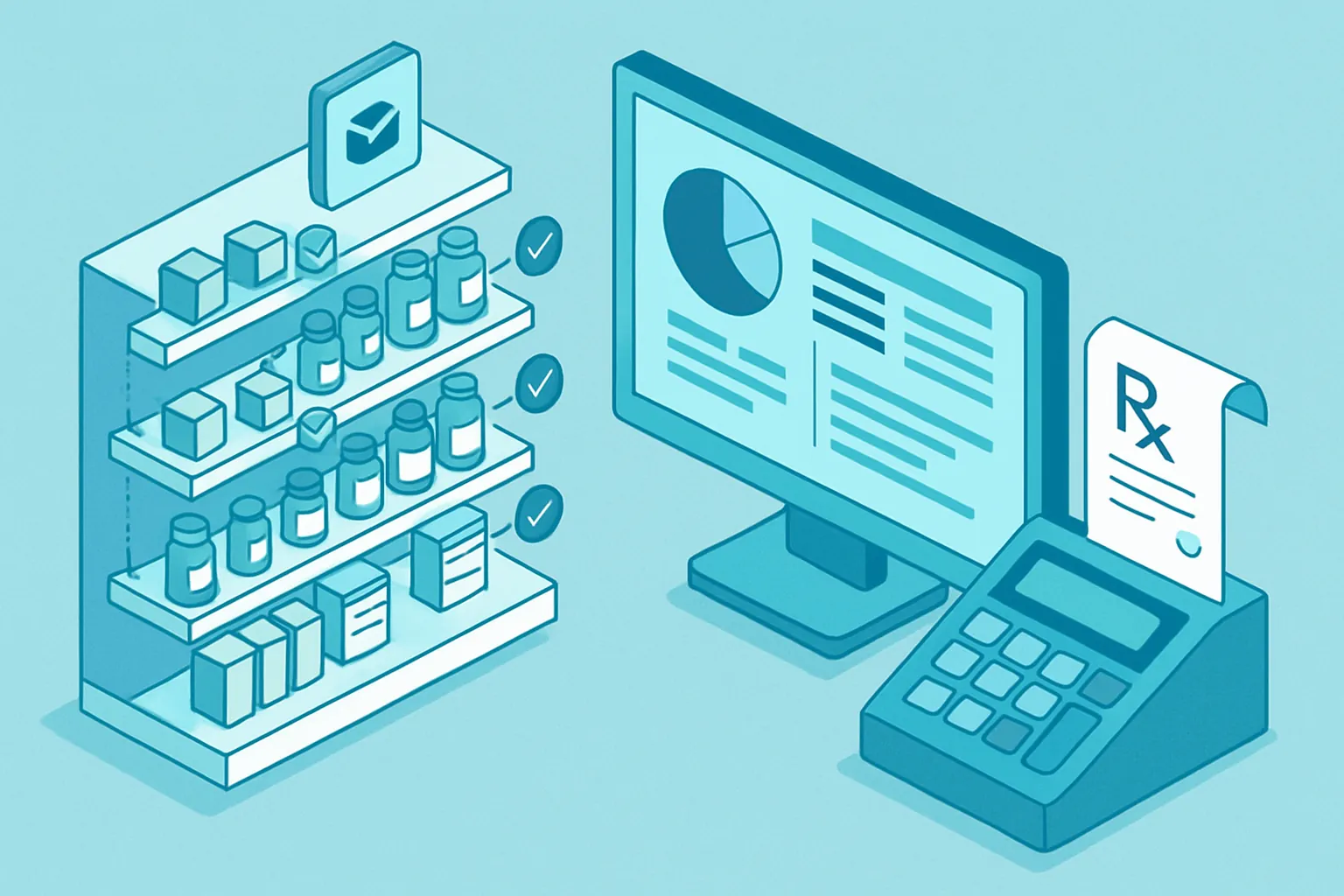
A pharmacy lives and dies by its inventory. Unlike almost any other retail business, every product has an expiration date, many require a prescription or special registration, and a single stockout of a maintenance medication can mean losing a customer for good. Yet a large share of independent pharmacies and small chains in Mexico still run on a generic point-of-sale system that treats a bag of candy the same as a controlled antibiotic, spreadsheets for tracking expiration dates, and a manual inventory count done once a month — by which point it’s too late to act on what it reveals.
The result is a business with already-thin margins losing even more money through three quiet channels: product expiring on the shelf, controlled-medication sales without the traceability regulations require, and purchasing decisions made on gut feeling instead of real turnover data. A custom system connects inventory, point of sale, and prescription control on a single platform, built around how your pharmacy actually operates instead of the generic mold of retail software.
Where the money leaks without anyone noticing
Before automating, it’s worth pinpointing exactly where profitability slips away:
- Expirations discovered too late. Without alerts by batch and expiration date, soon-to-expire stock is spotted on the shelf, not in the system — by which point the only options are writing it off or discounting it at a loss.
- Controlled medications with no digital traceability. Keeping a paper log of who bought what, under which prescription, and in what quantity is slow, error-prone, and weak in the face of an audit.
- Purchasing based on gut feeling. Without turnover reports by product and season, it’s common to over-order what doesn’t sell and run short on exactly what’s most requested.
- Point of sale disconnected from real inventory. A generic POS that doesn’t update in real time with warehouse receipts creates mismatches between what the system says is in stock and what’s actually on the shelf.
No single one of these points looks severe on its own. Together, they explain why a pharmacy with solid foot traffic can keep running on a thin margin year after year.
What a custom pharmacy system includes
1. Inventory with batch and expiration control
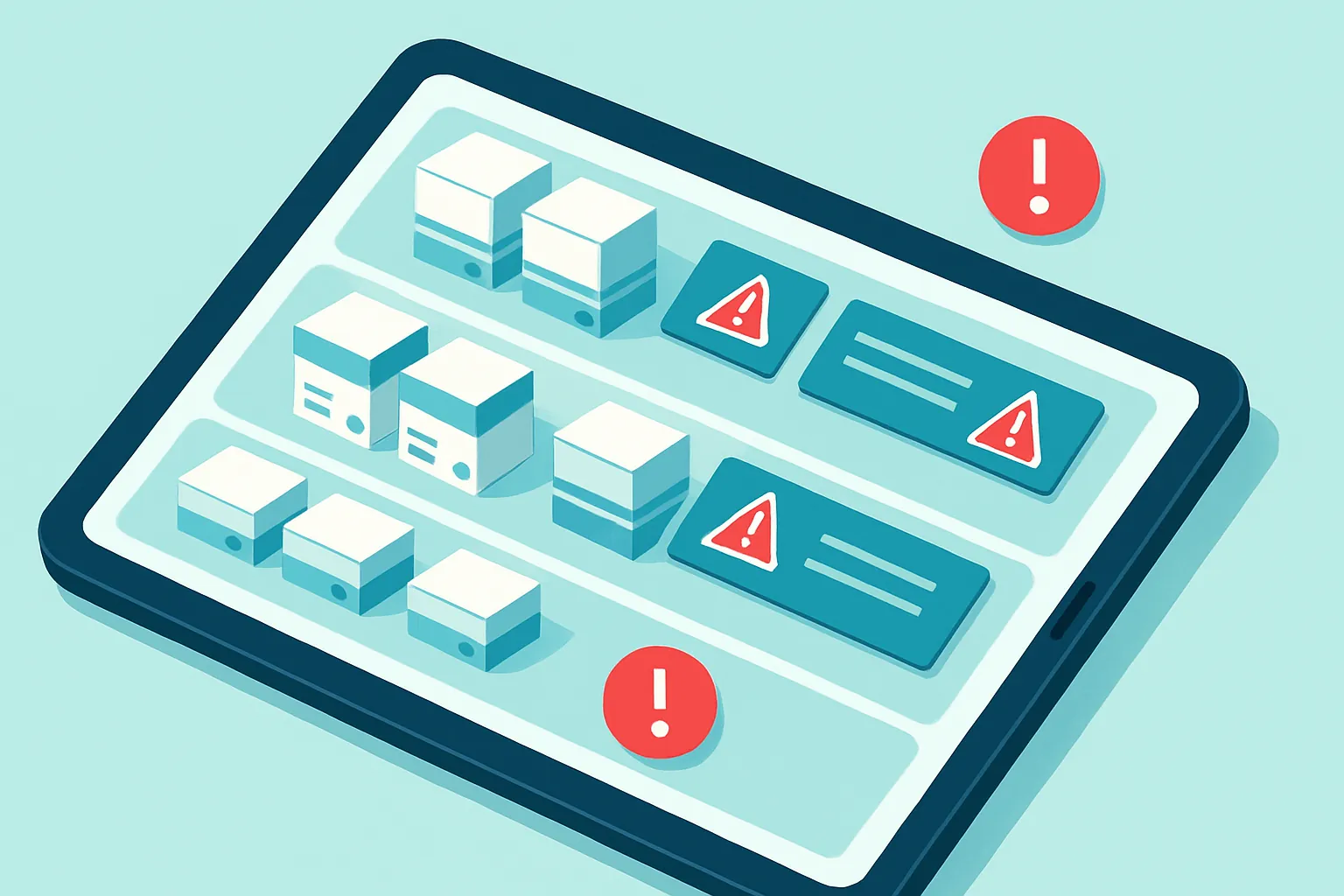
Every product receipt is logged by batch, tied to its expiration date. The system generates automatic alerts weeks before a batch is due to expire, giving the team time to decide between a promotion, transferring stock to another branch, or returning it to the supplier — instead of discovering it when there’s nothing left to do.
2. Prescription control and traceability
For medications that require a prescription or carry special controls, the system logs the prescription number, the prescribing physician, and the patient, permanently linking that sale to its record. This:
- Simplifies compliance during health-authority audits.
- Prevents duplicate sales of the same controlled medication within restricted time windows.
- Gives the pharmacist on duty immediate visibility into dispensing history.
3. Point of sale integrated with inventory
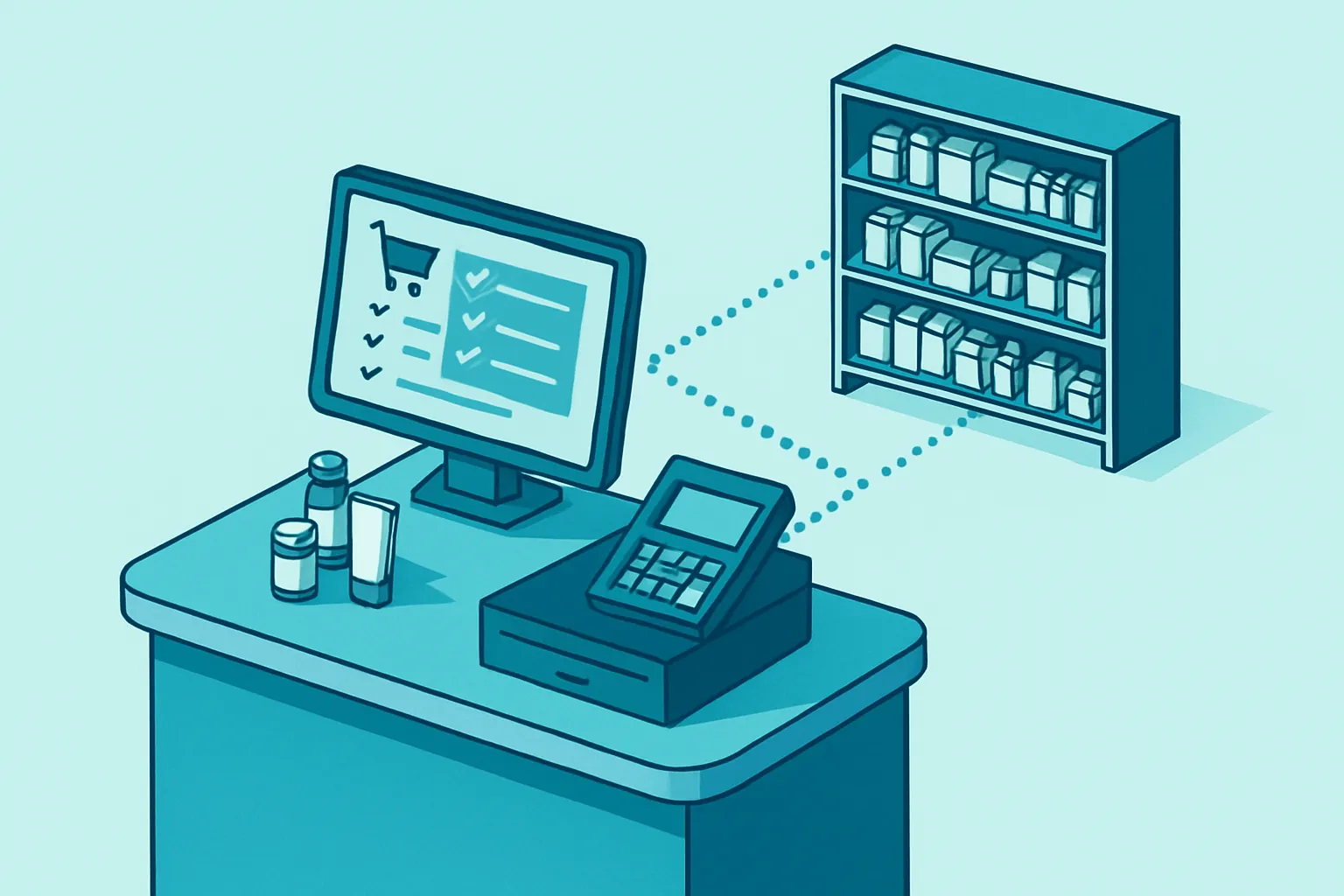
Every sale deducts inventory in real time, by batch, following first-to-expire, first-out logic. The POS automatically recognizes when a product requires a prescription and requests the corresponding information before completing the sale, issuing the electronic invoice from the same transaction.
4. Turnover reports and smart replenishment
With real sales data by product, season, and branch, the system suggests how much and when to restock, avoiding both over-stocking slow-moving products and running short on the most requested medications. The owner or manager gets, in a dashboard, margin by category, upcoming expirations, and each branch’s performance — information that today is usually scattered between the POS, the stockroom, and the manager’s memory.
Why custom instead of generic retail software
Generic point-of-sale systems are built for convenience stores or general retail, not for the regulatory and expiration particularities of a pharmacy. A custom build:
- Understands your real product — batches, expiration dates, and regulatory controls — instead of treating a medication like any other shelf item.
- Integrates what you already use: electronic invoicing, a barcode scanner or scale, and WhatsApp Business API for restock reminders to customers on continuous treatments.
- Grows with you: opening a second or third branch means adding a location to the same system, not buying another license or duplicating processes.
- Eliminates per-register or per-branch fees, which become a hard-to-justify recurring cost for small chains that are expanding.
How to get started
You don’t need to digitize the whole pharmacy at once. The most effective path is usually:
- Map the product categories with the highest expiration losses or the highest regulatory exposure, and start there.
- Connect inventory with point of sale to get, for the first time, a reliable number for what’s actually on the shelf.
- Incrementally add prescription control and replenishment reports, validating with the floor team before scaling to more branches.
A pharmacy that controls batch, expiration, and prescription traceability in a single system doesn’t just reduce losses and regulatory risk: it gives the owner or manager real data to decide what to buy, when to promote, and when to expand — instead of operating on intuition month after month.
Is your pharmacy still tracking expirations in a notebook and ordering by gut feeling? At Kimo Solutions we design custom systems for the pharmacy and health retail sector. Let’s talk about your pharmacy.
Have a project in mind?
Get in touch →