
Custom Manufacturing Software: Real-Time Production Control
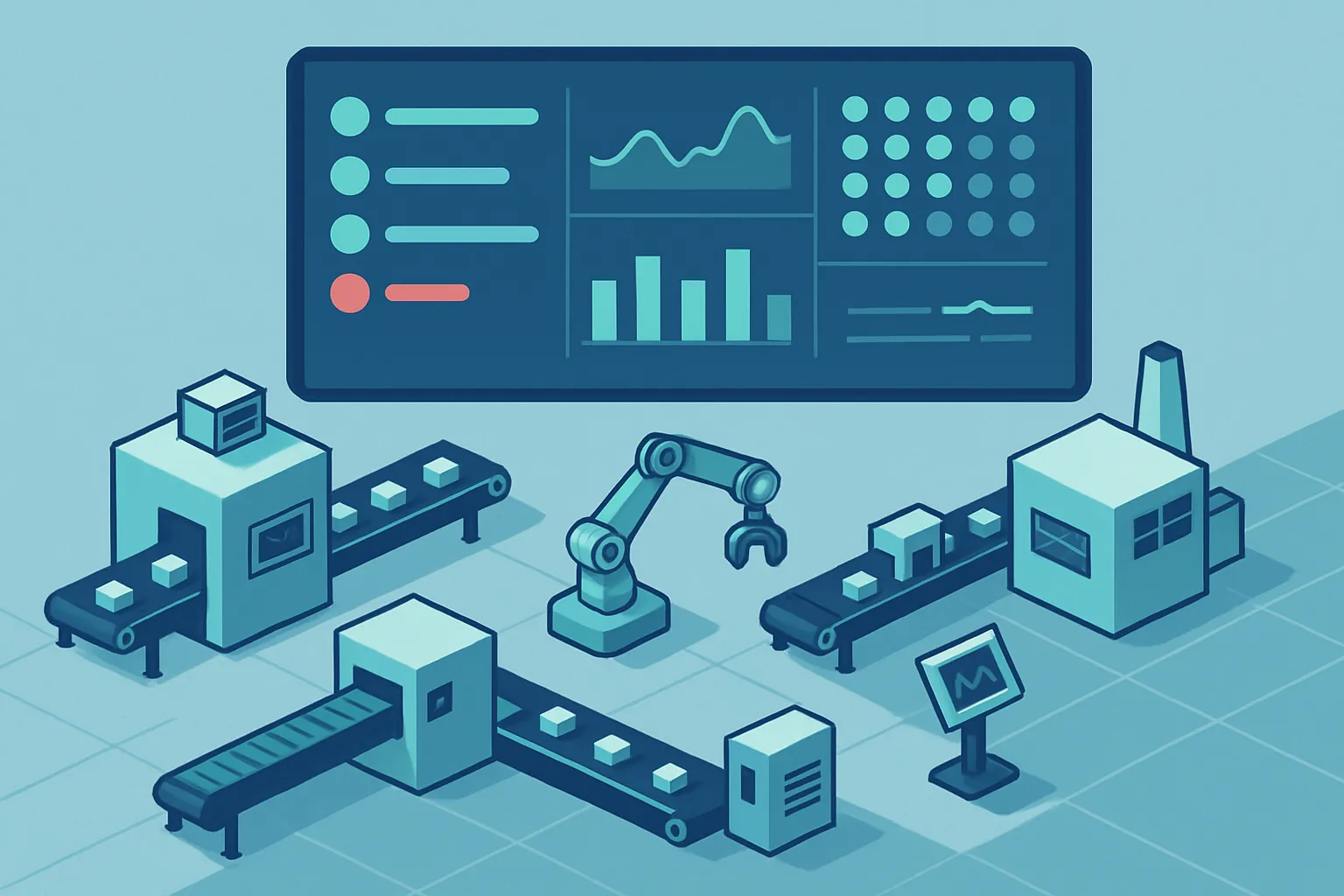
If your plant still runs on a whiteboard, a spreadsheet someone updates “when they get to it,” and a group chat for reporting downtime, you’re not alone. It’s the most common way manufacturing operates — and also the reason nobody knows, at the moment it happens, how much is being lost to an idle machine, an out-of-spec batch, or an operator waiting on materials.
The problem isn’t the people. It’s that shop-floor information lives on paper, radios, and memory, while the decisions that matter — which line to prioritize, which maintenance to move up, which order will ship late — get made on yesterday’s data.
What the lack of real-time visibility actually costs
When production is logged manually and consolidated hours or days later, the company pays a quiet cost every single day:
- Downtime nobody sees in time. A machine idle for 40 minutes gets logged as a “technical issue” in the afternoon report, by which point there’s nothing left to do about it.
- Incomplete traceability. If a customer flags a defective batch, reconstructing which shift, which machine, and which raw material produced it takes hours of digging through paper.
- Estimated, not measured, OEE. Without real data on availability, performance, and quality, any improvement plan starts from a guess.
- Reactive maintenance. Machines get attention after they fail, not when early warning signs pointed to it.
- Delayed management reporting. By the time the weekly report reaches leadership, the problem it shows already cost a full week of production.
What a custom production control system actually is
A system like this — sometimes called an MES (Manufacturing Execution System), but built specifically for your plant instead of bought as a generic package — captures what’s happening on the floor the moment it happens, and turns it into information you can act on.
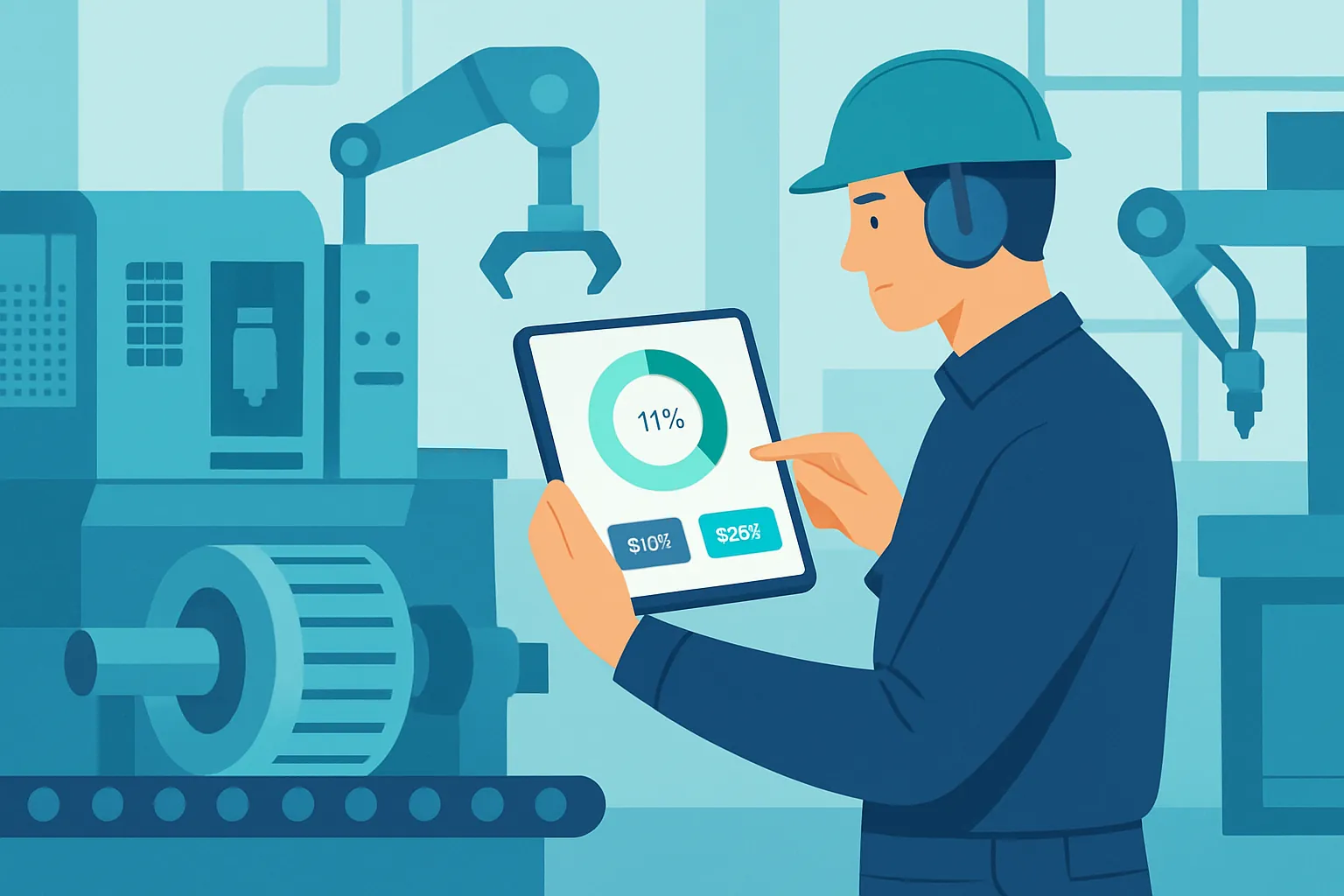
In practice it combines three pieces:
- Shop-floor capture. Tablets or touchscreens on each line where operators log starts, stops, causes, and quantities in two or three taps, without long forms. On lines with newer equipment, this is complemented by sensors or PLCs that report status automatically.
- Real-time consolidation. All of that information flows into a central dashboard where supervisors and management see, live, which line is running, which is stopped, and why.
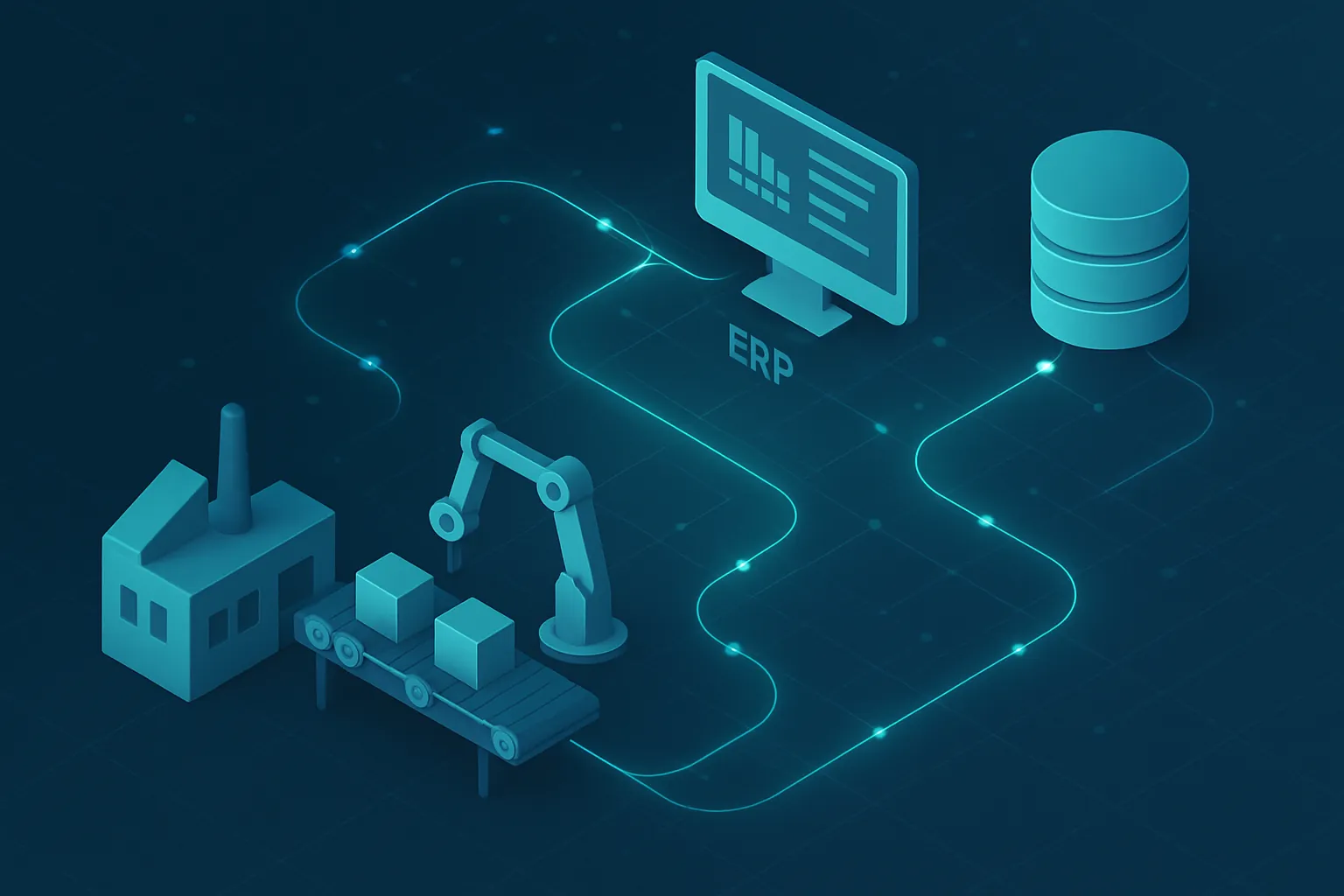
- Integration with what you already use. The system connects to your ERP or inventory control so production orders, raw material consumption, and actual progress stay in sync, with no double entry.
Benefits you notice in the first quarter
Companies don’t take this step because it’s trendy — they take it because the return is measurable:
- Reduced downtime by catching and addressing stoppages in minutes, not in the next day’s report.
- Full traceability of batch, shift, machine, and operator for audits, certifications, and customer claims.
- Real OEE, calculated automatically, showing where the actual loss is: availability, speed, or quality.
- Predictive maintenance, prioritizing the machines with the most stoppages or deviations before they fail outright.
- Floor-to-leadership decisions in minutes, not days, because the same data feeds both the supervisor’s dashboard and the director’s report.
How to start without stopping the operation
You don’t need to digitize the entire plant at once. The approach that works best is:
- Short diagnostic. Identify the line or process where downtime and lack of traceability hurt the most.
- Pilot on one line. Implement capture and dashboard there first, validate with real operators, and adjust before scaling.
- Progressive integration. Connect the pilot to your ERP, inventory, or maintenance systems once the basic flow works well.
- Plant-wide rollout. Replicate the validated model across the rest of the lines, with whatever adjustments each one needs.
This approach avoids the most common mistake: buying a giant generic MES that nobody ends up using because it doesn’t match how your plant actually works.
Custom software as a manufacturing advantage
Every plant has its own mix of machines, shifts, products, and constraints. A system built specifically for your operation — not a generic template — reflects that reality from the design stage: the same stoppage codes your operators already use, the same units of measure for your product, the same line-and-shift hierarchy your organization already has.
That’s exactly what we do at Kimo Solutions: we build custom production control systems that integrate with your ERP, your machinery, and the way you actually operate, so real-time visibility stops being a pending project and becomes the normal way your plant works.
Is your plant still running on a whiteboard and spreadsheets? Let’s talk about your production process and see how quickly you can get real visibility into what’s happening on the floor.
Have a project in mind?
Get in touch →