
Custom Legal Practice Management Software: Cases, Documents, and Billing in One System

A law firm — whether it’s two partners or thirty attorneys — lives or dies by two things: never missing a filing deadline, and billing every hour it actually worked. Yet at most firms, that critical information is still scattered across physical case files, a billable-hours spreadsheet, email threads with different versions of the same contract, and a calendar or notebook where someone jots down deadlines by hand.
While the firm is small, this informal system holds up. But as the caseload grows, new practice areas open, or additional offices come online, the real risks start showing up: a filing deadline missed because nobody had it on their radar, hours worked that never get billed because they were scribbled on a sticky note that got lost, or a client asking for a case update that nobody can answer without calling three different people.
Custom legal practice management software isn’t a generic CRM or a shared calendar template. It’s a platform built around how your firm actually works: your practice areas, your billing rules per client, and how you track a matter from intake to close.
Signs your firm already needs its own system
This problem rarely shows up all at once — it builds up until several of these signals line up:
- Deadlines that depend on memory. Filing dates, extensions, and hearings living in each attorney’s personal calendar, with no alert or backup if that person is out.
- Case files scattered everywhere. Documents, filings, and evidence spread across physical folders, individual attorneys’ inboxes, and shared drives with no version control.
- Billable hours slipping through the cracks. Real work that doesn’t get logged on time — or ever — because entering it into a spreadsheet is tedious and keeps getting pushed off.
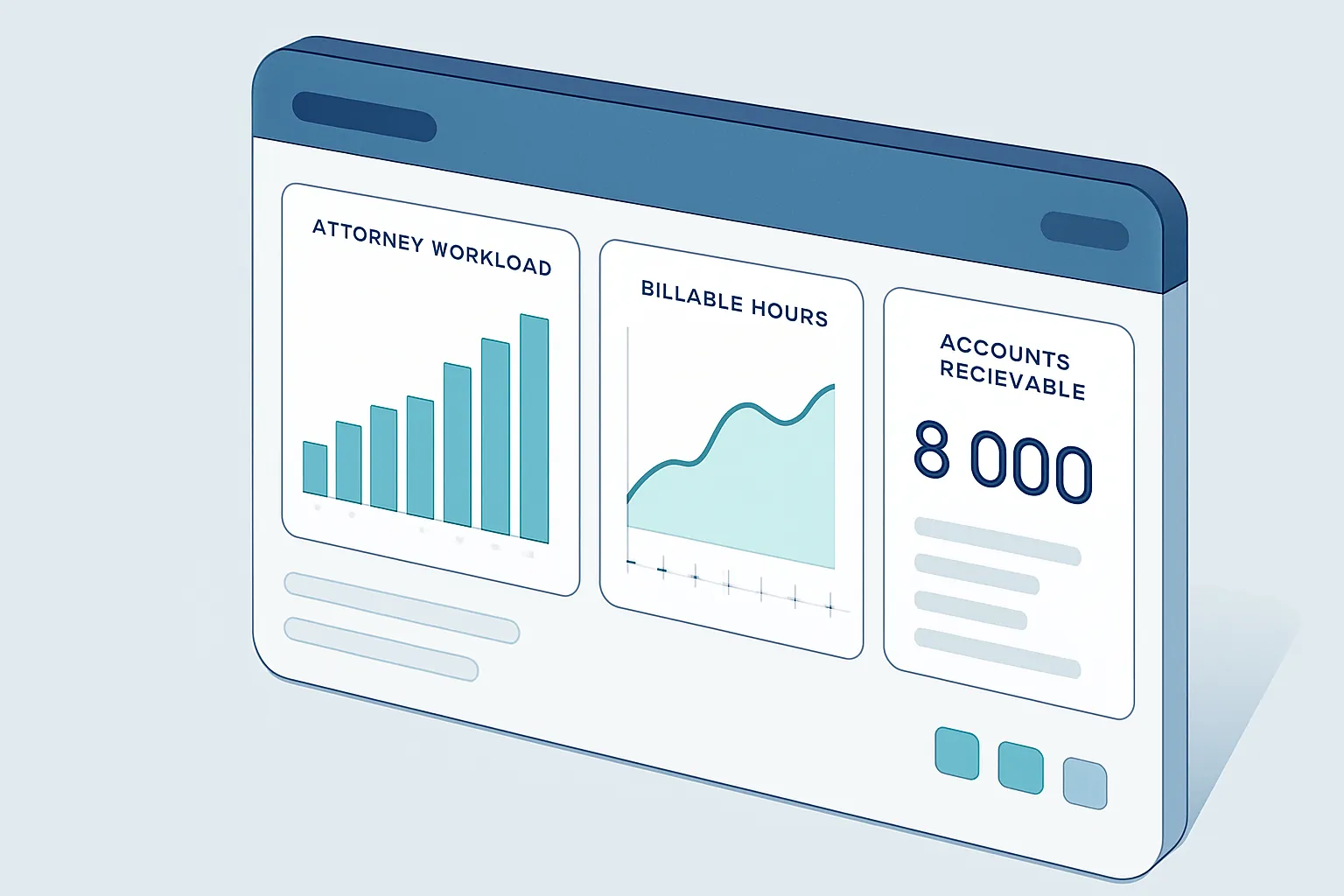
- Zero visibility for partners. No single place shows workload per attorney, the status of every matter, or which clients are past due on payment.
- Clients ask, and nobody answers fast. Giving a case status update means digging through multiple systems and calling back hours later.
Each of these signals means lost billable hours — and in the worst case, a missed deadline with legal consequences for the client and reputational ones for the firm.
Why generic tools fall short
There are international “practice management” platforms, and plenty of firms bend a generic CRM to fit. They solve the surface-level problem — a shared calendar, a contact list — but rarely handle what’s specific to legal practice: computing deadlines correctly by procedure type, mixed billing models (flat fee, monthly retainer, hourly), conflict-of-interest checks between clients, or the relationship between a case file and the multiple matters a single client might have open.
The result, again, is a firm running three or four tools that don’t talk to each other: a calendar, a shared drive folder, a time-tracking spreadsheet, and a separate invoicing system.
What a well-built legal system includes
A custom system is designed around your practice areas and your actual workflow. In practice, this usually means:
- Case file management, with documents, filings, and evidence centralized, version-controlled, and access-gated by role within the firm.
- Deadline calendar with automatic alerts, computed by procedure type, with staggered reminders and visibility for the whole case team — not just the attorney of record.
- Billable-hours tracking, captured from phone or desktop at the moment the work happens, linked directly to the case and the client.
- Flexible client billing, whether hourly, flat fee, or monthly retainer, with aging reports and automatic pending-payment alerts.
- A client portal, where clients can check case status and shared documents without calling the firm.

The ROI, in concrete terms
Legal practice management is a project where the payoff is easy to measure because it hits the firm’s revenue directly:
- More billed hours, by capturing work as it happens instead of reconstructing it from memory at the end of the week.
- Zero missed deadlines, thanks to automatic alerts and team-wide visibility instead of relying on one person.
- Faster collections, with clear reporting on which clients are approaching or past their payment due date.
- Less administrative overhead, by not entering the same information into a calendar, a spreadsheet, and a separate billing system.
- A better client experience, which drives retention and referrals — the real growth engine of any firm.
For a mid-sized firm, recovering just a few billable hours per attorney per week — and eliminating the risk of a missed deadline — usually pays for the project within a few months.
How we approach it at Kimo Solutions
We don’t start from a generic “case management” template. We start by understanding your practice areas, how you compute deadlines, how you bill each type of client, and the business rules you already follow today — even if they only live in your most experienced partner’s head. From there, we design a system tailored to your firm, starting with whichever module is causing the most risk or friction today — deadlines, case files, or billing — and expanding in phases.
The result is a firm where case files, deadlines, and billing live in one place, and where your team stops losing billable hours — and sleep — over a deadline that might slip through the cracks.
If your firm is still running on folders, spreadsheets, and personal calendars, there’s a better way to organize it. Let’s talk about your firm and figure out where to start.
Have a project in mind?
Get in touch →