
Custom HR & Payroll Software: How to Stop Losing Hours on Manual Processes
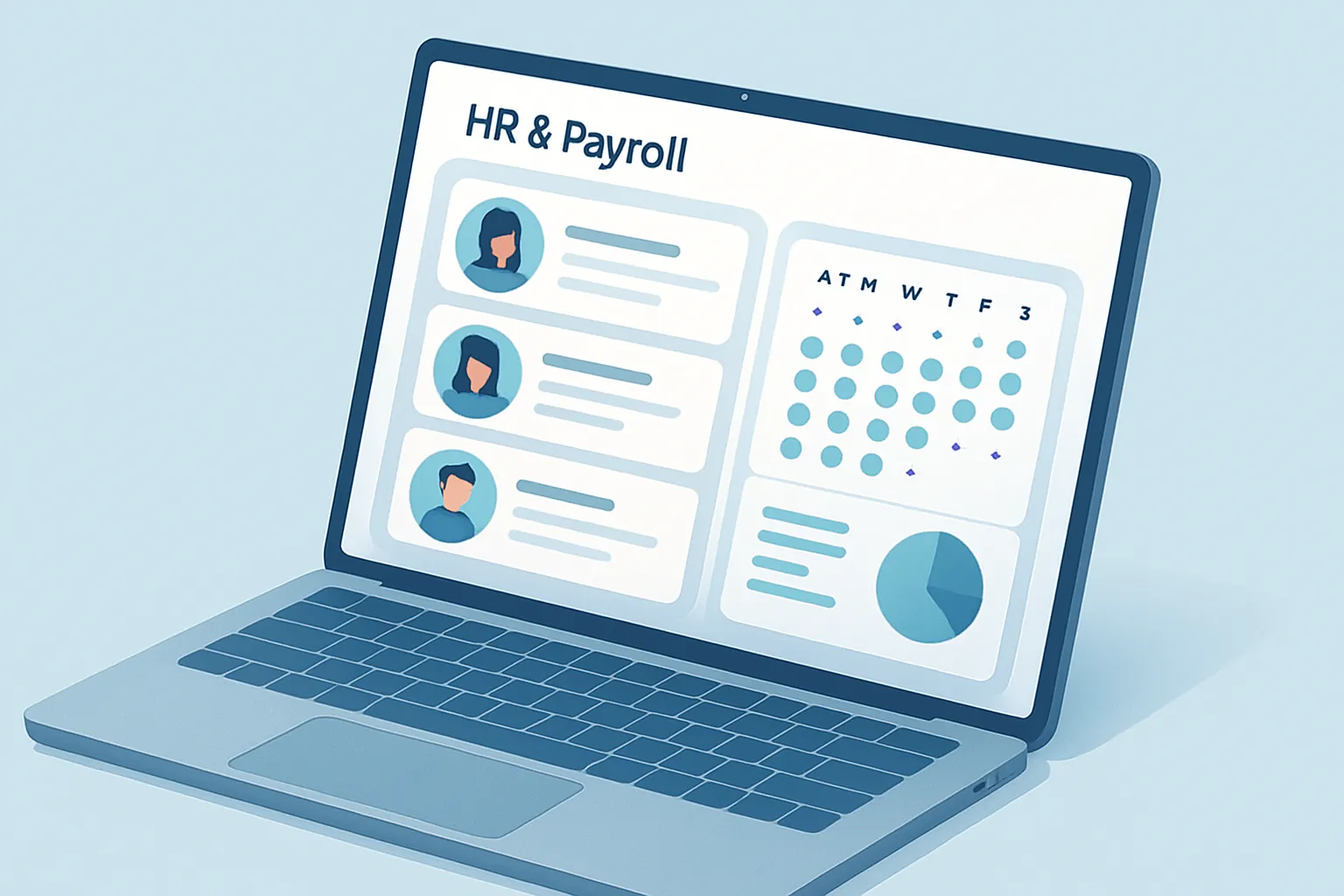
Payday is three days away and HR is still chasing down exceptions: a leave request that came in over WhatsApp and nobody logged, an absence a supervisor reported late, a medical note that arrived as a PDF and now has to be typed in by hand. Meanwhile, someone is scrolling row by row through a two-hundred-line spreadsheet to make sure no employee got left out of the calculation. If something slips through, it is not a small mistake: it is an employee who does not get paid on time, or a company exposed to a payroll compliance fine.
This scene repeats itself in thousands of companies every pay period. Not because the HR team does not know how to do its job, but because it is holding up processes that outgrew the tools supporting them: spreadsheets, shared folders, and loose messages nobody centralizes.
Signs your HR and payroll process is already costing you money
You do not need an elaborate diagnosis. If more than one of these sounds familiar, you are losing time and money every single month:
- Exceptions (absences, leave requests, overtime) get reported over chat or verbally, and someone has to remember and manually log them before payroll can be calculated.
- A single employee’s data lives in several places — one spreadsheet for attendance, another for payroll, a third for vacation days — none of which stay in sync with each other.
- Running payroll takes days, not hours, and depends on one or two specific people being available that week.
- Verifying compliance with labor authorities and current regulations means manual reviews that eat time and still leave room for human error.
- Employees have no way to check their own pay stubs, vacation balance, or history without messaging HR directly.
When people management depends on the memory of a couple of employees and a handful of loose files, every new hire does not add efficiency — it adds more administrative load to the same bottleneck.
What custom HR and payroll software actually solves
Off-the-shelf payroll platforms exist, but most are built around a generic labor model and do not reflect how your company actually operates: your shift patterns, your commission schemes, your role-specific benefits, or your internal approval rules. A custom system is built around those rules, not the other way around. Specifically, it solves:
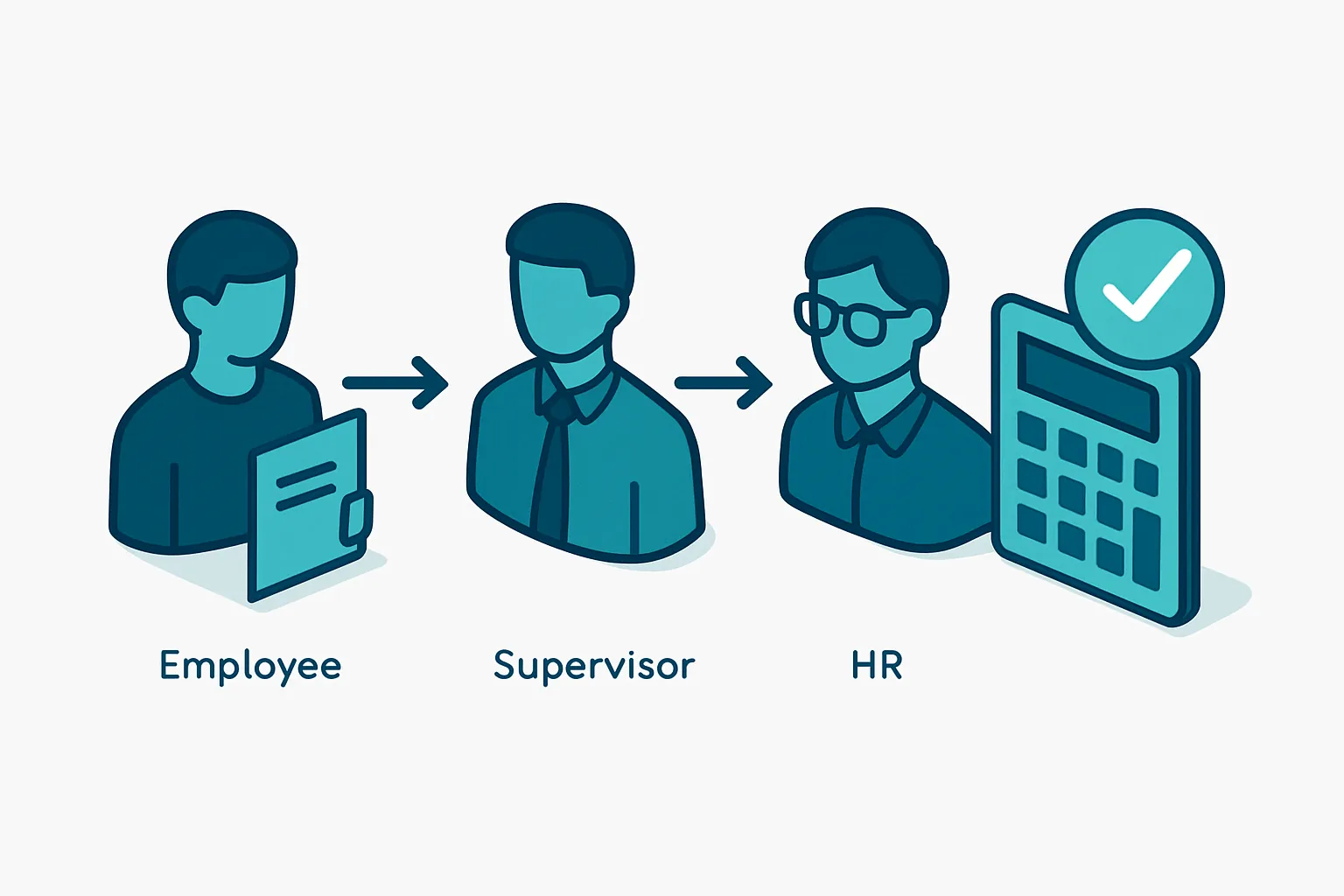
- A single place to capture exceptions, with clear approval flows (employee requests, supervisor approves, HR validates) instead of messages scattered across channels.
- Automatic payroll calculation based on attendance, exceptions, and pre-configured compensation schemes, cutting down repetitive manual work every pay period.
- One digital record per employee, with history, documents, vacation days, and earnings always up to date and accessible to whoever needs them.
- Compliance alerts for payroll tax deadlines, filings, and contract or documentation expirations.
- A self-service portal where each employee can check their pay stub, request vacation, or review their remaining days off, without generating a queue of questions for HR.
None of this requires replacing everything you already use overnight. The usual starting point is whichever module causes the most pain today — typically exception capture or payroll calculation — and from there it connects with what you already have: your accounting system, your time tracking, or your ERP.
The impact shows up in hours saved, errors avoided, and lower legal risk
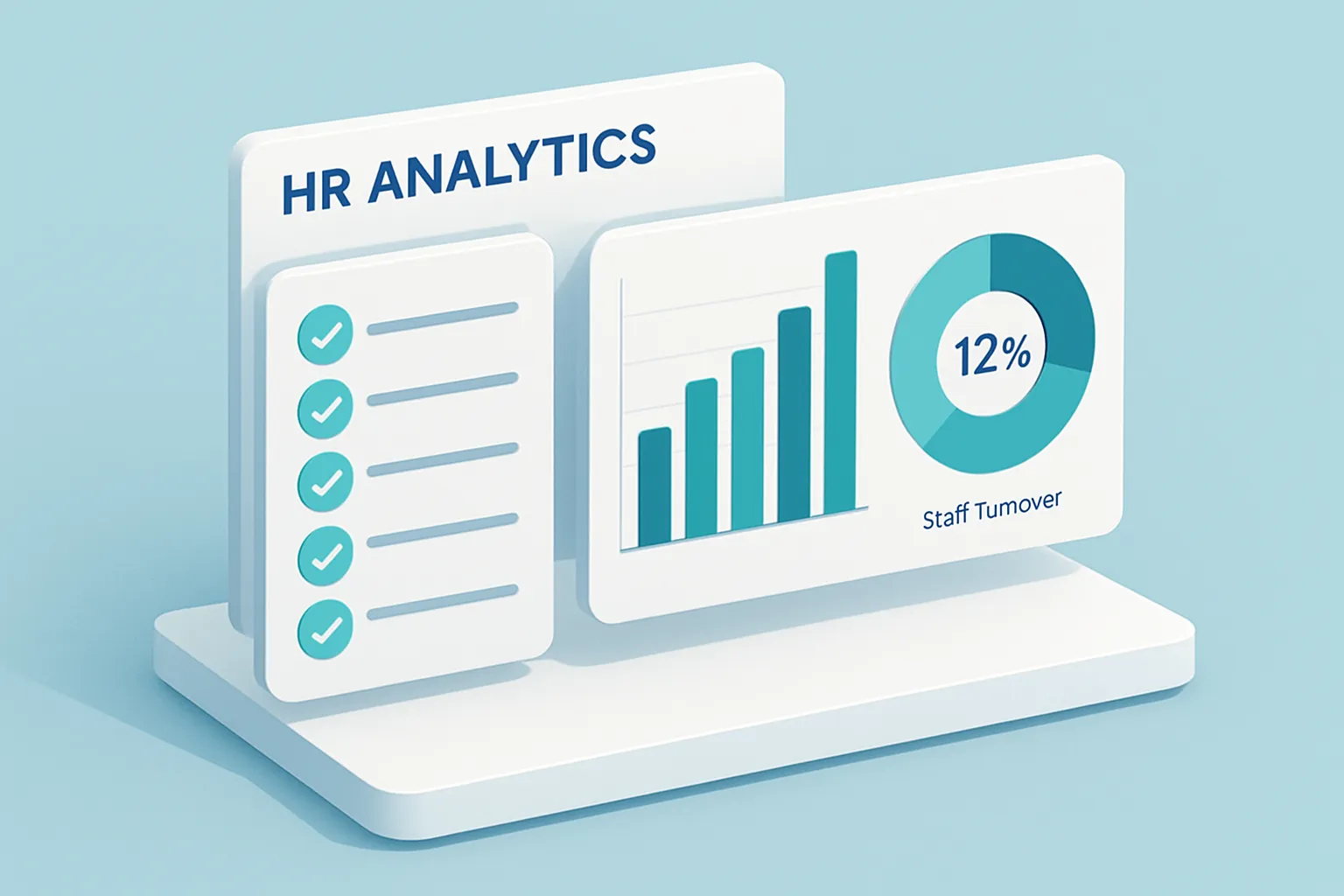
The return on custom HR and payroll software is not abstract; it shows up in three numbers any HR manager can track:
- Fewer hours spent capturing and verifying data every pay period, freeing up the team for higher-value work like retention and talent development.
- Fewer pay errors, because the calculation starts from rules configured once, not formulas recreated by hand every period.
- Lower exposure to fines and audit findings, thanks to full traceability of exceptions, payments, and regulatory compliance.
For companies that have already grown past fifty or a hundred employees, these three points stop being a nice-to-have and become a condition for continuing to grow without HR turning into a bottleneck. Every pay period that runs without a scramble is time the team gets back to focus on people, not paperwork.
Automating payroll and HR management does not mean taking judgment away from the human team; it means giving them a reliable base of information so their decisions — on compensation, absenteeism, or team growth — are made with real data instead of memory and goodwill.
Is your HR team still assembling payroll by hand every pay period? Let’s talk, no strings attached and figure out together where to start automating your people management.
Have a project in mind?
Get in touch →