
Custom Help Desk Software: How to Resolve Tickets Faster and Meet Your SLAs
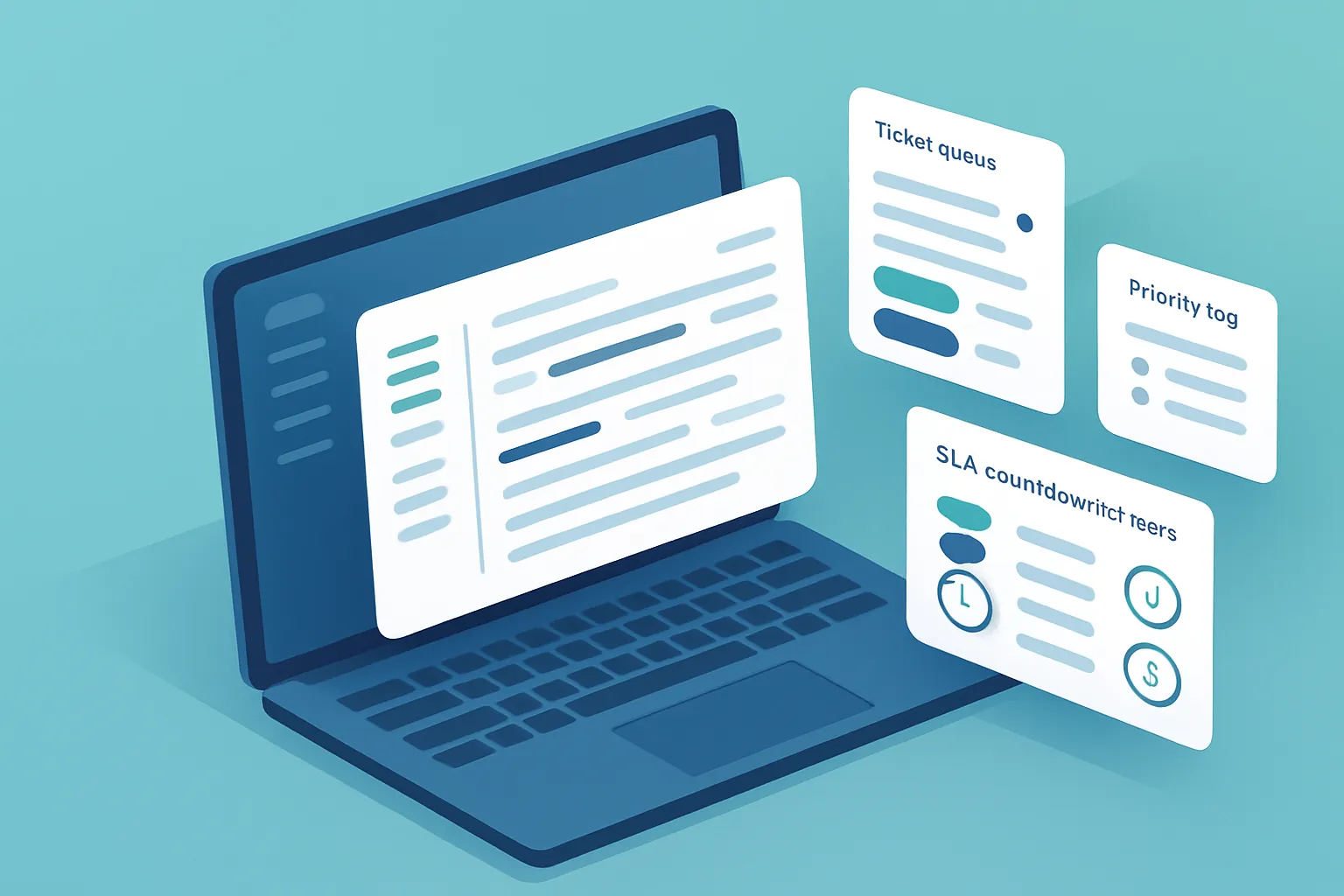
A customer emails asking for support. Another calls with the exact same issue. A third one reports it over WhatsApp to a salesperson, who forwards the message to someone in IT “to take a look when they get a chance.” Three channels, three different histories, and nobody in the company can say with certainty how many tickets are open today or which ones have been waiting the longest.
That’s still how many internal support and customer service teams operate: without a real help desk, relying on the team’s memory and email threads that get buried. The result isn’t just disorganization — it’s unhappy customers, SLAs breached before anyone notices, and a support team that spends its day firefighting instead of resolving issues in an orderly way.
The signs your support process can’t keep up
The problem rarely shows up all at once. It builds until these situations are already part of the daily routine:
- Tickets lost between channels. One request comes in by email, another by chat, another verbally, and nobody brings them together in one place to track.
- Nobody knows what’s pending. Without a central board, an urgent ticket can end up buried behind ten low-priority ones.
- SLAs that only exist on paper. The company promised a 4-hour response and a 24-hour resolution, but nobody measures in real time whether that’s actually happening.
- Blind reassignments. A ticket gets passed from one person to another over email, with no context, and the customer has to explain their problem from scratch.
- Zero visibility for the customer. The customer has no way to check the status of their request, so they call or email again, duplicating the work.
Each symptom looks manageable on its own. Together, they erode customer trust and burn out a support team that never sees the bottom of the pile.
Why email and spreadsheets aren’t enough
A shared inbox can receive requests, but it doesn’t prioritize them, assign them by specialty, or warn you when a ticket is about to breach its SLA. A spreadsheet tracking case status works for a couple of weeks, until volume grows and updating it by hand becomes more work than resolving the tickets themselves.
Generic ticketing tools, for their part, tend to impose categories, fields, and workflows built for an average use case that isn’t yours. You end up paying for features you don’t use and adapting your operation to software that doesn’t understand how your incidents actually get classified — whether that’s technical support, warranty claims, maintenance requests, or commercial inquiries.
What a well-built help desk system includes
A custom system is designed around how your team actually classifies, assigns, and escalates tickets. In practice, this usually includes:
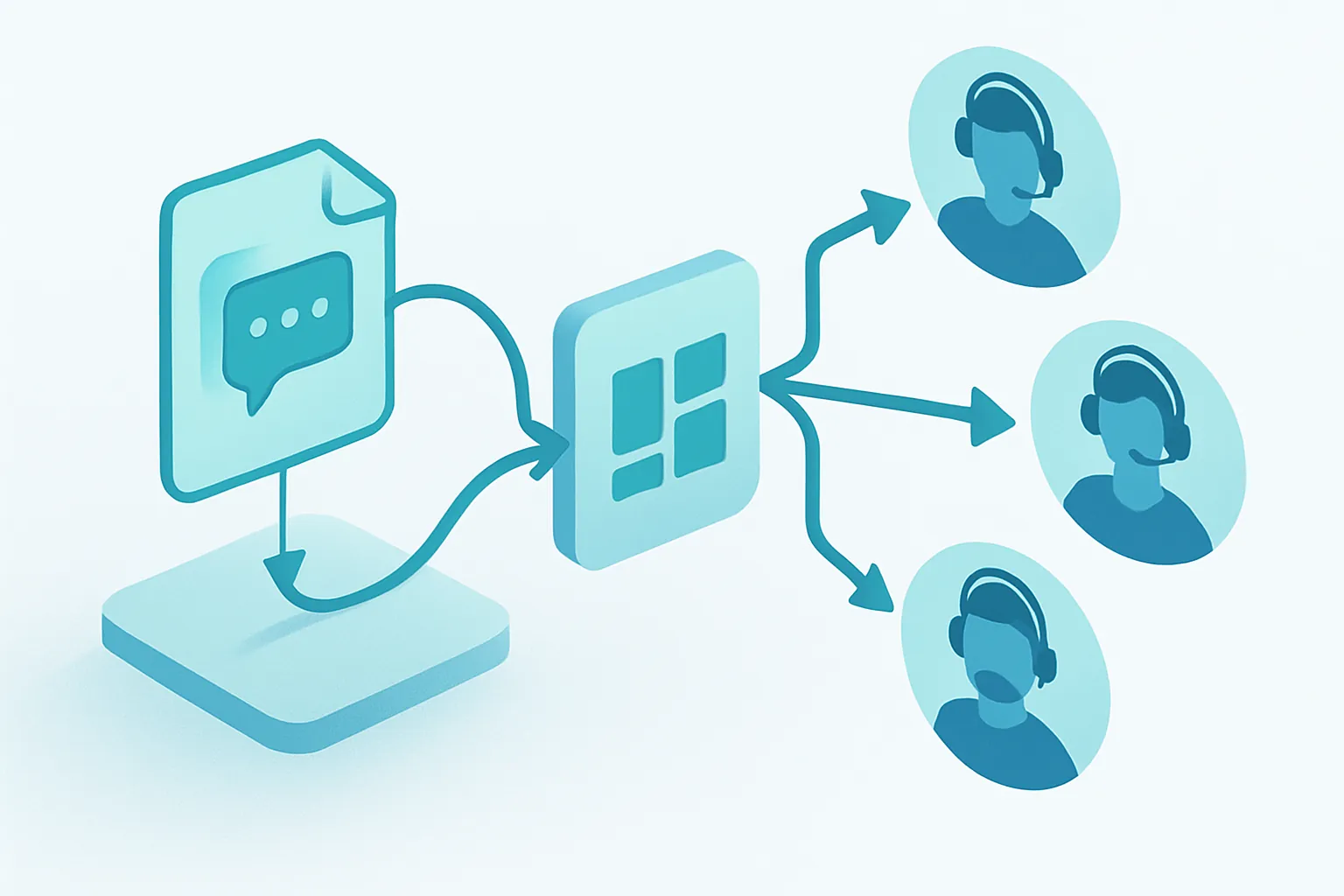
- A unified inbox, where email, web forms, WhatsApp, and internal chat all converge into a single ticket list, regardless of the originating channel.
- Automatic routing, that assigns each ticket to the right team or person based on category, product, or urgency — without relying on someone to forward it manually.
- Visible SLAs with alerts, with countdown timers that warn before a ticket breaches its committed response or resolution time.
- Clear prioritization, so a critical ticket never gets buried behind minor requests.
- A customer-facing tracking portal, where they can check their request’s status without having to call and ask.
- An internal knowledge base, that surfaces already-documented solutions for recurring issues and speeds up first-contact resolution.
The return on investment, in concrete terms
The cost of a disorganized help desk doesn’t show up in a single line item — it’s spread across several:
- Faster first response times, thanks to automatic routing instead of manual reassignments.
- Fewer SLA breaches, with alerts that flag the problem ahead of time instead of finding out after the customer complains.
- Fewer repeat calls, because customers can check their ticket’s status on their own.
- Better use of the support team, by distributing workload based on actual specialty and availability, not on who answered the email first.
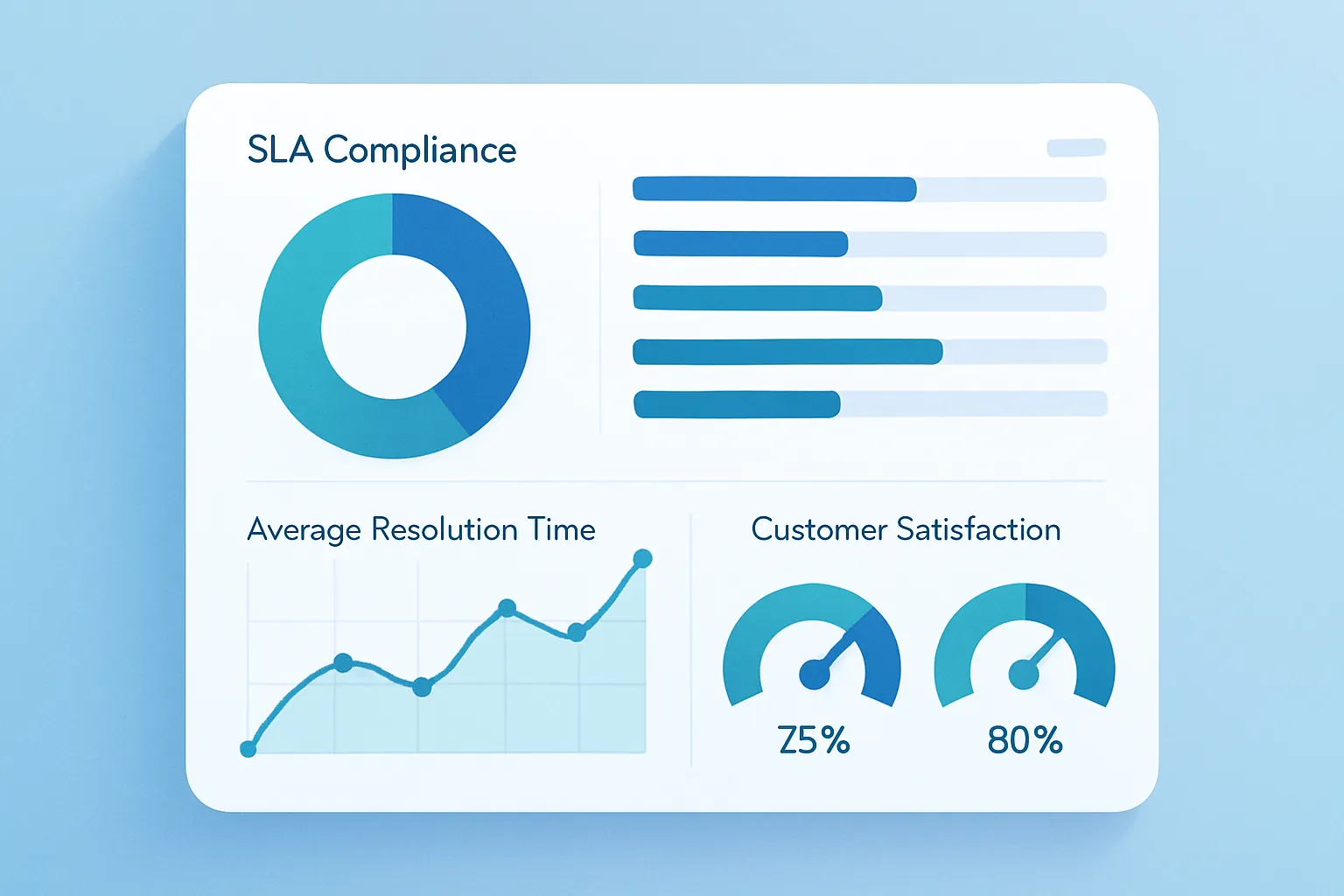
- Data-driven decisions, with reports on volume, average resolution times, and recurring issues that used to live only in the team’s gut feeling.
For a company handling dozens or hundreds of tickets a week, cleaning up this process usually translates into fewer frustrated customers walking away and a support team that stops operating in constant emergency mode.
How we approach it at Kimo Solutions
We don’t start from a generic ticketing template. We start by understanding how cases are classified and escalated in your company today — what request types exist, which teams handle them, and what SLAs you’ve committed to with your customers or internal areas — even if that process currently lives scattered across emails, WhatsApp, and a couple of people’s memory. From there we design a system built around your real support operation, starting with the module that solves the most urgent pain point — a unified inbox, automatic routing, or SLA alerts — and growing in phases toward the customer portal and executive reporting.
The result is a help desk your team actually uses, because finding and resolving a ticket there is simpler than digging through email.
If your support team still finds out about problems after the customer has already complained, there’s a better way to catch them early. Let’s talk about your support operation and figure out where to start.
Have a project in mind?
Get in touch →