
Custom Fleet Management Software: How to Control Vehicles, Maintenance, and Drivers in One System
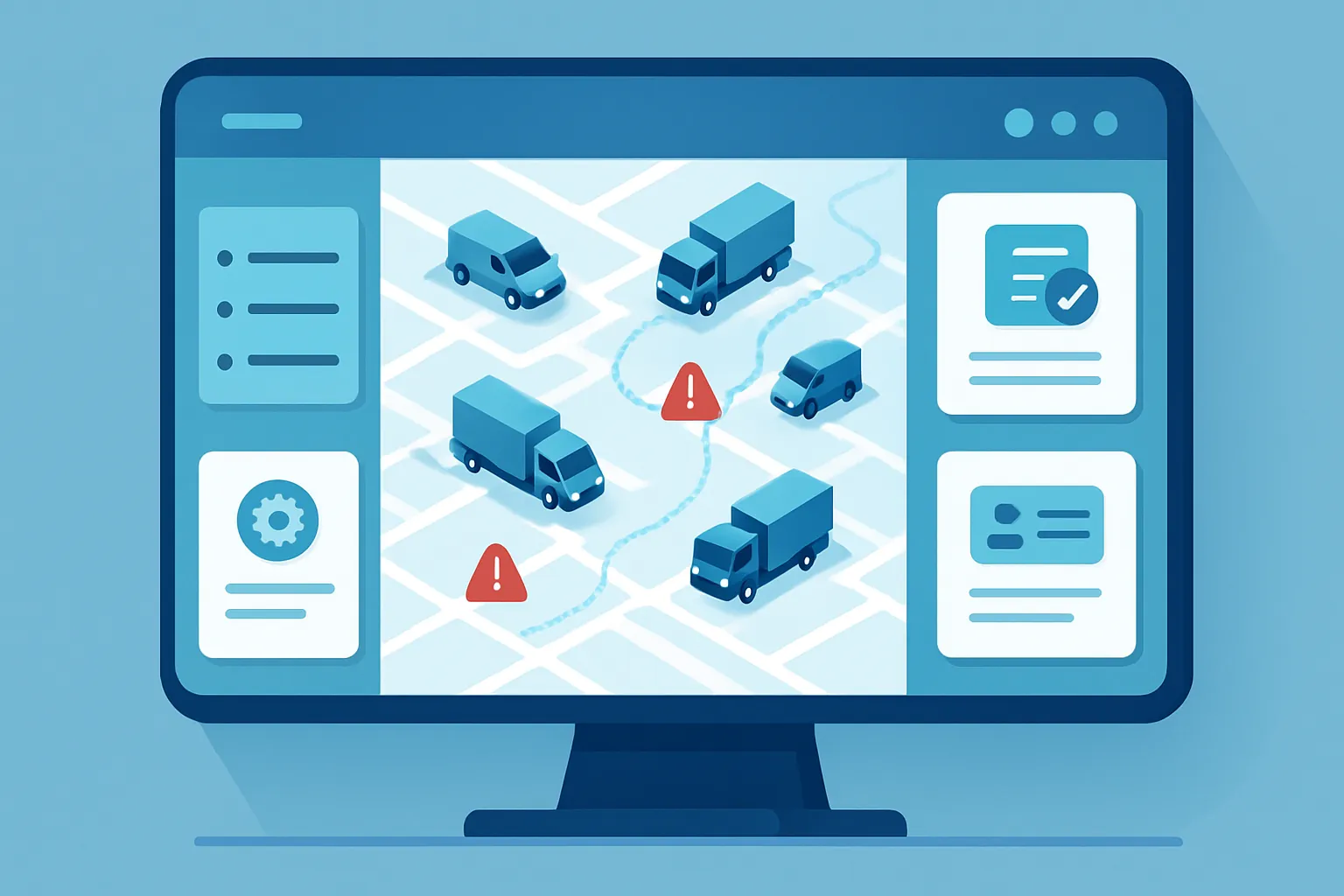
Any company that depends on vehicles — delivery vans, field service units, sales cars on the road, cargo trucks — faces the same challenge as the fleet grows: every unit generates information someone has to track by hand. When the next oil change is due, when the insurance policy expires, when the vehicle is due for inspection, who has it checked out today, how much it spent on fuel this week. In most companies this information lives scattered across paper logbooks in the glove box, WhatsApp chats with the maintenance person, and a spreadsheet someone updates when they remember to.
The result is predictable: units stranded by maintenance nobody scheduled in time, expired insurance or inspection stickers discovered only when the fine arrives, and drivers whose vehicle assignment and handoff condition nobody can confirm with certainty. When a unit breaks down mid-route, the cost isn’t just the repair — it’s the customer who didn’t get their delivery, the technician who missed the appointment, the sale that was lost.
A custom system centralizes every vehicle’s status, maintenance, documents, and assigned driver in one place, so the operation stops depending on someone remembering to check a notebook.
Where fleet control breaks down
- Reactive maintenance instead of preventive. Without automatic alerts by mileage or date, units get serviced only after they’ve already failed, which costs more and creates downtime that could have been avoided.
- Expired documents discovered too late. Insurance, inspection, registration, or a driver’s license lapse without anyone noticing, until a fine shows up or, worse, a vehicle is pulled out of service at the worst possible moment.
- Nobody knows for certain who has each unit. Without a formal, traceable assignment, it’s hard to tell who last used a vehicle when a dent, a mechanical issue, or a lost item turns up.
- Fuel and parts spending with no control per unit. Without a per-vehicle record, there’s no way to tell if a specific unit is burning more fuel than it should, or whether its maintenance cost no longer justifies keeping it versus replacing it.
Each of these points translates directly into money leaking out unnoticed — not an abstract “organization” problem.
What a custom fleet management system includes
1. Preventive and corrective maintenance log
Every vehicle has its own history: services performed, mileage, parts used, and the next scheduled maintenance. The system generates automatic alerts before the mileage or date threshold is reached, so service gets scheduled ahead of time instead of reacting after the unit has already failed.
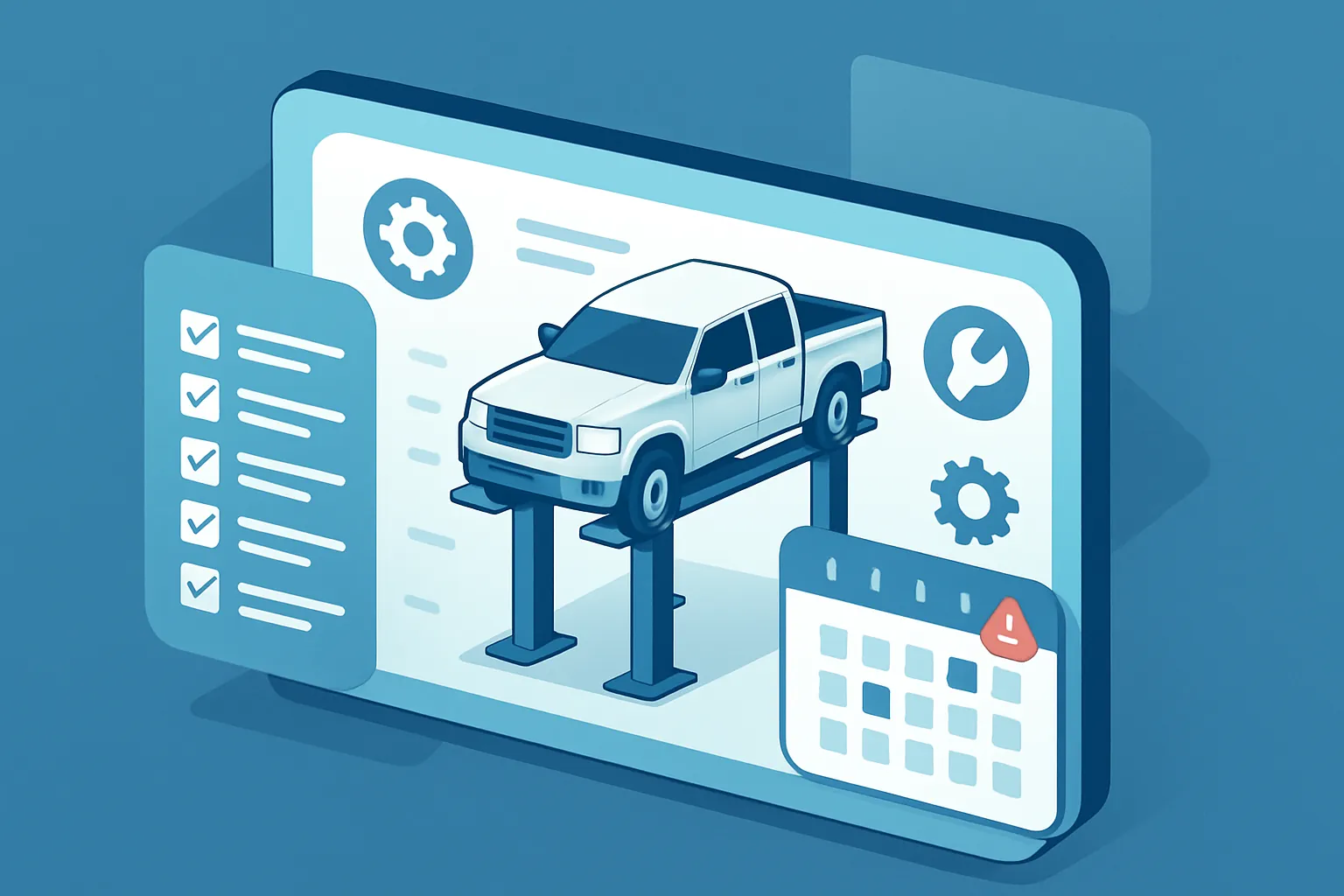
- Full history per unit, accessible from any device — not just the notebook the driver carries.
- Automatic alerts by mileage, hours of use, or date, instead of relying on someone manually checking every vehicle.
- Accumulated maintenance cost per unit, to decide with real data when to repair and when to replace.
2. Document and compliance tracking
Insurance, registration, vehicle inspection, and driver licenses are logged with their expiration dates, and the system warns weeks in advance before any of them lapse. This avoids fines, units taken out of service over expired paperwork, and drivers operating without a valid license.
3. Driver assignment and traceability
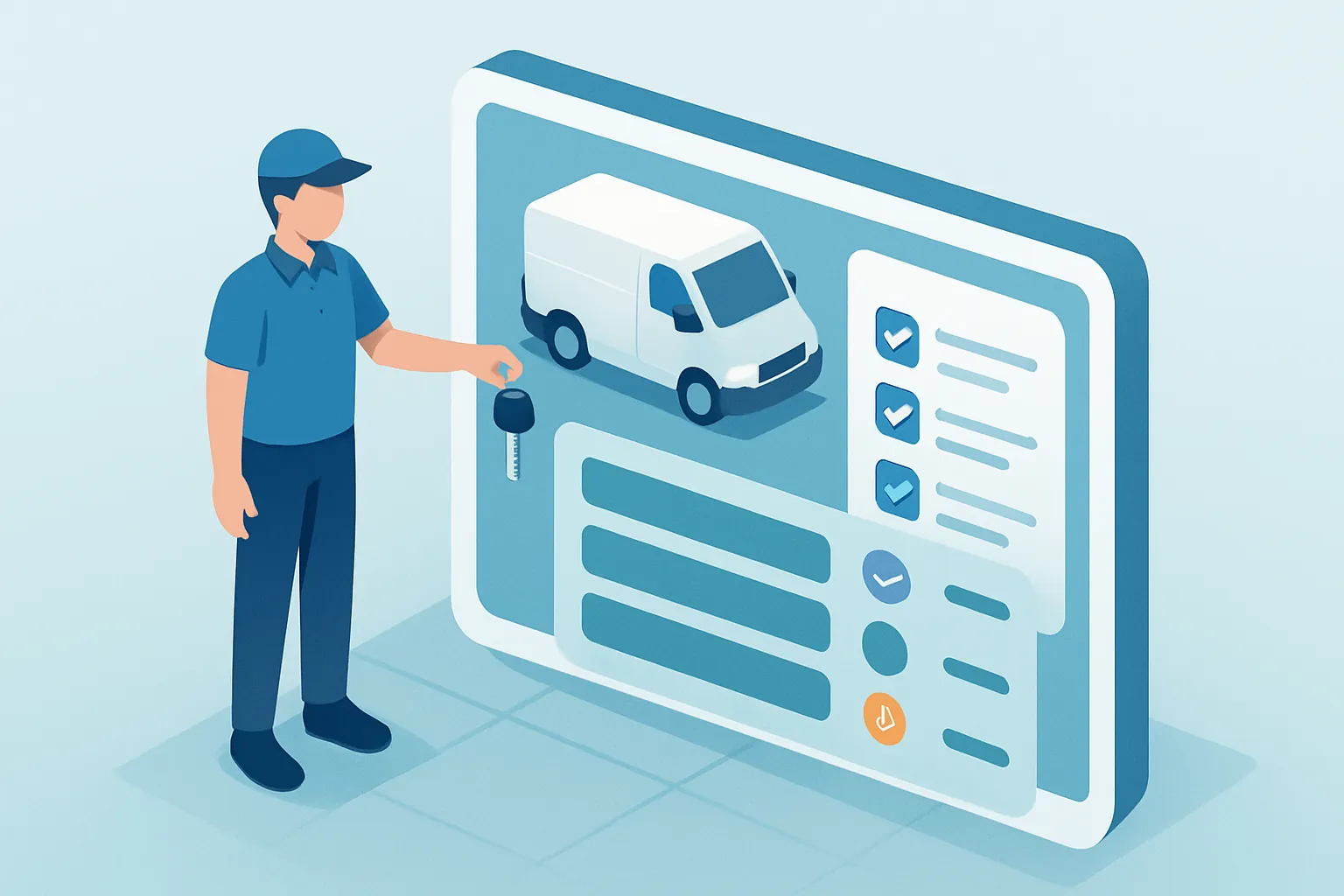
Each unit is formally assigned to a driver, with the handoff date, delivery mileage, and vehicle condition recorded at the moment of the swap. If a dent, mechanical issue, or lost item turns up, it’s immediately clear who had the unit assigned at that time — no arguments, no guesswork.
4. Fuel and per-unit cost control
Every fuel fill-up is logged by vehicle and by driver, which makes it possible to spot abnormal consumption, compare real mileage against what’s expected for that model, and add up total operating cost — fuel, maintenance, insurance — for each unit in the fleet.
5. Availability and total fleet cost dashboard
A dashboard shows in real time how many units are available, how many are in maintenance, and how many have documents about to expire, along with the fleet’s total operating cost per period, so management can make renewal or growth decisions based on real data.
Why custom instead of a generic GPS app
Commercial GPS tracking apps solve vehicle location, but rarely integrate maintenance, documents, driver assignment, and cost tracking into a single flow — and they typically charge per tracked unit regardless of how simple or complex the company’s actual operation is.
A custom build:
- Reflects the real type of fleet — delivery, field service, sales, cargo — without forcing generic processes that don’t fit the actual operation.
- Integrates with what you already use: the billing system, the ERP, or the route platform the company already runs.
- Grows with the fleet: adding ten more units doesn’t mean renegotiating a per-vehicle license contract.
- Eliminates recurring tracking or per-user fees, which cost more over the medium term than building the system in-house.
How to get started
There’s no need to digitize the entire operation at once. The most effective path is usually:
- Map what information gets lost today — maintenance, documents, assignment — and identify where it creates the most cost or risk.
- Prioritize the highest-impact module, almost always preventive maintenance or expiring documents.
- Build and integrate incrementally, validating with drivers and the maintenance manager before connecting the entire fleet.
A company that knows the condition of every vehicle, when each document expires, and what it really costs to operate each unit doesn’t just avoid fines and downtime: it protects the margin that today is lost to repairs that could have been prevented.
Is your fleet still managed across paper logbooks, WhatsApp, and disconnected spreadsheets? At Kimo Solutions we design custom systems for companies with their own vehicles. Let’s talk about your operation.
Have a project in mind?
Get in touch →