
Custom Field Service Management Software: How Your Technicians Stop Wasting the Day
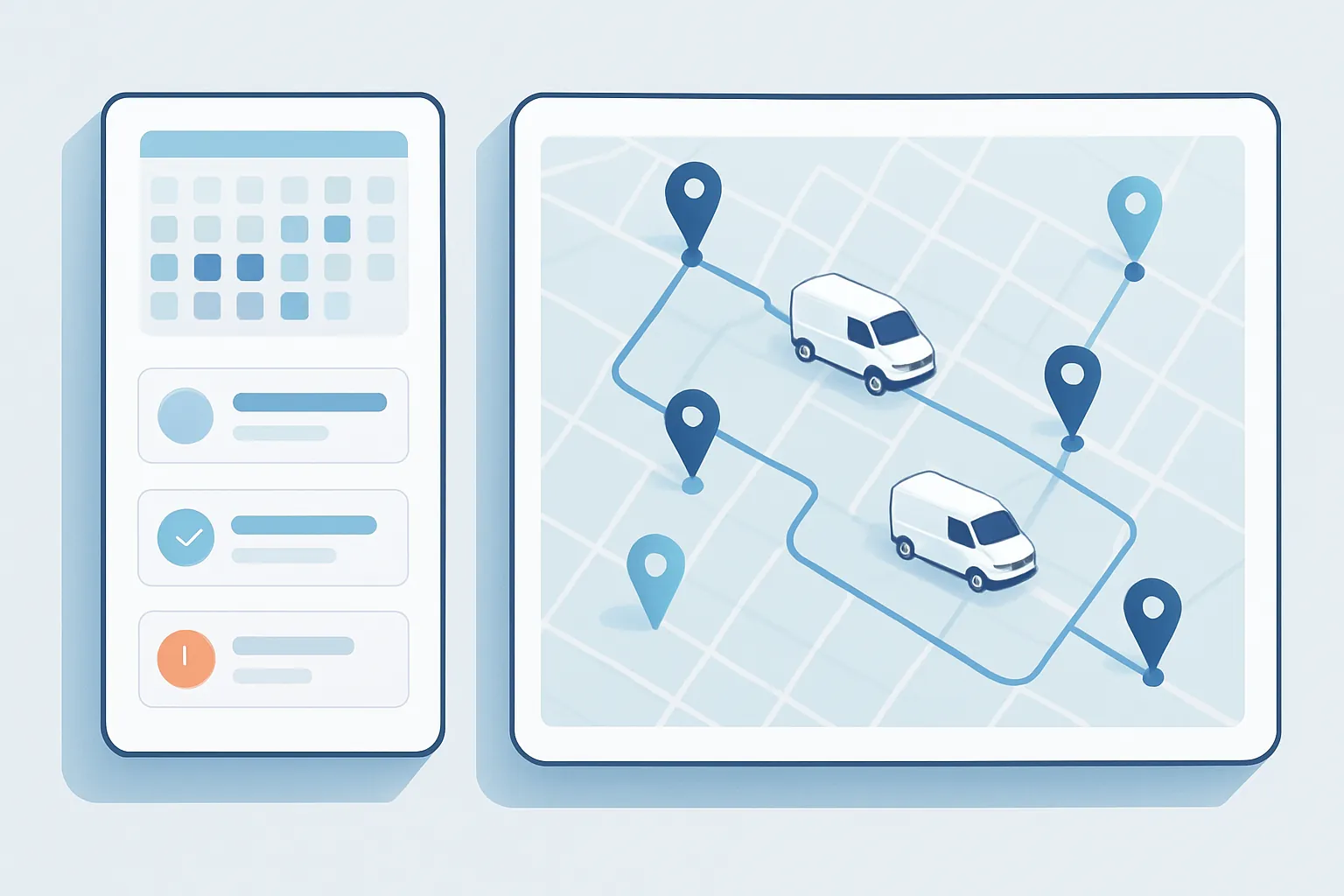
If your company sends technicians out into the field — equipment maintenance, installations, technical support, refrigeration, telecom, pest control, machinery servicing — you already know the daily friction: a dispatcher building routes by hand in a spreadsheet, technicians texting to confirm the next stop, paper work orders that get lost, and a customer asking “what time will the technician arrive?” with no one able to give a reliable answer.
That chaos isn’t a people problem out in the field. It’s a tooling problem. And it’s exactly the kind of process a custom field service management system is built to fix.
Signs the process has hit its limit
Most field service businesses reach a point where several of these show up at once:
- Inefficient routing. Technicians crossing town twice in one day because visit assignment doesn’t account for location or traffic.
- Zero real-time visibility. No one in the office knows if the technician has arrived, finished, or if the customer didn’t answer the door.
- Missing parts. The technician shows up and discovers they don’t have the right part, forcing a reschedule and a wasted trip.
- Scattered history. The technician doesn’t have the equipment or customer history on hand, so diagnostics that were already done get repeated.
- Slow invoicing. The paper work order signed in the field takes days to reach admin, which delays getting paid.
Each of these signs has a direct cost: technician hours paid without output, unhappy customers, and collection cycles longer than they need to be.
Why generic tools fall short
Generic “field service” apps exist, and for very standard operations they can work. The problem shows up when your business has its own rules: specific equipment types, safety checklists particular to your industry, integrations with the ERP or invoicing system you already run, or a routing model that combines customer priority, SLA terms, and failure type.
Forcing those rules into a generic tool ends in manual workarounds “outside” the system — exactly the problem you were trying to solve — or paying for modules you don’t need while still missing the essentials.
What a well-built field service system includes
A custom system is designed around how your team actually works, not the other way around. In practice, that usually means:
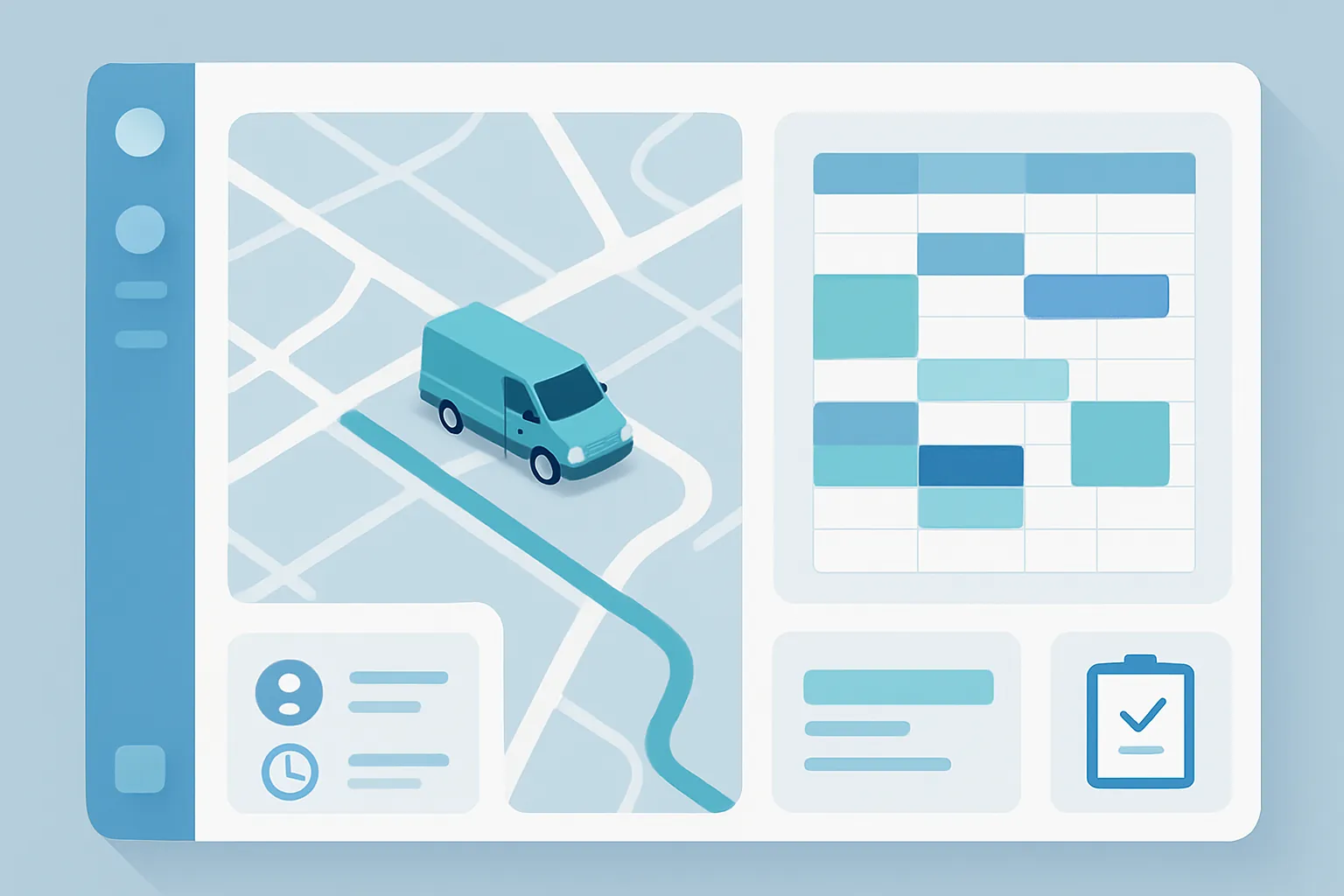
- Dispatch panel. A calendar and map view where the coordinator assigns visits based on location, availability, technician specialty, and urgency.
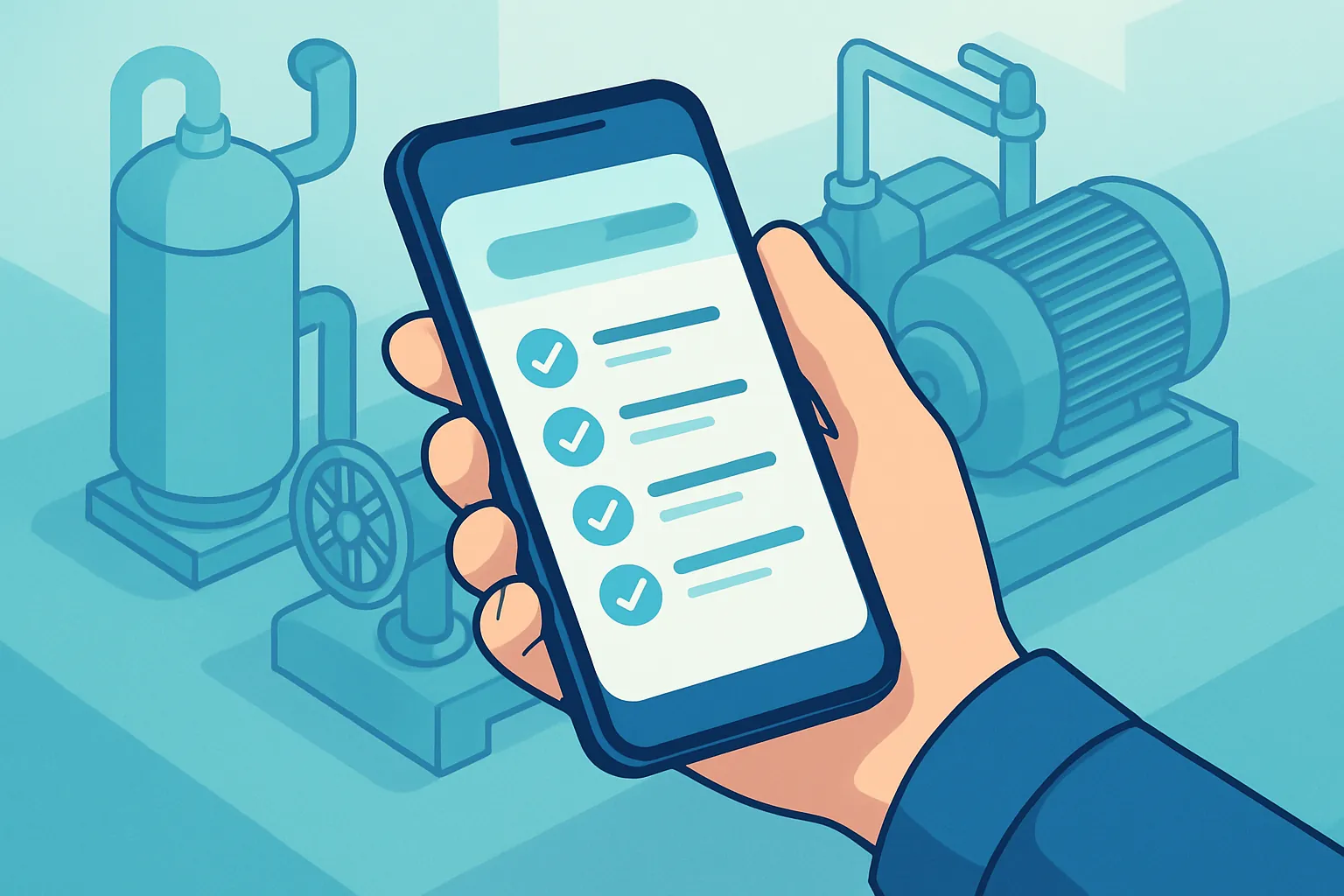
- Mobile app for technicians. Work orders, digital checklists, customer signatures, evidence photos, and parts-used capture — all from a phone, even with intermittent connectivity.
- Full history per customer and per piece of equipment. Every visit, part, and note gets logged, so the next technician doesn’t start from zero.
- Spare-parts inventory control, tied to what each van or warehouse actually carries.
- Real-time updates back to the office: visit status, estimated arrival time, and photo evidence.
- Invoicing integration, so a closed work order triggers billing without manual data entry.
The ROI shows up fast
This is one of the custom software projects with the most directly measurable ROI, because it touches very concrete variables:
- More visits per technician per day, by optimizing routes and cutting idle time.
- Fewer repeat visits caused by missing parts or missing equipment history.
- Faster payment, because a work order closed in the field turns into an invoice the same day.
- Better customer experience, with estimated-arrival notifications and fewer reschedules.
For a company with 15 or 20 technicians on the road, gaining even one extra visit per technician per day represents real added capacity without hiring anyone new.
How we approach it at Kimo Solutions
We don’t start with the technology — we start with your operation: how visits get assigned today, what information a technician needs before heading out, what reports your customers ask for, and which systems you already use (ERP, invoicing, CRM) that the new system needs to connect to. From there we design a custom-fit workflow, prioritizing what causes the most pain today — typically dispatch and the mobile app — and expanding in phases toward inventory, reporting, and further automation.
The result is a system your dispatch team and technicians actually use, because it’s built around how they work, not the other way around.
If your field service operation still runs on spreadsheets, group chats, and paper, there’s a better way to scale it. Let’s talk about your operation and figure out where to start.
Have a project in mind?
Get in touch →