
Custom Document Management: Goodbye Paper, Lost Folders, and "Who Has the Latest Version?"
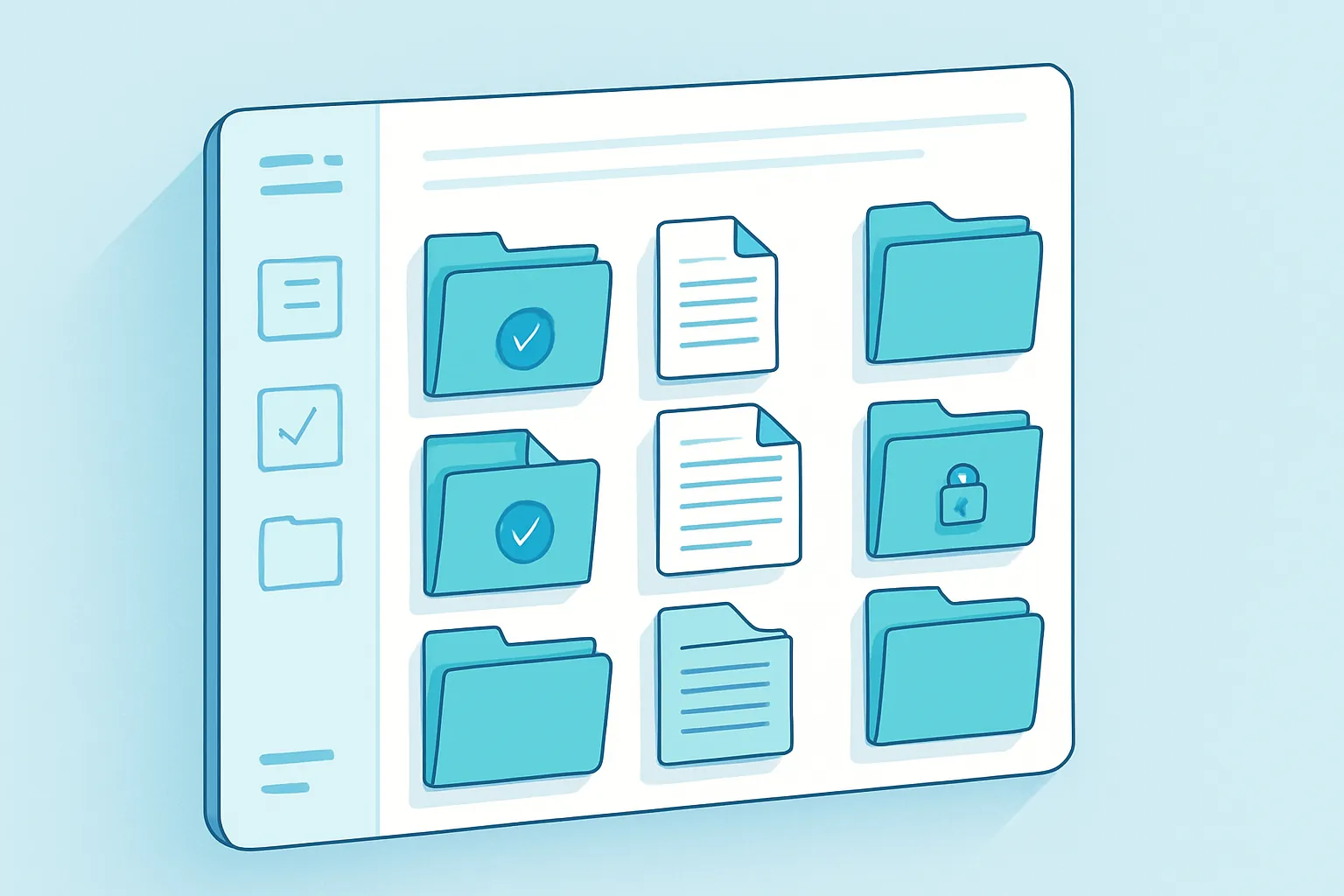
Ask any manager where “the contract we signed with that vendor back in 2024” is, and you’ll likely watch the same scene play out: they open their email, search a shared drive, call someone in admin, and fifteen minutes later they still haven’t found it. This isn’t a personal organization problem. It’s that most companies still handle documents the way they did twenty years ago — shared folders, email threads, and in more cases than you’d think, actual paper in a filing cabinet.
The result is predictable: hours lost searching for information that already exists, contradictory versions of the same document circulating between departments, and real exposure when an audit or a client asks for a contract “someone had around here somewhere.”
The cost of no document control
It’s rarely measured, but it’s there every day:
- Hours spent searching: productivity studies put 10–20% of the workweek toward looking for information that should be a click away.
- Errors from the wrong version: someone edits an outdated quote, a contractor signs a version missing the latest clause, and the mistake surfaces only after it’s already cost money.
- Legal and compliance risk: if a regulator, client, or partner asks for a document and your company takes days to produce it — or simply can’t find it — the issue stops being about tidiness and becomes about compliance.
- Single-person dependency: when “only Laura knows where the contracts are,” the business has a single point of failure.
None of this gets fixed with more discipline or asking the team to “organize their folders better.” It gets fixed with a system.
What a custom document management system (DMS) is
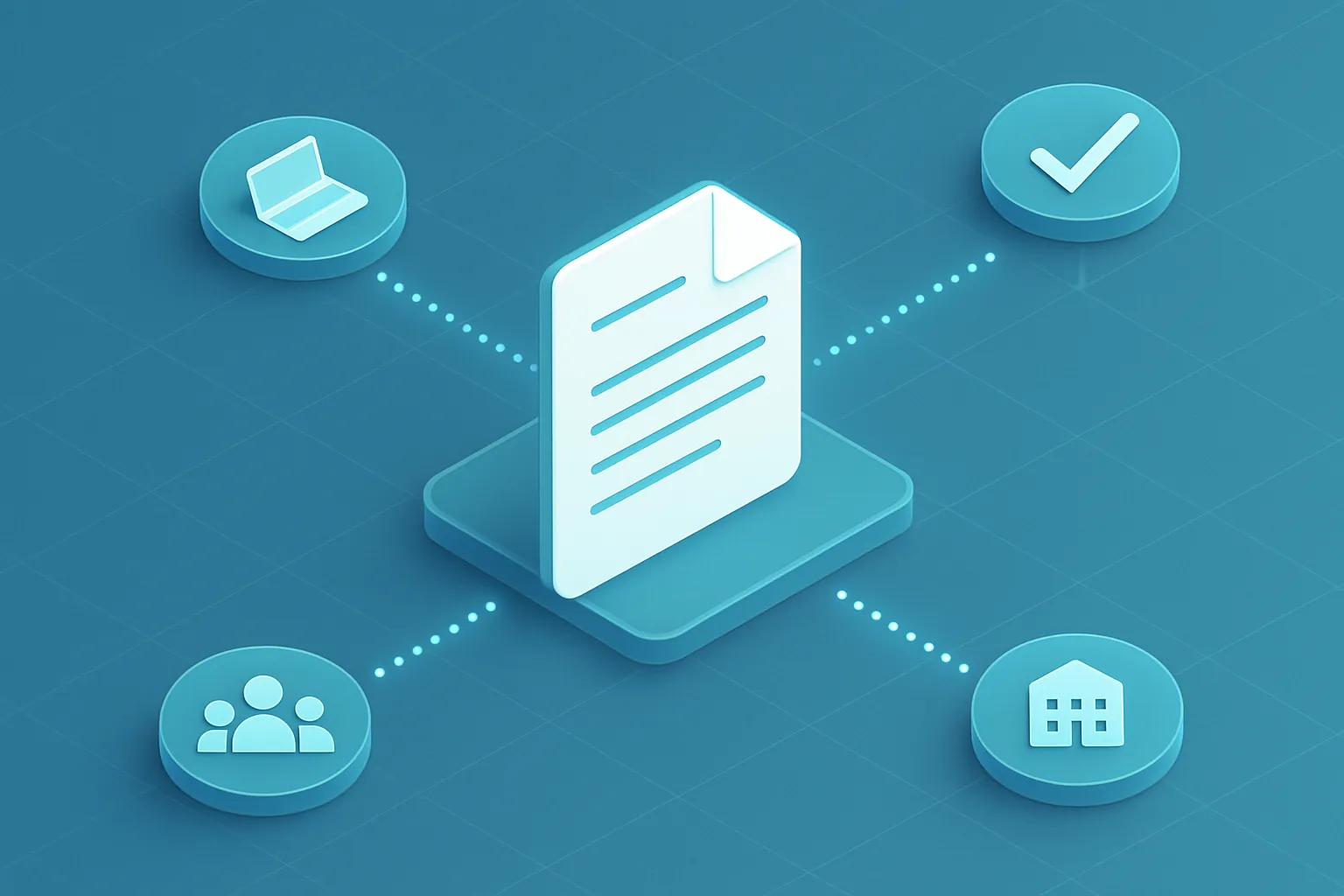
A DMS is a central repository where every important document in your company — contracts, policies, invoices, employee or client files, meeting minutes, blueprints — lives, with clear rules about who can view, edit, or approve each one.
Unlike simply using Google Drive or SharePoint out of the box, a custom-built system is designed around how your company actually works:
- Real version control: every change is logged, with a full history and the ability to roll back to a previous version.
- Approval workflows: a contract automatically routes from Legal to Management to Finance, with notifications, without anyone having to chase people down over WhatsApp.
- Built-in electronic signature: legally valid digital signatures, no printing, scanning, or hunting down physical signatures.
- Role-based permissions: HR sees personnel files, Sales sees commercial contracts, and nobody sees what isn’t theirs to see.
- Smart search: find a document by its content, not just its file name — including text inside scanned PDFs (OCR).
- Audit trail: who opened, edited, or downloaded each document and when, useful for internal control and external audits alike.
Why custom instead of an off-the-shelf tool
Commercial document management platforms cover the basics, but they almost always run into the reality of a growing company:
- They don’t integrate with your internal systems. A custom DMS connects directly to your ERP, CRM, or invoicing system, so a client’s contract lives alongside their commercial record instead of on a separate platform.
- They don’t follow your approval process. Every company approves things differently — amounts, hierarchies, committees. A generic tool forces you to adapt your process to its workflow; a custom one does the opposite.
- Regulatory fit. Document retention and the legal validity of digital signatures follow specific rules depending on your jurisdiction. A system built with that in mind avoids surprises when a review comes around.
- Scales with your real volume, without costs spiking from per-user licensing as your team grows.
A typical case
A mid-sized company with Legal, HR, and Procurement teams used to run everything by email: contracts approved through endless reply chains, employee records in physical folders, and vendor invoices scattered across inboxes. A custom document system let them:
- Cut contract approval time from days to hours.
- Fully retire the physical filing cabinet for personnel records.
- Get, for the first time, a complete and auditable log of every critical business document.
How to get started
You don’t need to digitize the entire company on day one. What actually works is:
- Identify the document process causing the most pain today (contracts, invoices, employee files) and start there.
- Define who approves what before automating it — software doesn’t fix a poorly defined process, it just makes it faster, for better or worse.
- Migrate the critical historical records and let everything new flow directly into the system.
A well-built document management system isn’t a luxury reserved for large companies. It’s the difference between operating with control and crossing your fingers every time someone asks, “do you have that document handy?”
Is your team still hunting for contracts in email? At Kimo Solutions we design custom document management systems, integrated with your processes and existing tools. Let’s talk about your case.
Have a project in mind?
Get in touch →