
Custom Contract Management Software: How to Stop Losing Renewals, Clauses, and Money
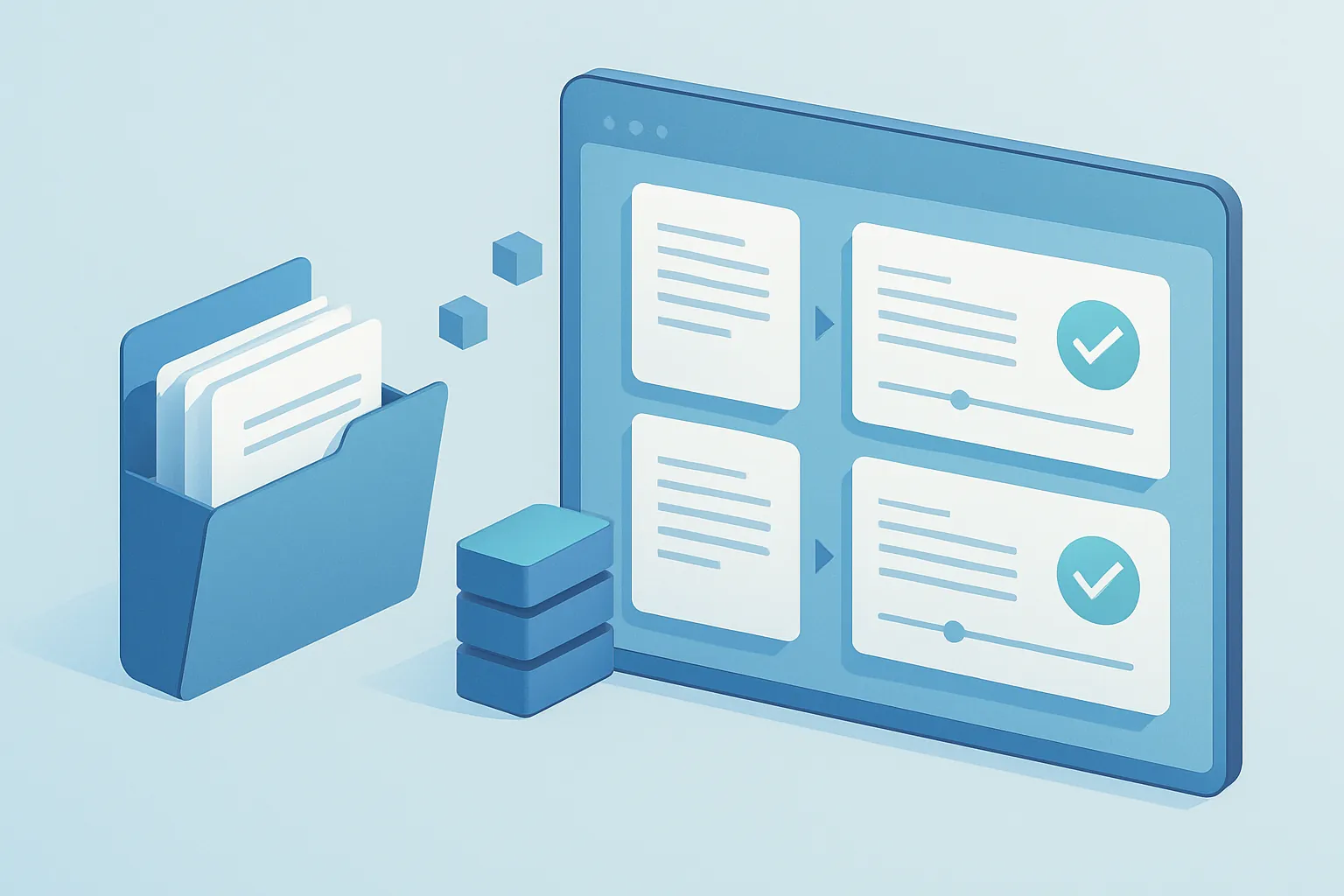
Almost every mid-sized company has lived through the same scene: someone scrambles to find a contract because a client is asking about a specific clause, or because a vendor’s service auto-renewed even though nobody wanted to keep paying for it. The document exists somewhere — in the inbox of someone who no longer works there, in a shared folder with no real structure, on Legal’s desktop — but finding it, let alone knowing what it says and when it expires, turns into a multi-hour task.
This isn’t a minor “organization” problem. It’s a money and legal risk problem that grows with every new contract the company signs.
How contract control quietly falls apart
The mess rarely shows up all at once. It builds gradually, until several of these signs are already part of daily operations:
- Auto-renewals nobody saw coming. A vendor contract renews itself simply because no one had the expiration date flagged anywhere.
- Conflicting versions. Three copies of the same contract exist, each with different edits, and no one is sure which one is current.
- Approvals by email, with no paper trail. A contract got signed because someone said “yes, go ahead” in an email thread nobody can find anymore.
- Invisible risk clauses. Penalties, exclusivity terms, or termination conditions that no one reviews until they’ve already caused a conflict.
- Dependency on one person. Only someone in Legal or Procurement “knows where everything is,” and when that person goes on vacation or leaves the company, that knowledge leaves with them.
Each of these looks manageable in isolation. Together, they add up to thousands of dollars in avoidable penalties, unwanted renewals, and hours spent hunting for paperwork.
Why shared drives and email aren’t enough
Storing contracts in Google Drive or a network folder solves storage, but not control. No folder automatically warns you that a contract expires in 30 days, forces Legal to review a clause before Sales signs it, or keeps a clear record of who approved what and when.
Generic document management platforms, for their part, are usually built for files in general — not for the specific lifecycle of a contract: draft, legal review, negotiation, signature, active term, renewal, or termination. You end up adapting your process to the software instead of the software adapting to how your legal and commercial teams actually work.
What a well-built contract management system includes
A custom system is designed around the actual lifecycle of your contracts, not a generic document list. In practice, this usually includes:
- A single searchable repository, with every contract, its attachments, and full version history in one place — no duplicates, no loose copies.
- Automatic expiration and renewal alerts, configurable by contract type, so no one finds out about an unwanted renewal after it already happened.
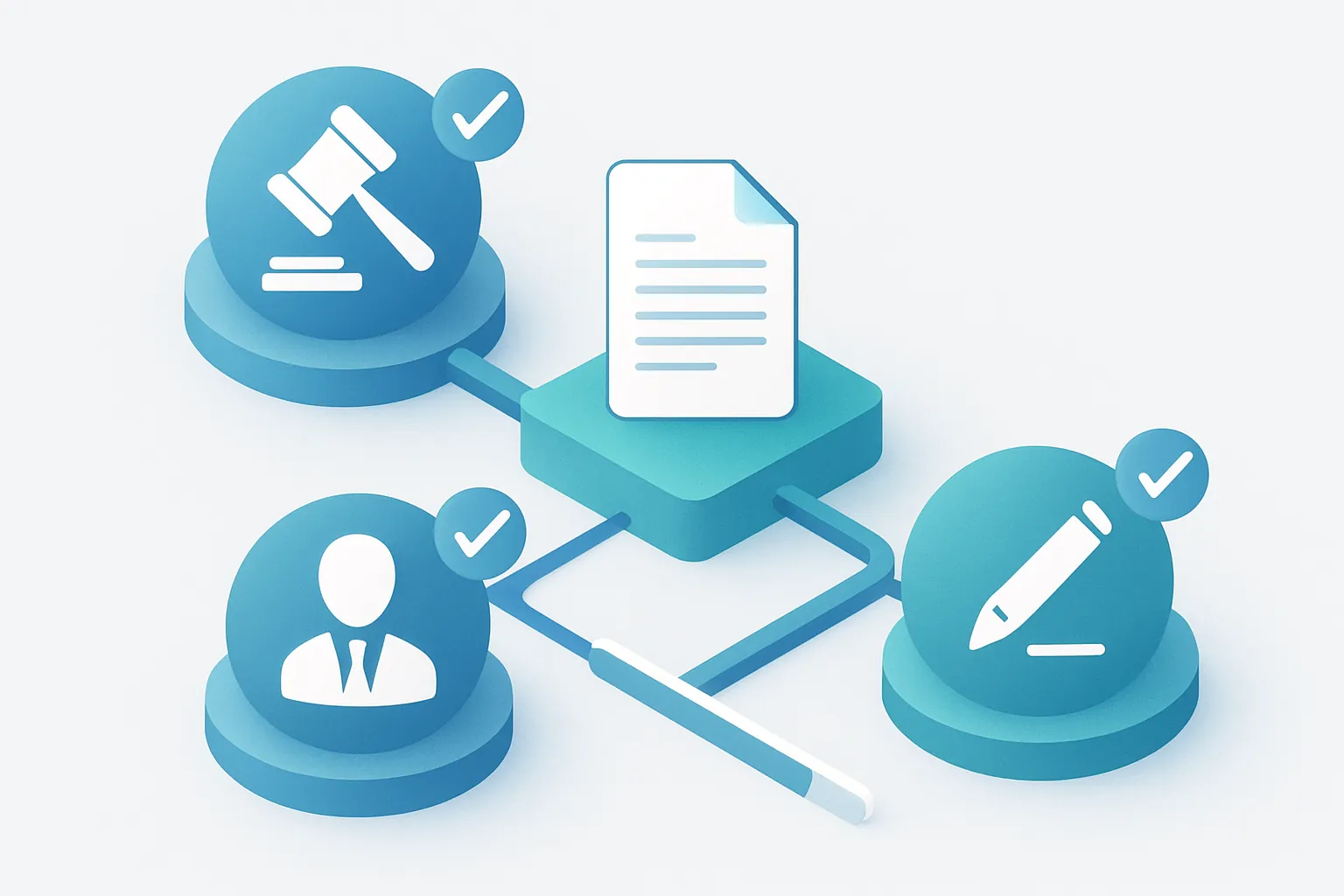
- Role-based approval workflows, where a contract automatically routes through Legal, Finance, or Leadership based on amount, client type, or risk level, with digital signature built in.
- Key clause extraction and tagging, such as term dates, penalties, exclusivity, or termination conditions, visible without re-reading the entire document.
- A complete audit trail, showing who approved, edited, or signed each version, and when.
- Executive reporting, with total contracted value by client, vendor, or category, and upcoming expirations on a single dashboard.

The return on investment, in concrete terms
Contract management tends to be underestimated because the cost of disorder doesn’t show up as a single line item — it’s scattered across many:
- Fewer unwanted auto-renewals, thanks to alerts weeks in advance.
- Better negotiating position, because commercial and legal teams know exactly what’s already agreed with each client or vendor.
- Fewer administrative hours lost searching for documents and chasing signatures over email.
- Lower legal exposure, by guaranteeing every contract goes through the review it’s supposed to before it’s signed.
- Simpler audits, with a clear, verifiable history for every document.
For a company managing hundreds of contracts with clients, vendors, and partners, cleaning up this process usually pays for itself by avoiding just one or two renewals or penalties that used to slip through unnoticed.
How we approach it at Kimo Solutions
We don’t start by picking an off-the-shelf template. We start by understanding how a contract actually moves through your company today — who drafts it, who reviews it, who approves it, and what business rules apply based on contract type or amount — even if that process today lives scattered across emails, folders, and a couple of people’s memory. From there we design a system built around your real approval cycle, starting with the module that solves the most urgent pain point — expiration alerts, approval workflows, or a centralized repository — and growing in phases toward executive reporting and risk analysis.
The result is a contract process your legal and commercial teams actually use, because finding and approving a contract there is simpler than digging through email.
If your company still finds out about renewals after it’s too late, there’s a better way to see them coming. Let’s talk about your contracts and figure out where to start.
Have a project in mind?
Get in touch →