
Custom Construction Management Software: Project Control, Budgets, and Progress in One System
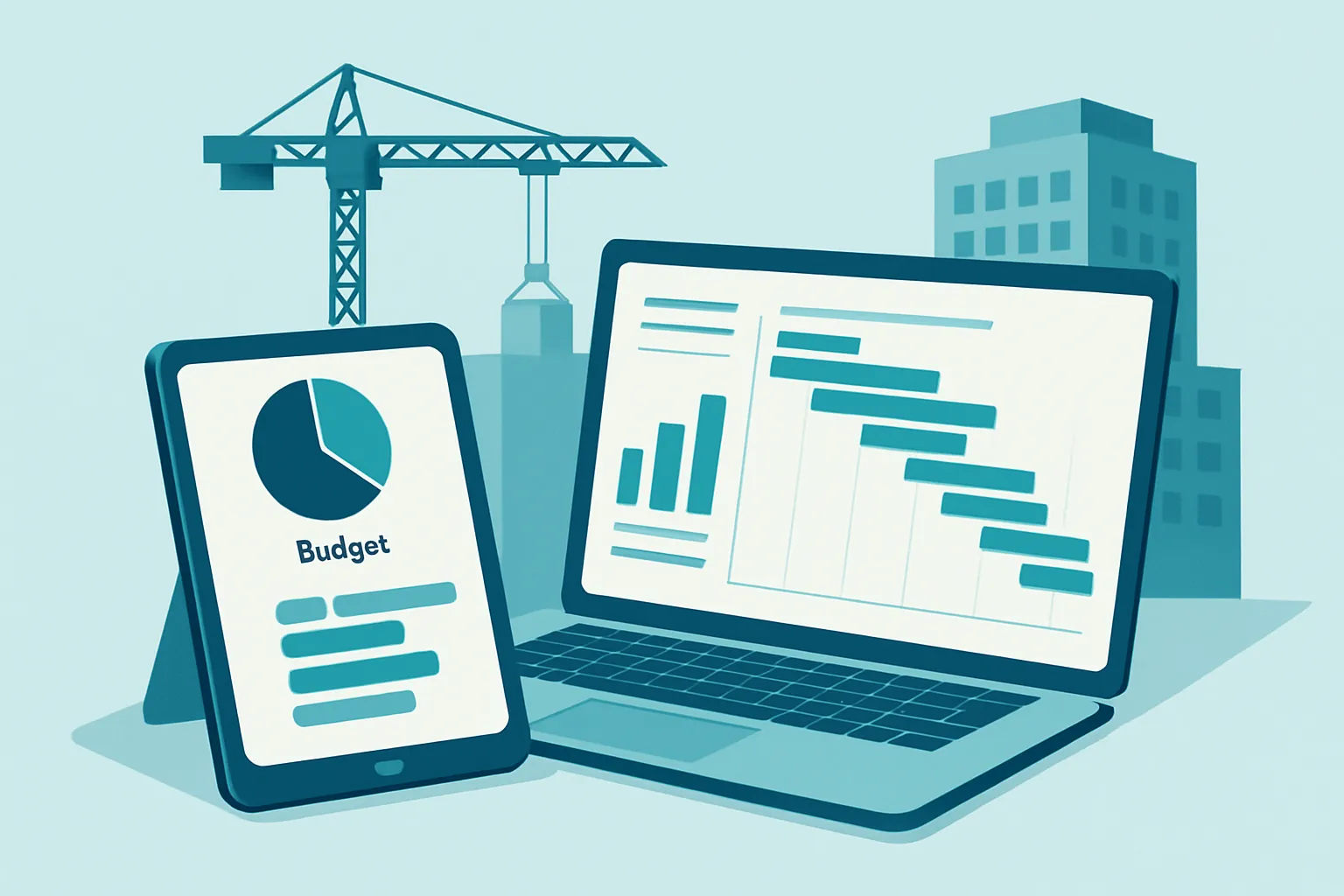
On a construction project, margin doesn’t disappear all at once: it leaks slowly, job after job, between a budget spreadsheet nobody updates from the field, a paper or WhatsApp logbook that never quite makes it to the office on time, and change orders approved verbally and billed — or lost — weeks later. By the time the project closes and budgeted costs are compared against actual ones, the surprise can no longer be fixed.
The problem is rarely a lack of technical skill. It’s a lack of visibility: the site superintendent, the project manager, procurement, and the owner are all working from different, outdated, or simply incompatible information. A custom system connects the budget, physical progress on site, and subcontractor management on a single platform, fed from the jobsite itself — not only from the office.
Where margin leaks today
Before automating, it’s worth naming where profitability actually bleeds:
- A budget disconnected from field reality. The budget lives in a spreadsheet updated weeks after the spend already happened, once it’s too late to correct course.
- A paper logbook scattered across chats. Progress, incidents, and site photos get reported through WhatsApp or physical notebooks, never linked back to the budget or the project schedule.
- Change orders with no formal control. Changes requested by the client or required by site conditions get approved verbally and documented late, creating disputes over what gets billed and what doesn’t.
- Subcontractors and suppliers with no centralized tracking. Crew progress, material deliveries, and subcontractor pay applications sit in separate records, making it hard to know in real time who is owed what and for which line item.
Each point looks like a minor operational detail on its own. Together, they explain why a construction company can be fully booked and still close the year with less profit than expected.
What a custom construction management system includes
1. Budget and cost control by line item
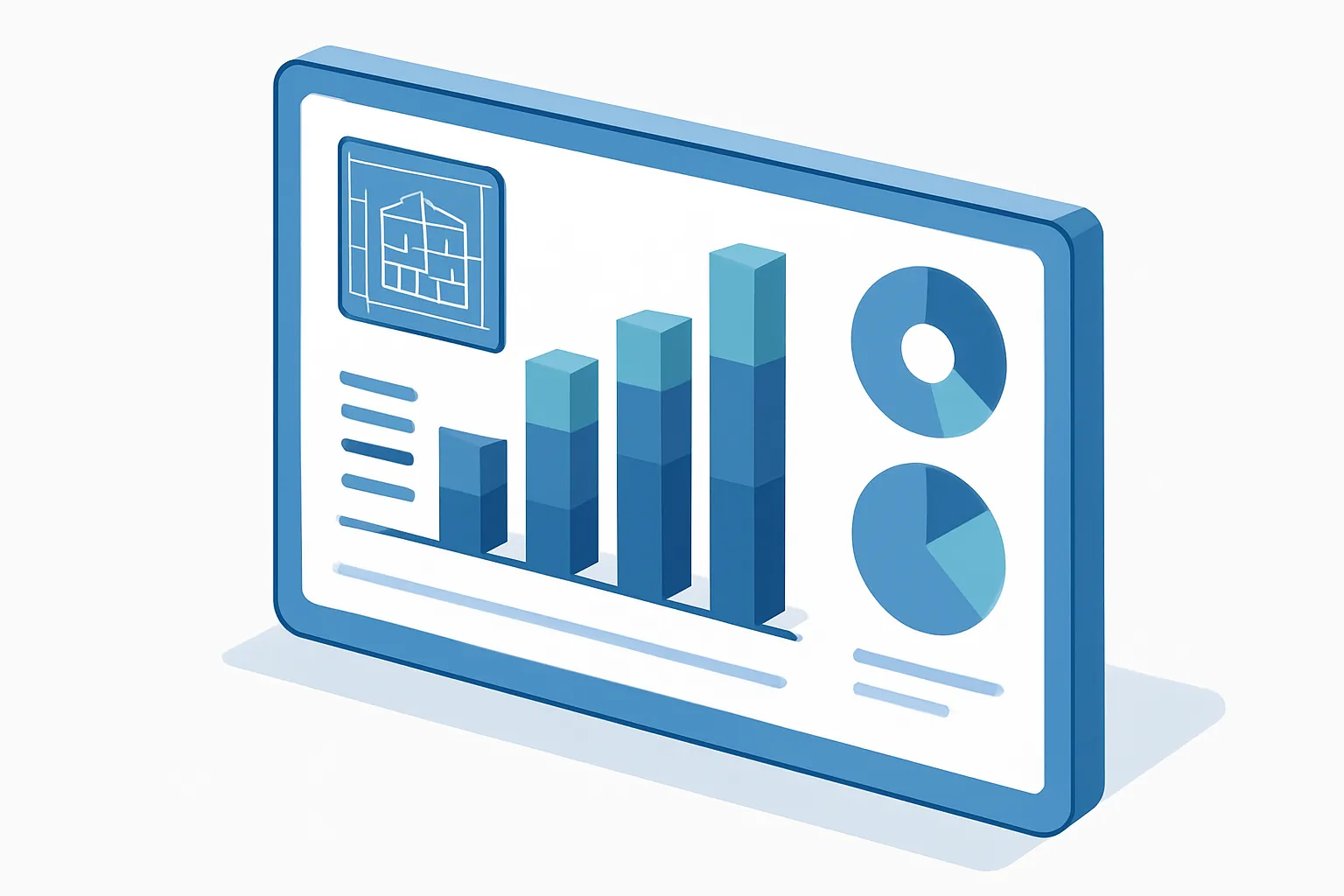
The budget stops being a static document and becomes the system’s backbone: every purchase, subcontractor pay application, or field expense gets recorded against its corresponding line item, showing in real time the committed cost, what’s already been paid, and what’s left available per line item and per project.
2. Digital field logbook from a phone
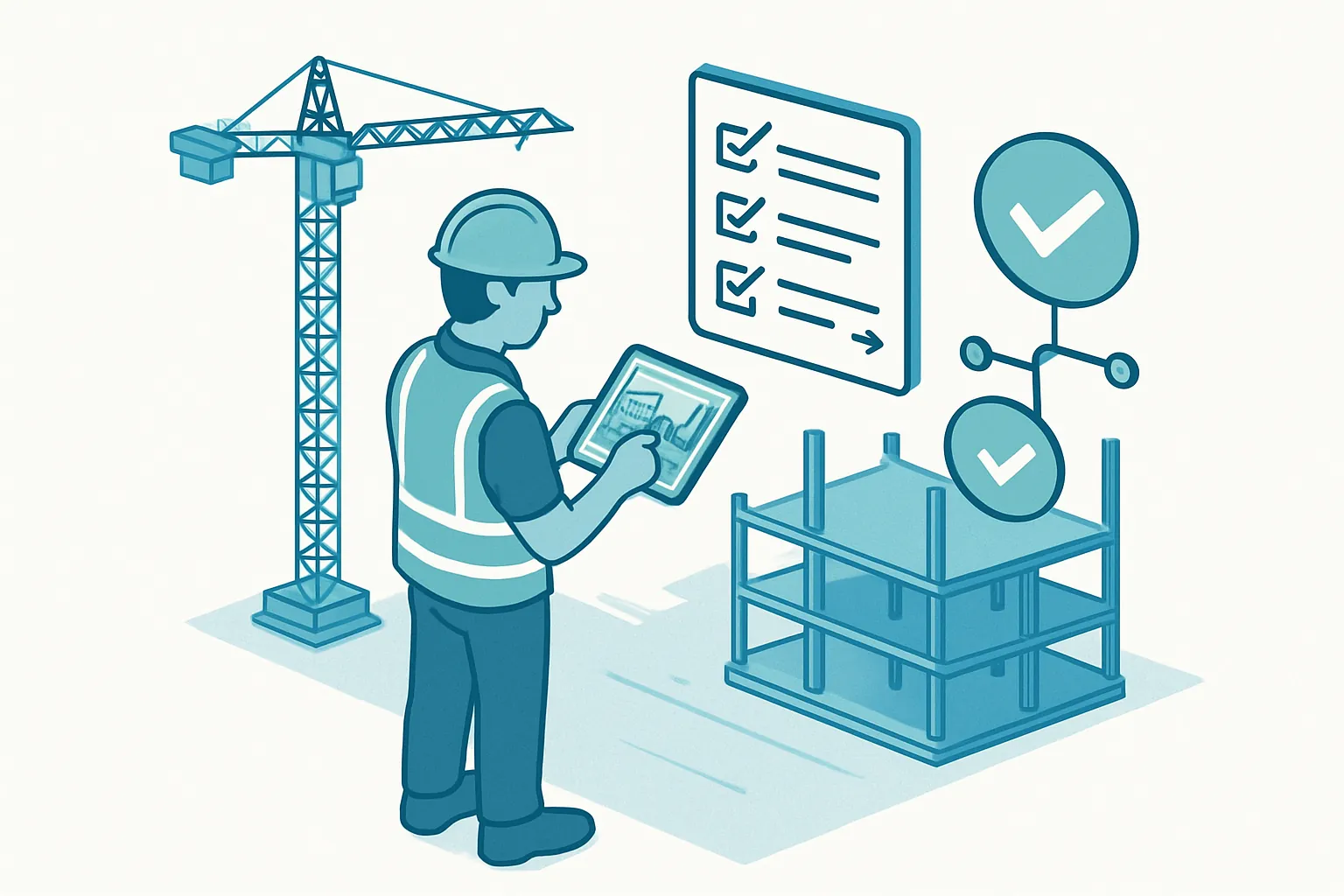
The site superintendent logs progress, incidents, photos, and weather conditions directly from a mobile app on site, without needing a stable connection. This information syncs with the office automatically and links back to the schedule, so that:
- Reported physical progress can be compared against the budget’s financial progress.
- Incidents (delays, material shortages, safety events) are documented with a date, a photo, and a responsible party, ready for audit or a supplier claim.
- Leadership sees the real status of every active project from a single dashboard, instead of waiting for a hand-built weekly report.
3. Change orders and pay applications with an approval workflow
Every scope change — whether requested by the client or triggered by field conditions — follows a formal workflow of pricing, approval, and logging before it’s executed, with a digital signature from the responsible party. The same applies to subcontractor pay applications: they’re generated, reviewed, and approved inside the system, with a full history of what was paid, when, and against which verified progress.
4. Centralized technical documentation and compliance
Drawings, permits, insurance certificates, subcontractor agreements, and safety logs live in a single version-controlled repository per project. No one works off an outdated drawing because no one has a reliable way to know which version is current.
Why custom instead of a generic construction ERP
Generic construction platforms tend to be built for a “typical” operation, with modules that either overshoot or fall short depending on the type of work you actually do — residential, industrial, infrastructure. A custom build:
- Reflects how your company actually works: the line-item catalog, project types, and approval workflows are shaped around your real operation, not the other way around.
- Integrates with what you already use: accounting, e-invoicing, WhatsApp Business API for subcontractor notifications, and jobsite time tracking.
- Works with limited field connectivity, syncing data whenever a signal returns instead of requiring a constant connection.
- Scales by project and by user at your own pace, with no fees for unused modules and no artificial limits on active projects.
How to get started
You don’t need to digitize the entire operation at once. The most effective path is:
- Pick one active project as a pilot and map where the most time and money leak today: budgeting, the logbook, or subcontractor control.
- Prioritize the module with the biggest immediate impact — usually line-item cost control or the mobile logbook.
- Build and integrate incrementally, validating in the field with superintendents and project managers before rolling out to every project.
A construction company that connects its budget, field logbook, and subcontractor management doesn’t just close projects at the margin it originally planned: it gives leadership real, project-by-project visibility to decide where to keep investing.
Is your construction company still tracking budgets in spreadsheets and progress over WhatsApp? At Kimo Solutions we design custom systems for the construction sector. Let’s talk about your project.
Have a project in mind?
Get in touch →