
Custom Clinic & Medical Practice Management Software: Records, Scheduling, and Billing in One System
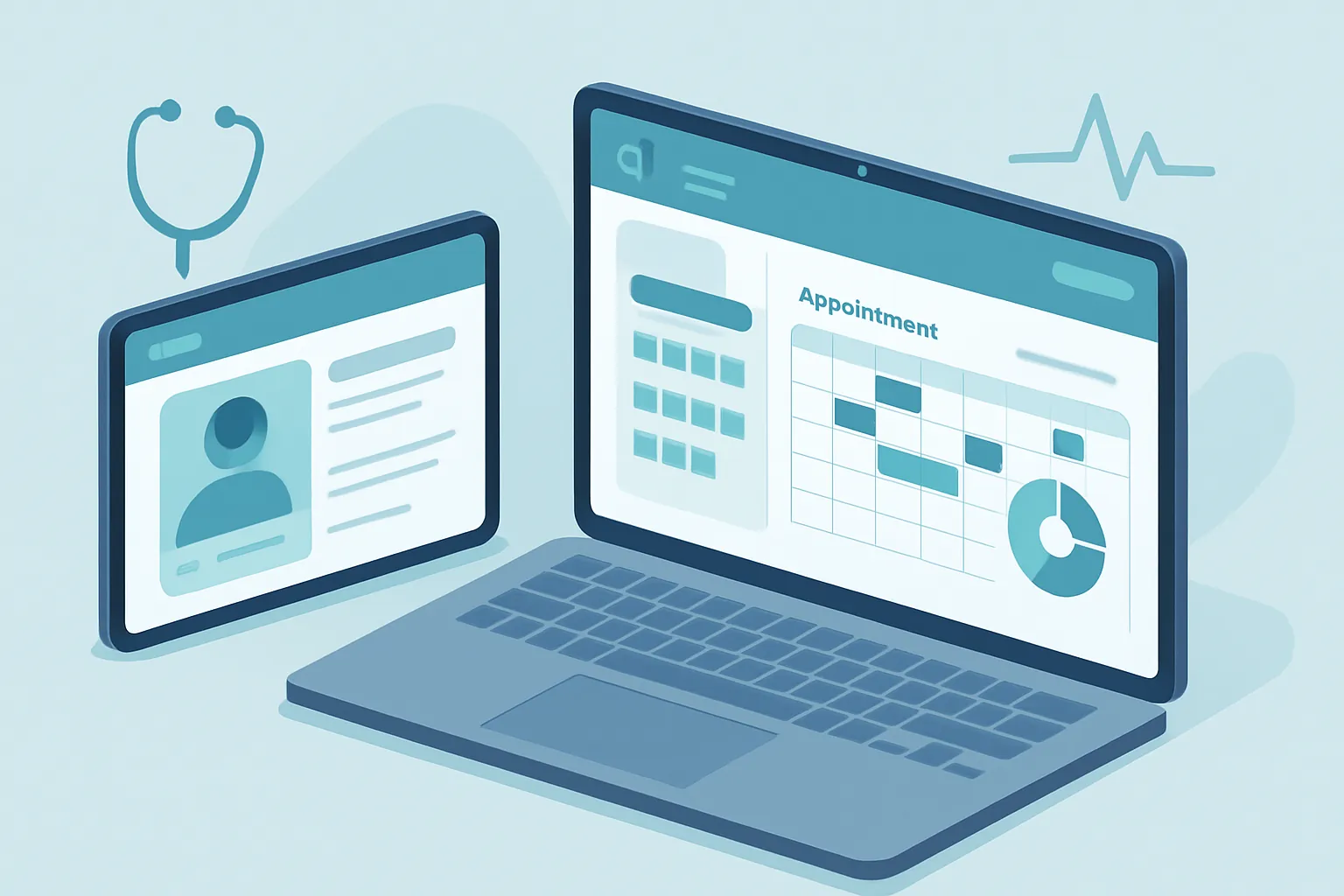
A dental practice, a physical therapy center, a diagnostic lab, or a multi-office clinic all share the same problem as they grow: the patient record lives in a paper folder, the schedule is kept in a notebook or a shared WhatsApp thread between receptionists, and billing — especially when insurance is involved — gets reconciled by hand at the end of the month.
While the operation is small, this informal setup works. But once there are two or three doctors, several offices, or a growing patient volume, double bookings start happening, records can’t be found while the patient is already sitting in the waiting room, and insurance claims get paid late — or never — because nobody followed up on time.
Custom clinic management software isn’t a generic “medical scheduling” app downloaded from an app store. It’s a platform built around how your practice actually operates: your specialties, your insurance agreements, and how you follow up with each patient.
The signs your practice already needs its own system
This problem rarely shows up all at once; it builds up until several of these signs appear together:
- Double bookings. Two patients scheduled for the same slot because the calendar lives in a notebook or gets coordinated through messages between receptionists.
- Incomplete or missing records. Clinical history, lab results, and progress notes scattered across paper, emails, and whoever saw the patient last.
- Billing that doesn’t add up. Copays, deductibles, and insurance claims reconciled by hand, producing errors or late payments.
- Zero visibility between offices or branches. If a patient is seen at another location, nobody has immediate access to their history.
- Manual reminders. Staff calls patients one by one to confirm appointments, and the no-show rate stays high anyway.
Each of these signs represents hours of administrative staff time and, worse, patients who leave for a competitor over a bad scheduling experience.
Why generic medical scheduling apps fall short
Dozens of “medical scheduling” apps exist on the market, and they solve the most superficial part of the problem: booking a time slot. What they rarely cover well is what’s specific to your practice — record templates by specialty, billing rules for each insurance provider, referral workflows between doctors at the same clinic, or e-signatures for informed consent forms.
The result is that you end up running three or four separate tools — one for appointments, another for records, a spreadsheet for billing — that don’t talk to each other, forcing your staff to enter the same information multiple times.
What a well-built clinic management system includes
A custom system is designed around your specialties and your actual care workflow. In practice, this usually includes:
- Electronic patient records, with templates by specialty, full history, attached lab results, and progress notes accessible from any office or branch.
- Smart scheduling, with duration rules by visit type, automatic slot blocking, and WhatsApp or SMS reminders to reduce no-shows.
- Insurance billing and reconciliation, with your own copay and deductible rules per agreement, so you know in real time what’s been billed and what’s still pending.
- A patient portal or reminder system, to confirm appointments, view pre-study instructions, or receive results without calling the office.
- Reports by doctor, specialty, or branch, to identify which visit types generate the most revenue and where patients are being lost due to poor follow-up.

The ROI, in concrete terms
Clinic management is a project where the savings are easy to measure because they touch very tangible revenue and costs:
- Fewer no-shows, thanks to automatic reminders instead of manual phone calls.
- Faster insurance payments, by eliminating manual reconciliation and data-entry errors.
- Less administrative time per patient, from not re-entering the same information across several systems.
- A better patient experience, which translates into retention and referrals.
- Data-driven decisions, about which specialties or doctors need more schedule capacity or administrative support.
For a clinic with several offices, recovering a few hours of administrative staff time per day — and the handful of patients lost today to poor scheduling — usually pays for the project within a few months.

How we approach it at Kimo Solutions
We don’t start from a generic “medical scheduling” module. We start by understanding your specialties, your insurance agreements, how a patient moves between offices, and what business rules you already follow today, even if they only live in your most experienced receptionist’s head. From there we design a system built around your practice, starting with the module causing the most friction today — scheduling, records, or billing — and expanding in phases.
The result is a practice or clinic where records, scheduling, and billing live in one place, and where your staff stops wasting time reconciling information between systems that don’t talk to each other.
If your practice is still running on notebooks, folders, and spreadsheets, there’s a better way to organize it. Let’s talk about your practice or clinic and figure out where to start.
Have a project in mind?
Get in touch →