
Custom Asset Management Software: How to Stop Losing Equipment, Time, and Money
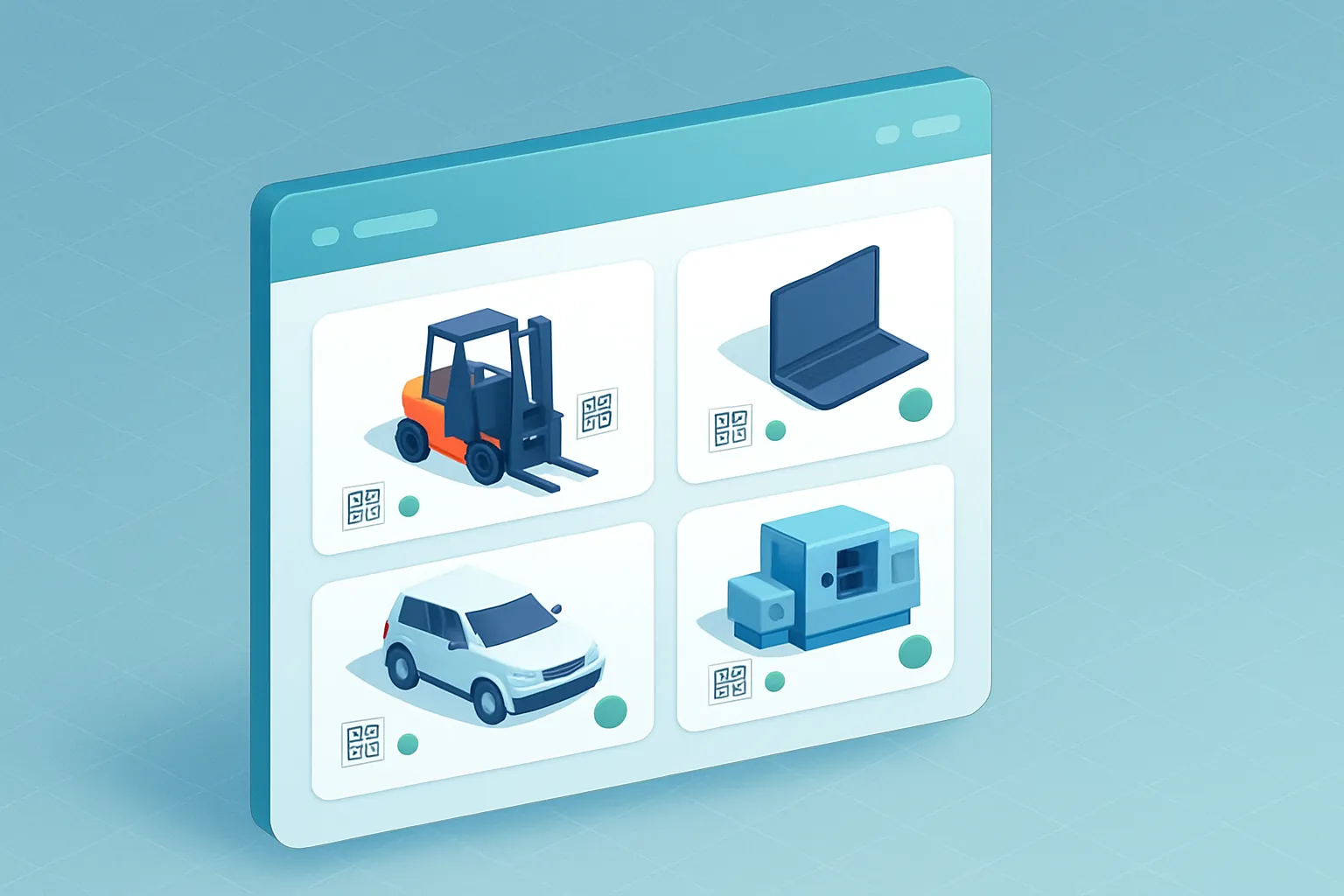
Every company that operates physical equipment — machinery, vehicles, tools, laptops, furniture, measuring instruments — has, somewhere, a spreadsheet that’s supposed to track all of it. And in most cases, that spreadsheet hasn’t been updated in months.
The result is predictable: nobody knows for certain how many assets the company owns, where they are, who has them checked out, when they’re due for maintenance, or what they’re actually worth on the books. When it’s time to buy new equipment, run an inventory audit, or simply find the industrial drill “someone took to the other plant,” the wasted time — and the money spent buying duplicates of what already exists — becomes a recurring problem.
Custom asset management software exists precisely to close that gap between what a company thinks it owns and what it actually owns, tracks, and maintains.
The signs that asset control has already slipped
This problem rarely arrives all at once. It builds up until several of these signs show up together:
- Ghost assets. Equipment that’s still on the inventory list but was actually retired, lost, or broken months ago.
- Reactive maintenance. Machines or vehicles only get serviced after they’ve already failed, never before.
- Informal checkout. Nobody signs anything when a laptop, tool, or vehicle is handed out, so holding anyone accountable for damage or loss is nearly impossible.
- Blind depreciation. Accounting calculates useful life and book value with outdated data, which distorts replacement decisions and even tax filings.
- Duplicate purchases. New equipment gets bought because nobody could find the one that already existed in another department or branch.
Each of these points represents money leaking out unnoticed in any single month’s income statement, but it quietly compounds over years.
Why spreadsheets and generic apps fall short
Excel can hold a list. What it can’t do is automatically alert you when a maintenance date is coming up, generate a unique QR code per asset, cross-reference an asset’s current location against where it’s supposed to be, or connect to your accounting system to update depreciation every month.
Generic “asset tracking” apps solve part of the problem, but rarely adapt to your operation’s specific asset categories — delivery vehicles, production machinery, medical equipment, specialized tools — or to the business rules you already follow: your own preventive maintenance cycles, your department-level checkout policies, or the way your accounting team calculates depreciation. You end up paying for a generic module and still keeping a separate spreadsheet for whatever the system doesn’t cover.
What a well-built asset management system includes
A custom system is built around your asset categories and how your company actually operates. In practice, this usually includes:
- A single record per asset, with a QR code or RFID tag, full history, current location, and assigned owner.
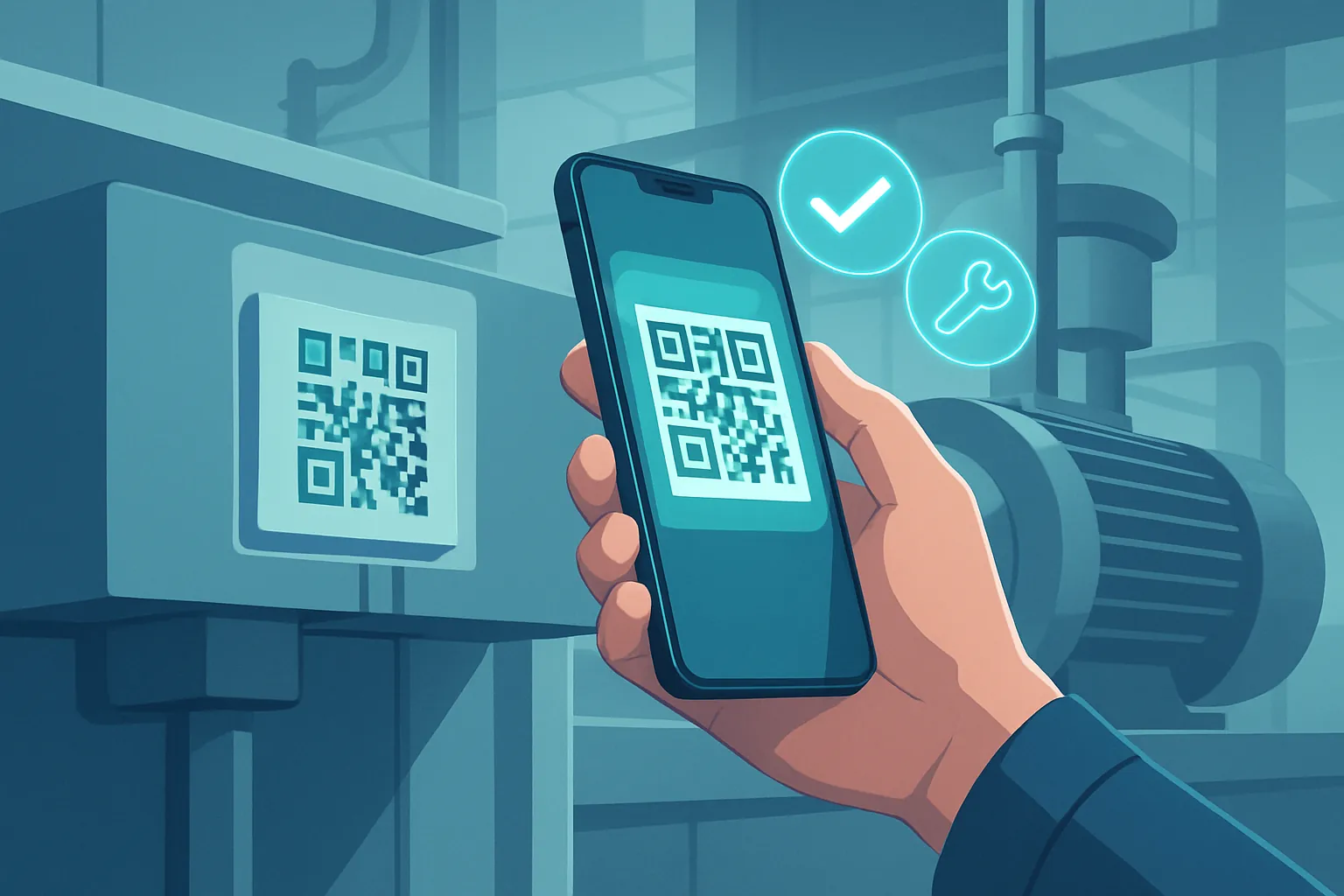
- Mobile scanning, to check equipment in, transfer it, or run physical inventory audits without manual data entry.
- A preventive maintenance calendar, with automatic alerts before a service date or warranty expires.
- Incident and repair history, to know when a specific asset has become more expensive to maintain than to replace.
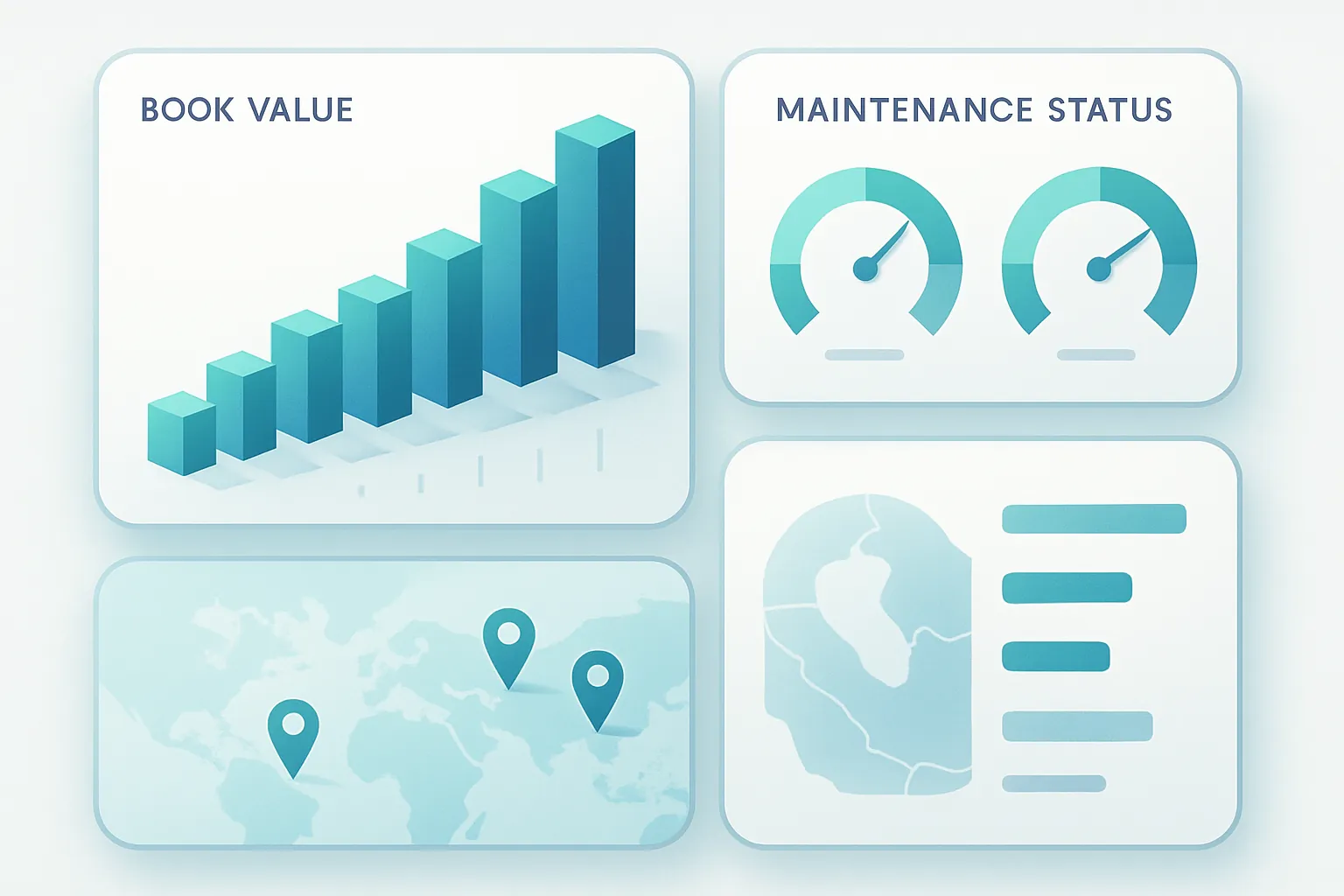
- Automatic depreciation calculations, connected to your accounting system so financial reports reflect the equipment’s real value.
- Reports by branch, department, or project, to make purchasing decisions based on data instead of guesswork.
The ROI, in concrete numbers
Asset management is one of those projects where the savings are easy to demonstrate because they touch very tangible costs:
- Fewer duplicate purchases, from knowing exactly what equipment exists and where it is.
- Lower emergency repair spending, by shifting from reactive to preventive maintenance.
- Longer equipment lifespan, thanks to scheduled service instead of “run it until it breaks.”
- Inventory audits in hours, not weeks, thanks to mobile scanning.
- Accurate depreciation, which avoids accounting and tax surprises at year-end.
For a company with hundreds of assets spread across multiple plants or branches, regaining control usually pays for the project within the first or second avoided maintenance cycle.
How we approach it at Kimo Solutions
We don’t start by asking what software you want — we start by asking what assets you have, how they move, who uses them, and what maintenance and depreciation rules you already follow, even if today they only live in one person’s head or a messy spreadsheet. From there we design a system built around your asset categories, starting with the module causing the most pain today and expanding in phases toward preventive maintenance, automatic depreciation, and executive reporting.
The result is a reliable asset inventory that your team actually keeps updated, because scanning a QR code is easier than filling out a spreadsheet.
If your company is still guessing how much equipment it has and where it is, there’s a better way to know for sure. Let’s talk about your assets and figure out where to start.
Have a project in mind?
Get in touch →