
Custom Accounting Firm Software: Clients, Tax Deadlines, and Documents in One System
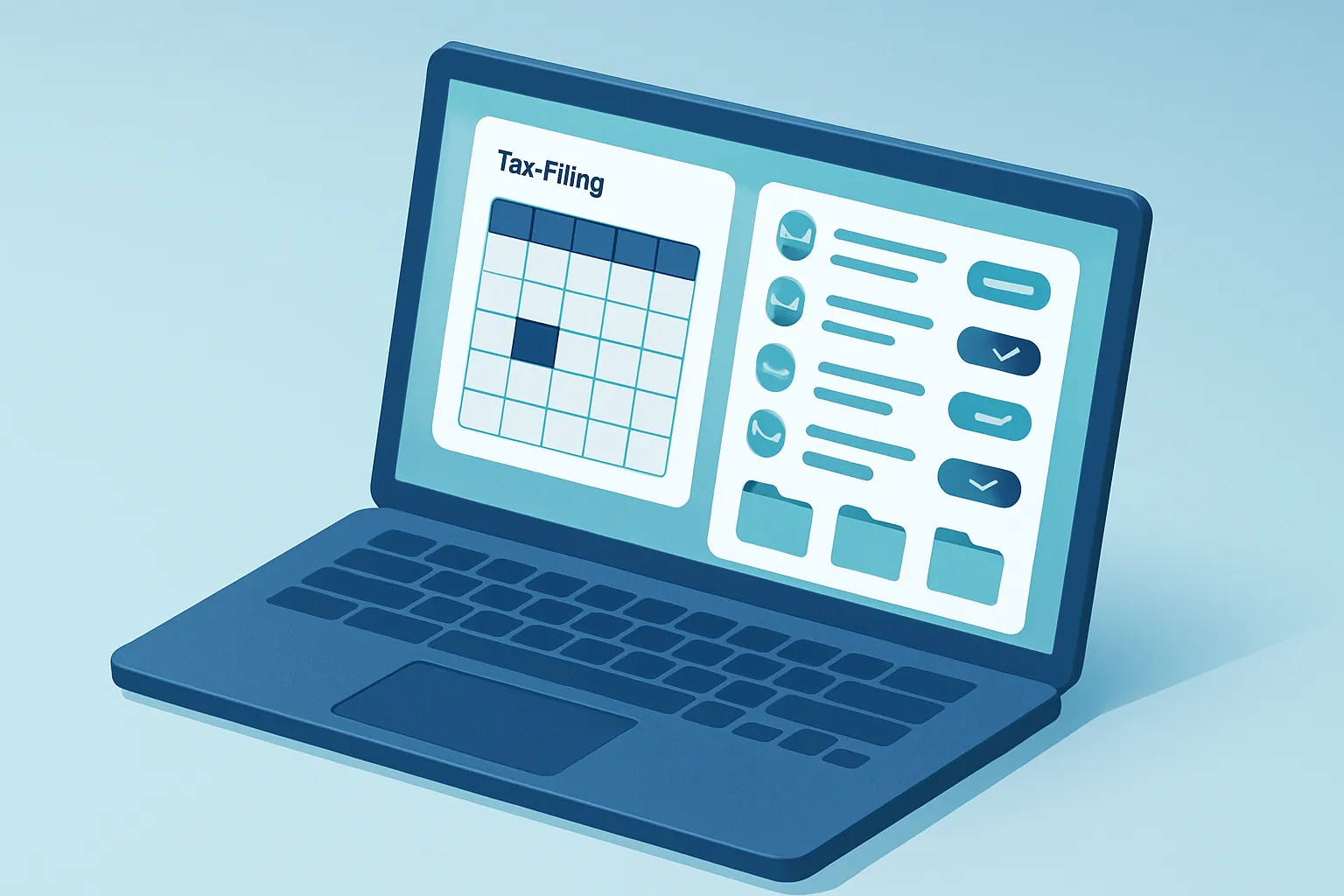
An accounting firm runs on a cycle that repeats every month with dozens of clients at once: request documents (invoices, payroll, bank statements), calculate taxes, file returns with the tax authority before the deadline, and send reports back to the client. In most firms — from the independent accountant to the multi-associate practice — that cycle is still coordinated through WhatsApp groups, a spreadsheet per client, and email folders that only the accountant who built them can fully interpret.
The problem isn’t a lack of tax expertise: it’s that no client, obligation, or deadline lives in one place. When a team member is out sick or a client asks “did you already file my return?”, the answer depends on someone remembering which email or chat that information is buried in.
A custom system fixes this by centralizing the tax calendar, each client’s documents, and the team’s workload on a single platform, from the moment a document is requested to the moment the filing is submitted.
Where time and money get lost
- Deadlines tracked in personal calendars. Without a centralized tax calendar by client and obligation, a filing goes out late because the accountant responsible was on vacation and no one else knew about it.
- Documents scattered across WhatsApp, email, and physical folders. Finding the invoice or bank statement a client sent three weeks ago can take longer than doing the actual tax calculation.
- Manual tracking of submissions. Without clear visibility into which client has already sent their information and who’s still pending, the firm spends the last days before a deadline chasing documents instead of doing the work.
- No visibility into workload by team member. A partner has no way to know one accountant has 8 clients pending close-out and another has just 2, until the deadline is already looming and some files have fallen behind.
Each of these points raises the risk of a late-filing penalty and limits how many clients the firm can serve without hiring more staff.
What a custom accounting firm system includes
1. A client portal for document uploads
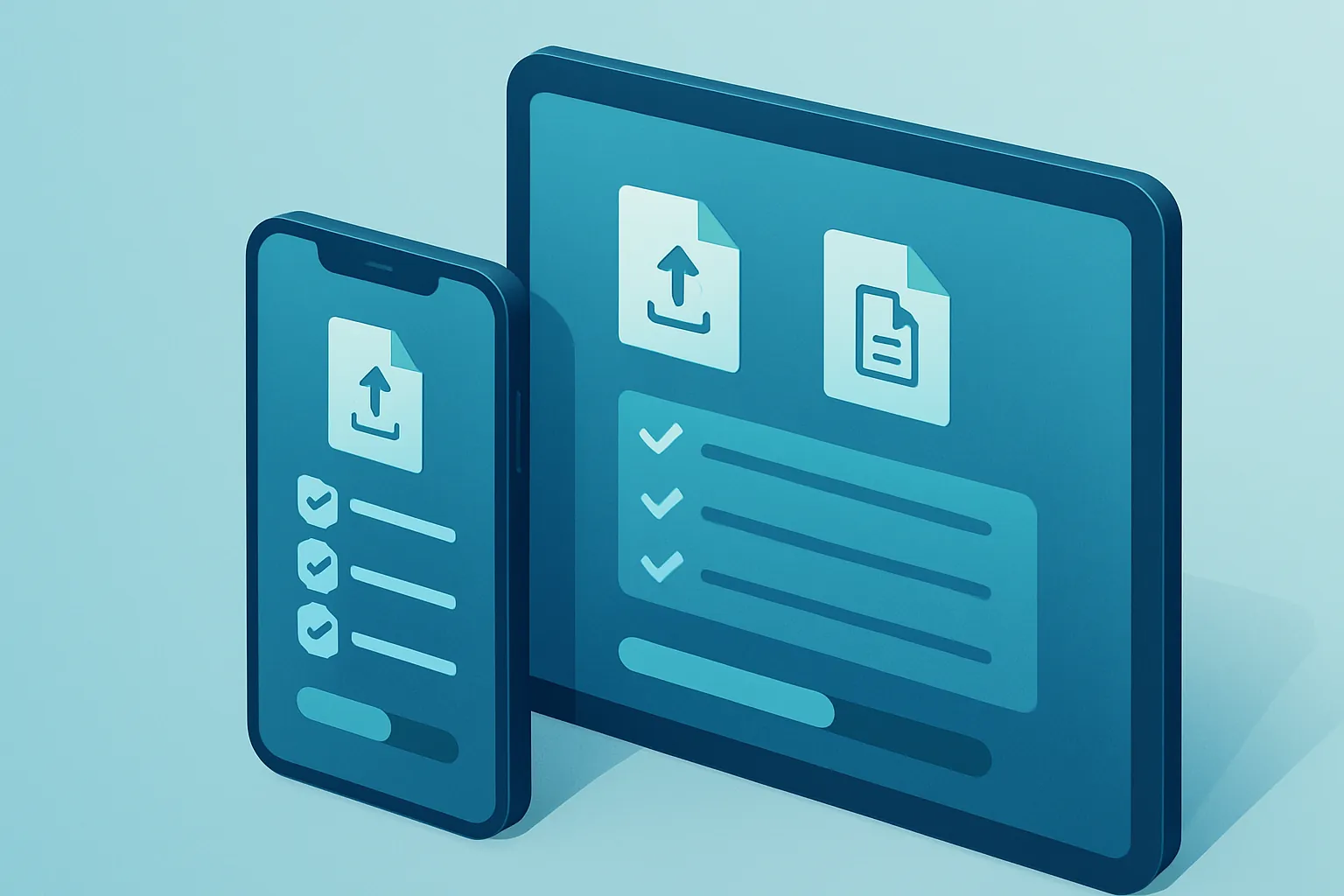
Each client gets access to a simple portal (or a link shared over WhatsApp) where they upload invoices, payroll records, and bank statements straight into their digital file, following a checklist based on their specific obligations. The firm sees in real time who has already submitted and who’s still pending, without having to ask each client individually.
2. A centralized tax calendar with automatic alerts
The system knows each client’s obligations — monthly VAT and income tax filings, payroll, informational returns, annual filings — and automatically generates the corresponding deadlines, with alerts for the responsible accountant days before each one is due. No one has to manually track the filing calendar client by client.

3. Digital files by client and by obligation
Every client accumulates a full history: documents received, filings submitted, payment receipts, and internal notes. This makes it possible to answer any client question in seconds and smooths the transition when a team member changes roles or leaves the firm.
- Fast search by client, period, or obligation, instead of digging through old emails.
- A complete history available for audits or tax authority reviews.
- Less dependence on a single accountant “knowing” each client’s case by memory.
4. A team workload dashboard
A dashboard shows, per team member, how many clients they’re assigned, which are up to date, and which have pending documents or filings. The partner or manager can redistribute workload before it piles up near a deadline, instead of discovering the problem on the last day.
5. Integrations with tax authorities, banks, and payroll
The system can connect with electronic invoice validation, tax receipt downloads, bank statements, and payroll systems, cutting down the manual data entry of information that already exists somewhere else.
Why custom instead of generic accounting practice software
Generic platforms for accountants tend to charge per registered client, impose their own workflow, and rarely integrate fully with local tax systems or the payroll and invoicing tools the firm already uses.
A custom build:
- Adapts to the type of firm — focused on individuals, small businesses, or corporate clients with more complex obligations — instead of forcing the process into someone else’s mold.
- Integrates what you already use: the WhatsApp Business API for requesting documents, electronic invoicing, banking, and payroll systems.
- Grows with you: adding a team member or a new type of obligation doesn’t depend on someone else’s subscription plan.
- Removes recurring per-client fees, which end up costing more over time than building your own system, especially as the firm’s client base grows.
How to get started
This isn’t about digitizing everything at once. The most effective path is:
- Map the current flow — from requesting a document to filing the obligation — and identify where the most time gets lost.
- Prioritize the module with the highest impact (usually the client portal or the tax calendar).
- Build and integrate incrementally, validating with the team before rolling it out to every client on the books.
A firm that controls its deadlines, its client files, and its team’s workload from a single system doesn’t just reduce the risk of penalties: it gives the partner or manager real visibility to grow the client roster without every month-end turning into a crisis.
Is your firm still coordinating clients and deadlines across WhatsApp, spreadsheets, and scattered emails? At Kimo Solutions, we design custom systems for accounting firms and tax service practices. Let’s talk about your operation.
Have a project in mind?
Get in touch →