
AI Chatbots for Customer Service: How to Automate Responses Without Losing the Human Touch
A customer messages at 9 p.m. asking about an order status. Another one wants a quote on a Sunday. A third needs to book a demo before they’ll commit to buying. If your team only answers during business hours, every one of those conversations is a sale going cold or a customer getting frustrated.
AI chatbots are no longer the rigid phone-tree menu we all know and dislike (“press 1 for sales, 2 for support”). With today’s language models, a well-built chatbot understands natural-language questions, checks your business’s real data, and answers in your brand’s voice, around the clock.
What makes a chatbot “custom” and AI-powered
Unlike a generic decision-tree bot, a custom AI chatbot is trained on your company’s real content: product catalog, warranty policies, FAQs, pricing, inventory availability, or an order’s status inside your ERP. That means it:
- Won’t hallucinate answers, because it’s grounded in the information you actually give it.
- Can query live systems (your CRM, your inventory, your booking system) before responding.
- Knows when it doesn’t know and hands the conversation to a person instead of improvising.
That last point is what matters most to a serious business: the goal isn’t to replace your team, it’s to filter out repetitive volume so people can focus on the cases that genuinely need human judgment.
Where it creates real value
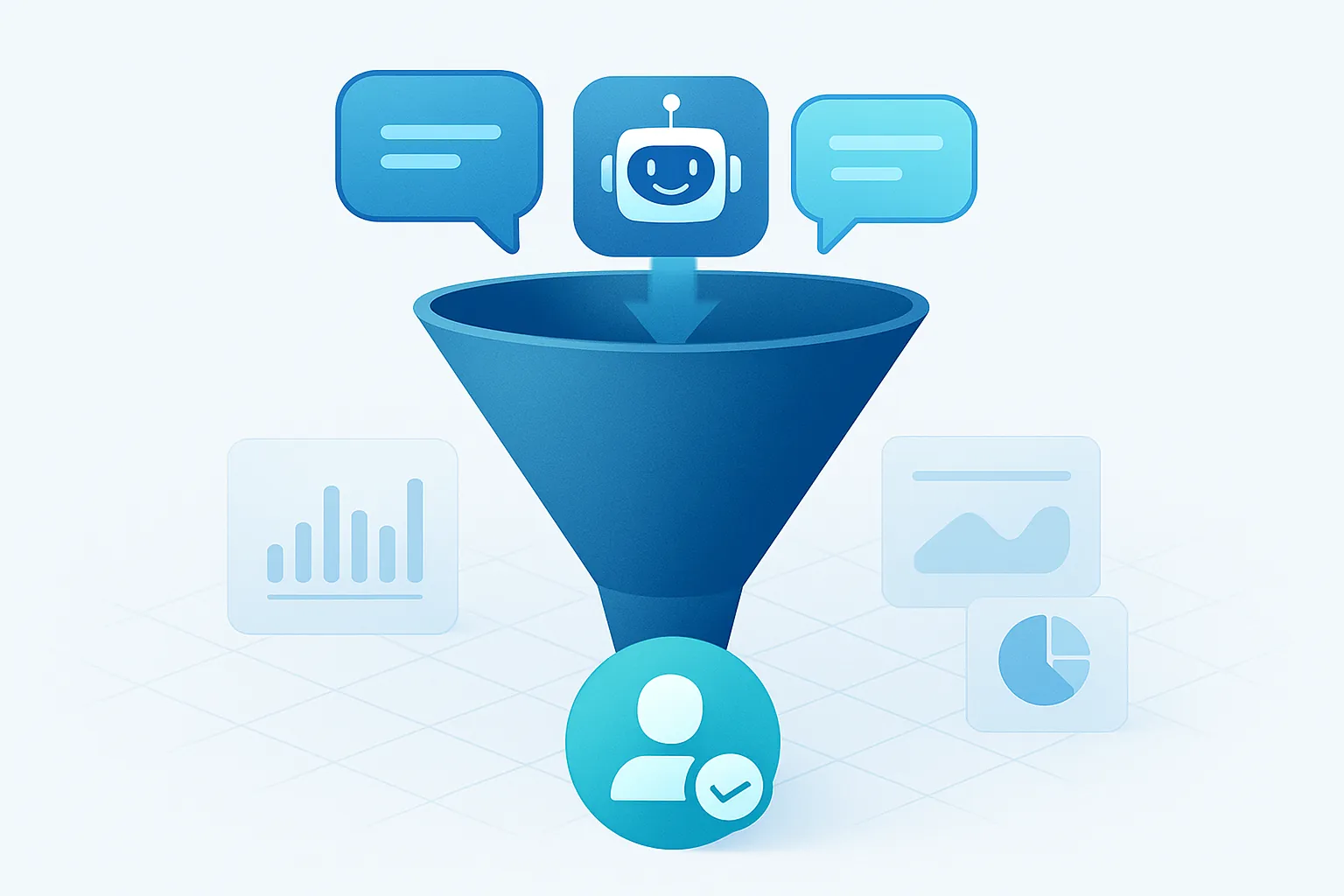
In sales, a chatbot can qualify leads automatically: it asks about budget, need, and urgency, and only routes to a human rep the contacts worth pursuing. That alone can double the output of a small sales team.
In support, it handles the questions that repeat dozens of times a day — hours, warranty terms, “where’s my order?” — without an agent typing the same answer for the hundredth time.
Internally, a chatbot connected to your HR policies can answer questions about vacation days, benefits, or internal processes, freeing up hours for your HR team.
Common use cases we see in real businesses:
- Booking appointments or demos straight from the chat, no back-and-forth emails.
- Tracking orders by querying your ERP or logistics system in real time.
- Receiving and routing support tickets automatically to the right team.
How it connects to what you already have
This is where a generic chatbot falls short. A custom one connects directly to:
- Your website and app, through your own chat widget.
- WhatsApp Business, to serve customers where they already are.
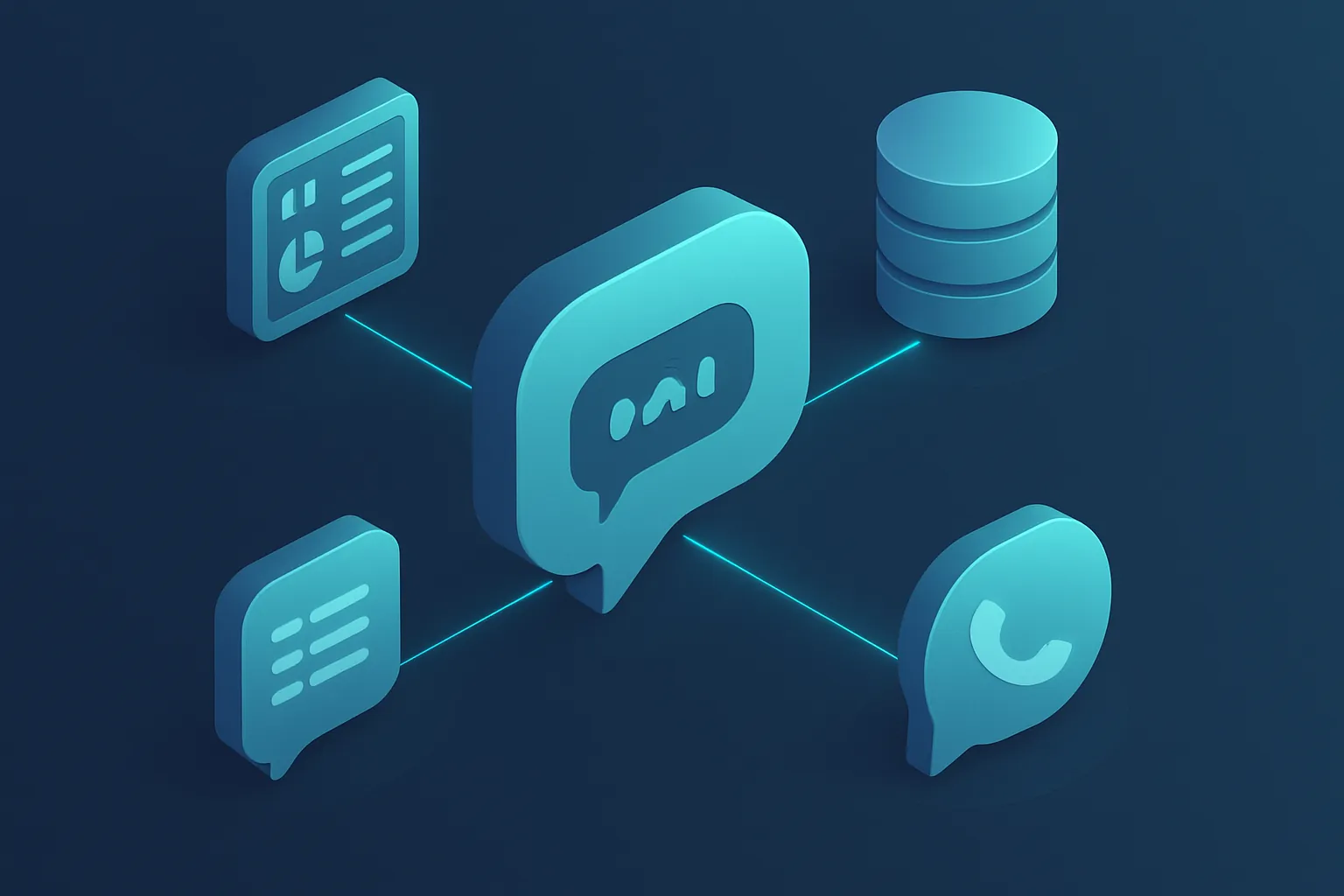
- Your CRM and ERP, to look up and update real data instead of reciting a fixed script.
That integration is also the difference between “a bot that chats nicely” and a tool that actually closes a sale or resolves a ticket without human intervention.
What to plan for before launching one
Before rolling out an AI chatbot, it’s worth resolving a few things with your development team:
- Handoff to a human. Define clearly when the bot should escalate a conversation (complaints, high-value deals, ambiguous cases).
- Data privacy. If the bot touches customer or order data, it needs the same security standards as the rest of your systems.
- Ongoing monitoring. Reviewing real conversations weekly tells you what questions are missing and where the bot is getting things wrong.
- Brand voice. The chatbot should sound like your company, not like a generic internet assistant.
None of these are dealbreakers, but they do mean the chatbot needs to be designed as part of your software architecture, not bolted on as an isolated plugin nobody reviews.
The outcome you’re actually after
A well-implemented AI chatbot isn’t a tech novelty: it’s a way to handle more conversations with the same team, answer customers at the exact moment they have a question — not eight hours later — and free your people for the cases that truly need a person thinking it through.
Wondering if an AI chatbot makes sense for your operation? At Kimo Solutions we connect it to your CRM, ERP, or inventory so it gives real answers, not generic ones. Let’s talk about your project.
Have a project in mind?
Get in touch →